
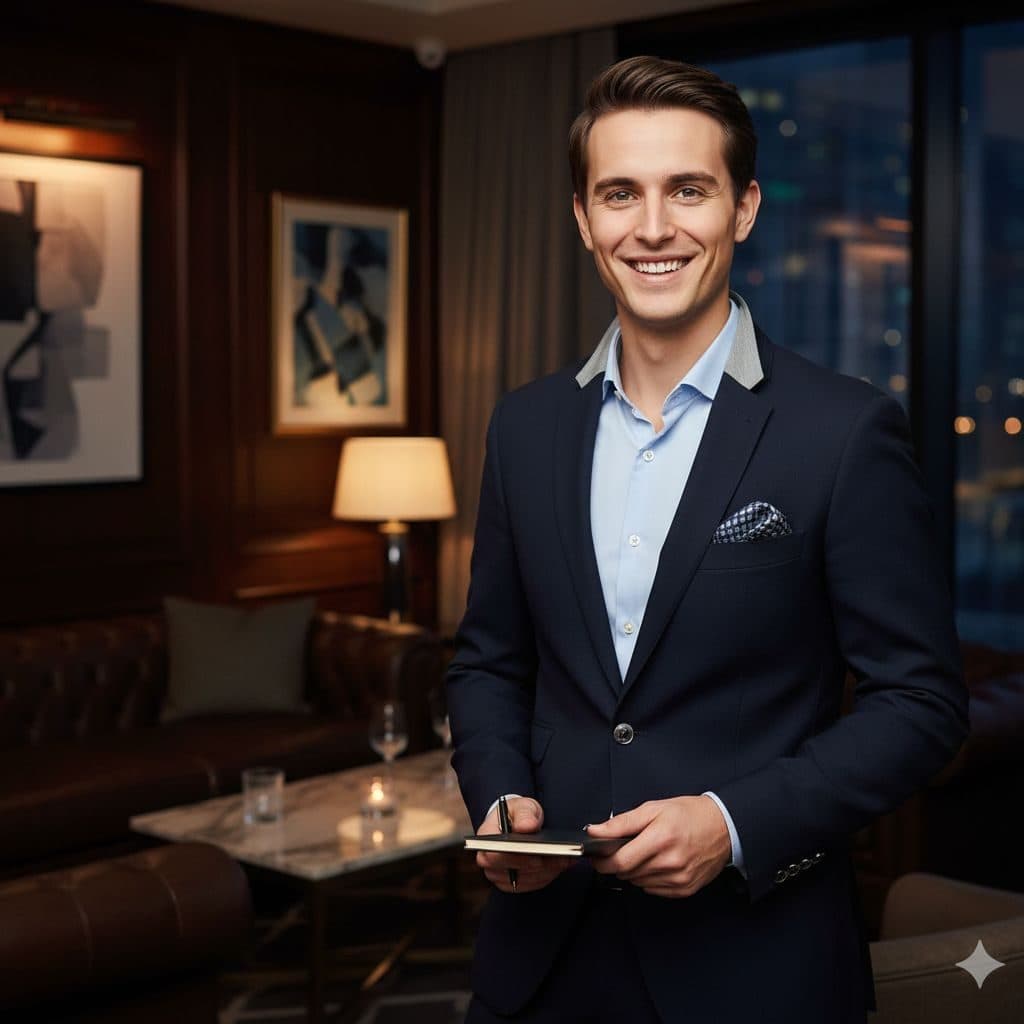
The VIP Elite template, before your face is added.
Luxury & Glamour template
VIP Lounge Photo
VIP Elite is the friendliest of the luxury templates: a big smile, a navy blazer and a private lounge with low lamps and leather chairs. It feels like you just walked into the members' club.


- Template
- VIP Elite
- Category
- Luxury & Glamour
- Style
- Exclusive premium styling
What's in the VIP Elite template
A young man with short wavy brown hair grins at the camera in a navy blazer over a light blue open-collar shirt with a pocket square, holding a phone in both hands. Behind him is a dim private lounge with leather armchairs, a marble table with drinks, a table lamp and framed art. Warm, low light, framed from the thighs up.
How to use the VIP Elite template
- Download Face Swap AI on iPhone or Android.
- Open the Luxury & Glamour category and tap VIP Elite.
- Add a clear selfie from your camera or gallery, then tap Swap Faces.
- Your photo is ready in under a minute. Save it to Photos or share it.
What people use it for
- Fun social posts and birthday pictures
- A friendly, upscale profile picture
- Event and nightlife promo images
Tips for a natural result
- Smile big with teeth. The template's grin is wide.
- Use a selfie in warm indoor light to match the lamp-lit lounge.
- Short wavy hair stays from the template.
More advice in how to make a face swap look realistic.
Questions
Is VIP Elite good as a dating photo?
It's upbeat and approachable, so yes, as one photo among several. Lead with a simpler close-up.
Can I swap a friend into it for their birthday?
Yes, with their OK. Use a clear photo of their face and send them the result.
More Luxury & Glamour templates

Executive Portrait
Luxury Executive
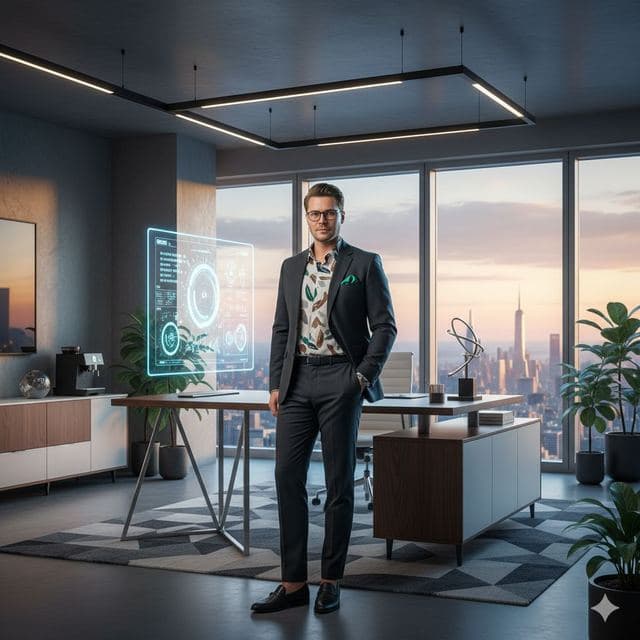
Entrepreneur Penthouse Photo
Luxury Entrepreneur
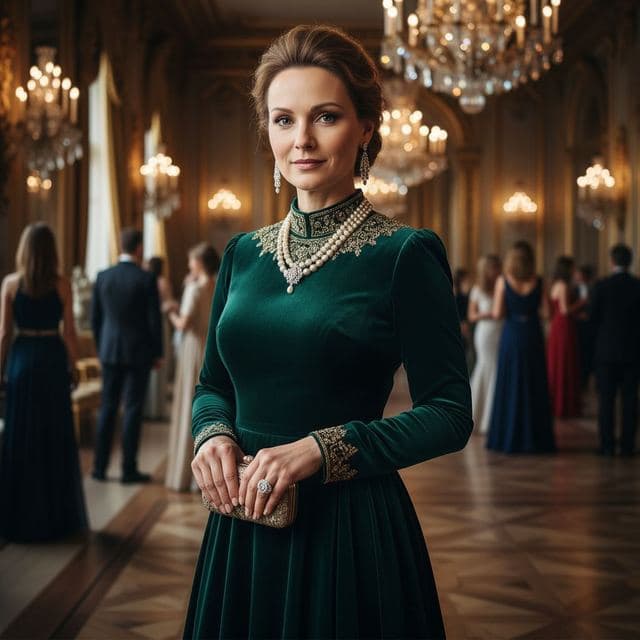
Ballroom Gown Portrait
High Society
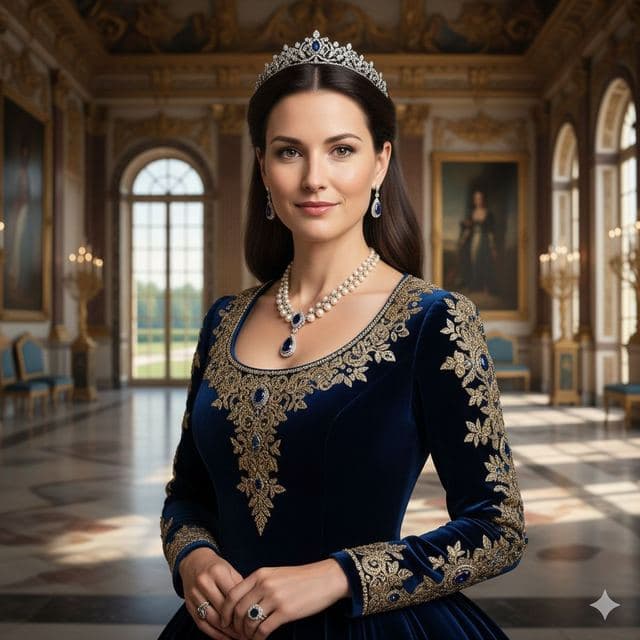
Royal Portrait of Yourself
Royal Elite
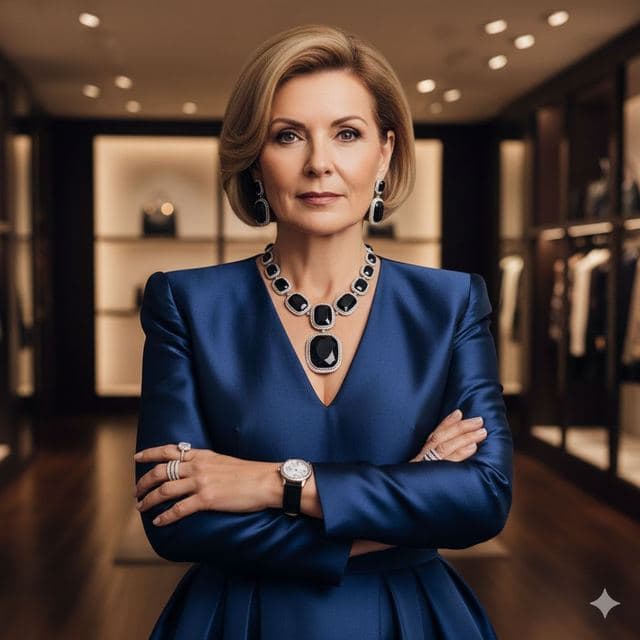
Luxury Fashion Portrait
High Fashion

Wealthy Investor Portrait
Wealthy Investor
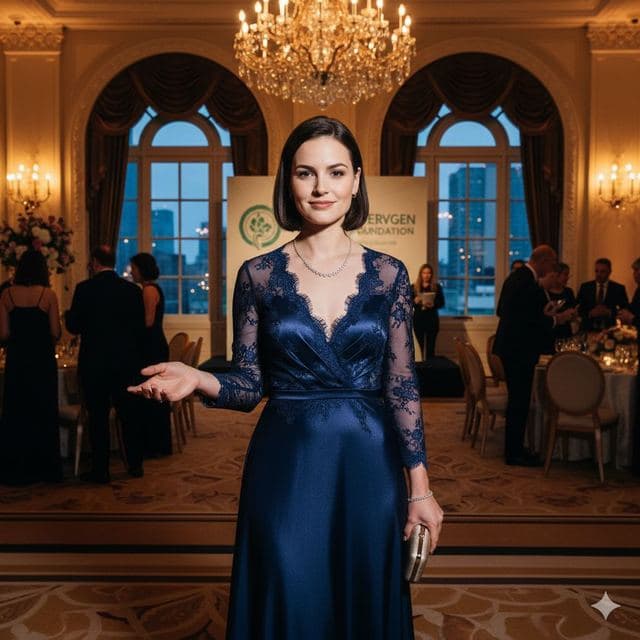
Evening Gown Portrait
Philanthropist
All Luxury & Glamour templates →
Related guides
8 tips for a realistic face swap
Why some face swaps look fake and how to fix it: angle, light, sharpness, expression, hair, glasses and skin tone. Eight tips for any AI face swap app.

AI photo face swap, with real examples
AI photo face swap for iPhone and Android: put your face into a styled photo template or swap faces between any two pictures. Ready in under a minute.



How to face swap on iPhone
Face swap on iPhone in five steps: install, pick a template or two photos, add a selfie, tap Swap Face, save. Works on iPhone and iPad with iOS 13 or later.