
How to Spot a Face Swap
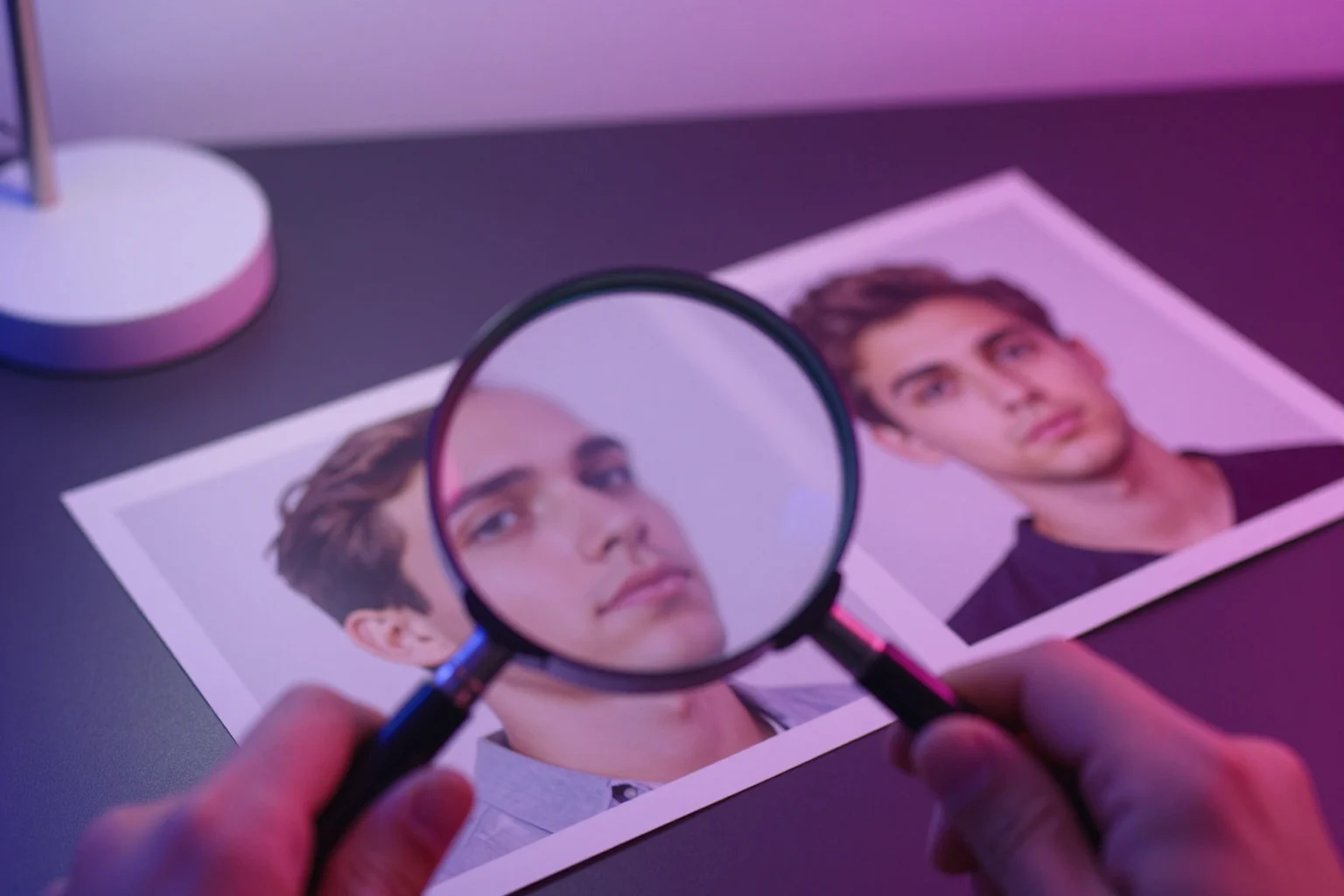
To spot a face swap, look where the new face meets the rest of the photo: the jawline, the hairline, the ears and the neck. Then compare the face with everything around it (skin tone, light direction, sharpness and age) and run a reverse image search to look for the original picture. Treat every sign as a clue, not proof. A well-made face swap can show none of them, and a real photo can show some.
We make a face swap tool, so we know where the seams tend to be. A face swap model replaces only the face and keeps the hair, ears, neck, body and background of the original photo. That is why most giveaways sit on the border between the two, and why finding out where a photo came from often tells you more than staring at it.
Where face swaps usually go wrong
Face swaps usually show at the border between the new face and the original photo, along the jawline, hairline, ears and neck, and in mismatches between the face and the rest of the person: skin tone, light direction, sharpness and age. Check the edges first, then compare the face with everything around it.
Open the photo at full size and zoom in, because small previews hide almost everything on this list:
- Jawline and chin. A soft or smudged line along the jaw, a chin that sits slightly off the neck, or a jaw that looks too wide or too narrow for the head.
- Hairline and forehead. The hair comes from the original photo, so look for a blurry band or a faint halo where skin meets hair, or a forehead that looks stretched.
- Ears and earrings. Ears usually belong to the original photo. Look closer if they are a different shade from the cheeks, or if an earring or the arm of a pair of glasses is cut off at the edge of the face.
- Skin tone against the neck and hands. Face swap models shift the new face toward the photo's colors, but a face that is warmer, paler or smoother than the neck, chest or hands is a classic sign.
- Light direction. Check which side of the face is brighter and where the shadows under the nose and chin fall. If the face is lit from the left and the rest of the person from the right, two photos were probably combined.
- Sharpness and grain. A face that is crisper, blurrier or smoother than the hair and clothes next to it, or that has no grain while the rest of the photo does.
- Eyes and teeth. These carry the finest detail. Look for teeth that blur into one white block, or reflections in the eyes that don't match each other or the light in the scene.
- Age. A face that looks years younger or older than the neck and hands of the same person.
- Glasses. Frames that bend, fade out or don't line up with the eyes.
One of these on its own means little. Heavy compression, beauty filters and ordinary photo editing cause most of them too. Several together, especially around the edges of the face, are a much stronger hint.
How to tell if a photo is face swapped, step by step
- Find the largest copy you can. A screenshot or a reposted copy has lost detail, and a tight crop may have cut off the edges you need to check.
- Check the edges of the face: jawline, hairline and ears.
- Compare the face with the rest of the person: skin tone, light, sharpness and age.
- Run a reverse image search to look for the original photo or earlier copies (see the next section).
- Look for a label or Content Credentials that say how the image was made.
- Check the context: who posted it first, when, and whether anyone else who was there shared the same moment.
How to check where a photo came from
To find where a photo came from, run a reverse image search with TinEye or Google (About this image, or Google Lens on a phone) to look for the original or earlier copies, then check the file for Content Credentials. Finding the unswapped original is the closest thing to proof, however good the swap is.
- TinEye. Upload the image or paste its link at tineye.com. TinEye says it finds exact and altered copies, including cropped, resized and heavily edited ones, which is how an unswapped original can turn up. It doesn't recognize faces, so it won't find other photos of the same person.
- Google's About this image. Search for the image in the Google app or on the Google homepage, open it in the image viewer, select About, then Learn more about an image. Google says it can show when it may have first seen the image or similar versions, other pages that use it, and early uses. It's only available in some regions. You can also search with a photo from your phone using Google Lens.
- Content Credentials. Some cameras and editing apps attach a record of how a file was made and edited, based on the C2PA standard. Upload the file to the Content Credentials Verify page to read it. A photo with no credentials proves nothing, since many apps don't add them. And Google warns that image metadata such as credit and source type can be changed with editing tools, so it may not be accurate.
Some apps also add a visible mark. Snapchat, for example, says it may add a Snap Ghost with sparkles watermark when you save images made with some of its generative AI features, and that not all AI images will have one. A missing mark is not evidence that a photo is real.
Tool details were checked on October 27, 2026, on each tool's own help pages.
Can AI detectors tell for sure?
No. No detection tool can promise a certain answer, and any check is only as good as the copy you give it: a small, recompressed screenshot has already lost much of the detail it relies on. Treat a detector's result as one clue, next to the visual signs and a reverse image search.
We don't name or rate detection tools here, because we haven't been able to verify their accuracy.
How a Face Swap AI photo is labelled
To be straight about our own tool: Face Swap AI downloads have no visible watermark, but every file carries a machine-readable AI label in its metadata: the IPTC Digital Source Type "composite with trained algorithmic media", plus a note that the image was edited with AI. Metadata viewers and some platforms read it, but editing apps, screenshots and many social apps strip it, so a missing label proves nothing. That's why our terms also ask anyone who shares a result publicly to say it was edited with AI, and don't allow using it to impersonate someone or to make people think an event really happened.
If you post a swap, add a short note such as "edited with AI". It costs nothing, and it saves the people who see it from running the checks on this page.
Practice on real before-and-after swaps
Our before and after gallery shows real results from our model next to the original photos. Look at a result first, try to find the seams with the list above, then drag the slider to see the original. It's a quick way to learn what a good swap hides and what it doesn't.


What to do if you find a face swap of yourself
If you find a face swap of yourself, save the evidence, report it on the platform where you found it, ask the person who posted it to take it down if that feels safe, and contact the police if it is sexual, threatening or used to scam people. Step by step:
- Save the evidence: a screenshot, the link, the account name and the date.
- Report it on the site or app where you found it, using its report option for impersonation, harassment or intimate images.
- If you know the person who posted it and it feels safe, ask them to take it down.
- If the image is sexual, threatening or used to scam people, contact the police. In many countries this is a crime: see face swap laws by country.
Our face swap safety guide covers consent and what should happen to the photos you upload to any face swap service.
Questions
Can you always tell if a photo is face swapped?
No. A good swap on well-matched photos can show none of the usual signs, and real photos can show some of them after compression or filters. Finding the original photo with a reverse image search is the closest thing to proof.
Does Face Swap AI add a watermark to its results?
No visible watermark. Each download carries an AI label in its metadata (IPTC Digital Source Type), which many apps strip when you edit or post it, so our terms also ask you to say a result was edited with AI when you share it publicly.
Do the same signs work for face swap videos?
Partly. Edges, skin tone and light still matter in video. This guide sticks to photos because Face Swap AI only makes photos, not videos, so that's what we know first-hand.
Keep reading
8 tips for a realistic face swap
Why some face swaps look fake and how to fix it: angle, light, sharpness, expression, hair, glasses and skin tone. Eight tips for any AI face swap app.
Is AI face swap safe?
What happens to your photo in an AI face swap tool, how long it's kept, and the consent rules to follow. Plus our privacy policy in plain English.
Swap faces between two photos
Swap faces between any two photos in your browser: pick the face, pick the target, tap swap. How to match angle and light so the result looks real.