
Face Changer AI for iPhone and Android

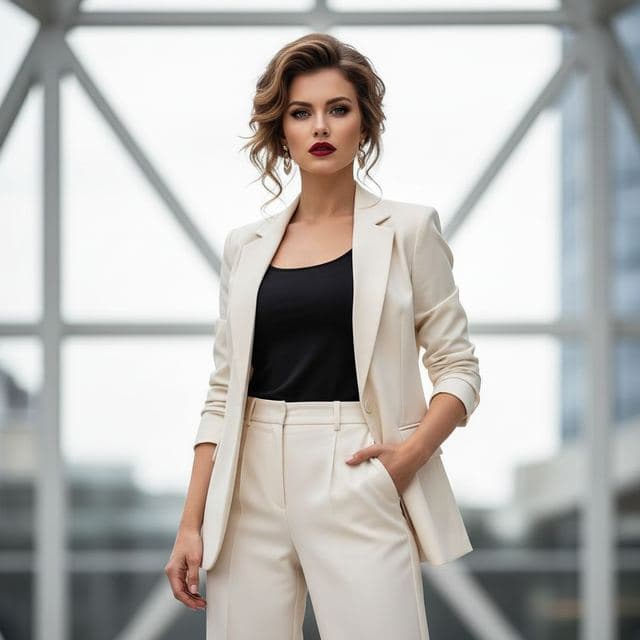

A face changer AI takes the face from one photo and places it into another, matching skin tone, angle and light so the result reads as a single picture.
Face Swap AI does this on your phone. Choose one of 60+ photo templates or upload any two photos, tap Swap Face, and the changed photo is ready in under a minute. You can save it to Photos or share it straight from the result screen.


What an AI face changer actually changes
The model replaces the face region: eyes, brows, nose, mouth, skin texture and the shape of the jaw. Everything else in the target photo stays put, including hair, ears, neck, clothes, background and lighting.
That's why hair matters more than people expect. If you have short dark hair and pick a template with long blonde hair, the result will be your face with long blonde hair. Sometimes that's the point. If you want it to look like you, choose a template with a similar hairstyle.
It's also different from a filter. Camera lenses in social apps draw an overlay on top of your face in real time. A face changer re-renders the face so it belongs to the new photo, with the template's shadows falling across it.
Two ways to change a face in the app
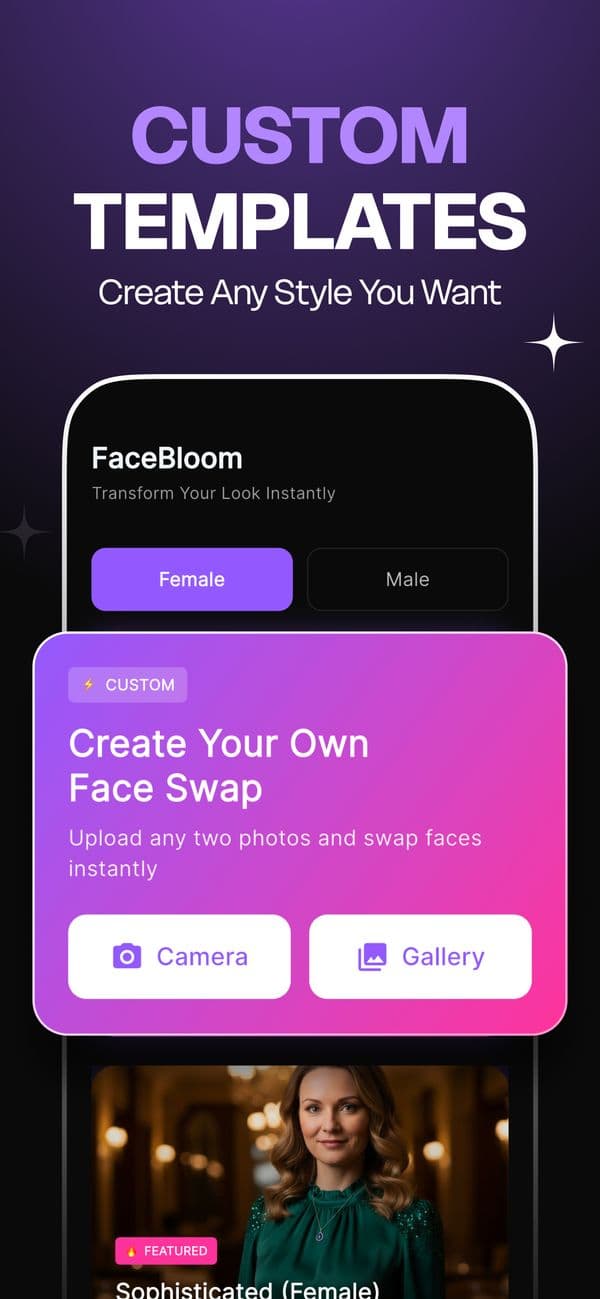
Templates. Pick the Female or Male tab, choose a category such as Dating & Social or Red Carpet, open a template and add your selfie. The template supplies the outfit, the setting and the lighting.
Create Your Own. The pink card at the top of the home screen lets you upload any two photos from your camera or gallery and swap the face from one into the other.
Ideas people use an AI face changer for
- Extra photos for a dating profile: dating templates
- A work-style portrait without a photographer: dream job templates
- Birthday and party jokes: red carpet and luxury portraits
- Moody avatars and prints: cinematic and black-and-white
- Everyday profile pictures: casual lifestyle


Face changer vs. face swap vs. AI avatar
"Face changer" and "face swap" describe the same thing in practice: one face goes into another photo. The difference is mostly regional wording and app store naming.
AI avatar and headshot generators work differently. They ask for 10 to 20 selfies, train a small model on your face, and generate brand-new images over 20 minutes or more. A face swap uses one selfie and a photo that already exists, which is why it finishes in seconds and why the result looks like an actual photograph.
Getting a natural result from a face changer
- Use a sharp, front-facing selfie taken in daylight.
- Pick a template whose head angle roughly matches your selfie.
- Choose a template with a hairstyle close to yours if you want it to pass as a real photo.
There are six more fixes in our guide to making a face swap look realistic.
Questions
Is a face changer the same as a face swap?
Yes, for practical purposes. Both take the face from one photo and blend it into another. Face Swap AI calls it a face swap, and the result is the same.
Can I change the face in an old family photo?
You can use any photo you have the right to use in Create Your Own. Very old or small scans give softer results, so scan prints at a high setting first.
Keep reading


AI photo face swap, with real examples
AI photo face swap for iPhone and Android: put your face into a styled photo template or swap faces between any two pictures. Ready in under a minute.

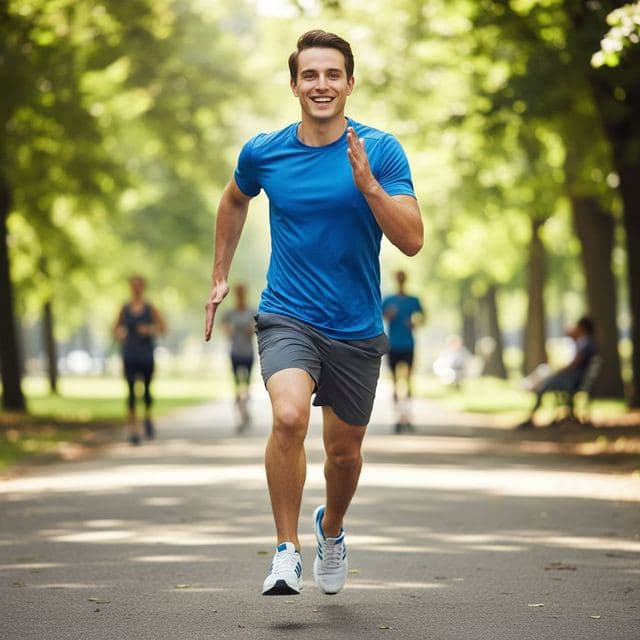
Swap faces between two photos
Swap faces between any two photos on your phone: pick the face, pick the target, tap swap. How to match angle and light so the result looks real.
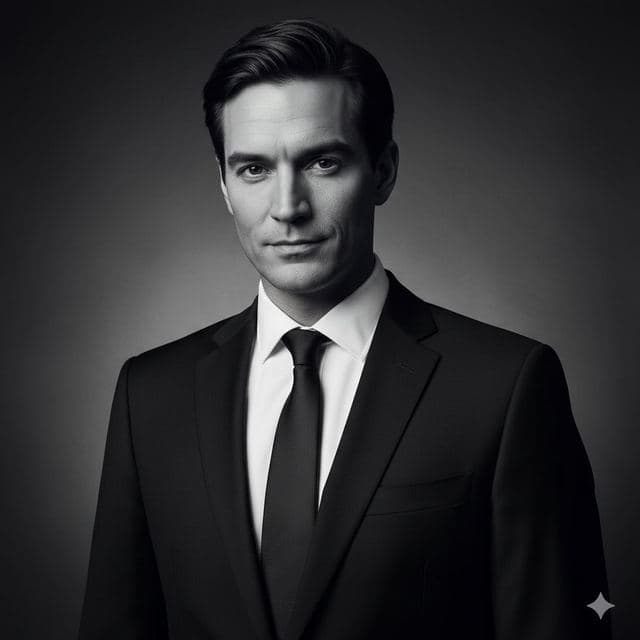

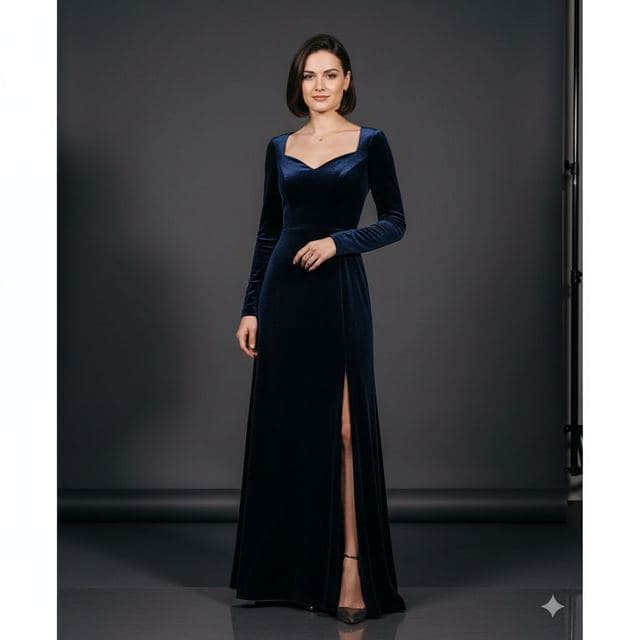
8 tips for a realistic face swap
Why some face swaps look fake and how to fix it: angle, light, sharpness, expression, hair, glasses and skin tone. Eight tips for any AI face swap app.