
Put Your Face on Different Hairstyles
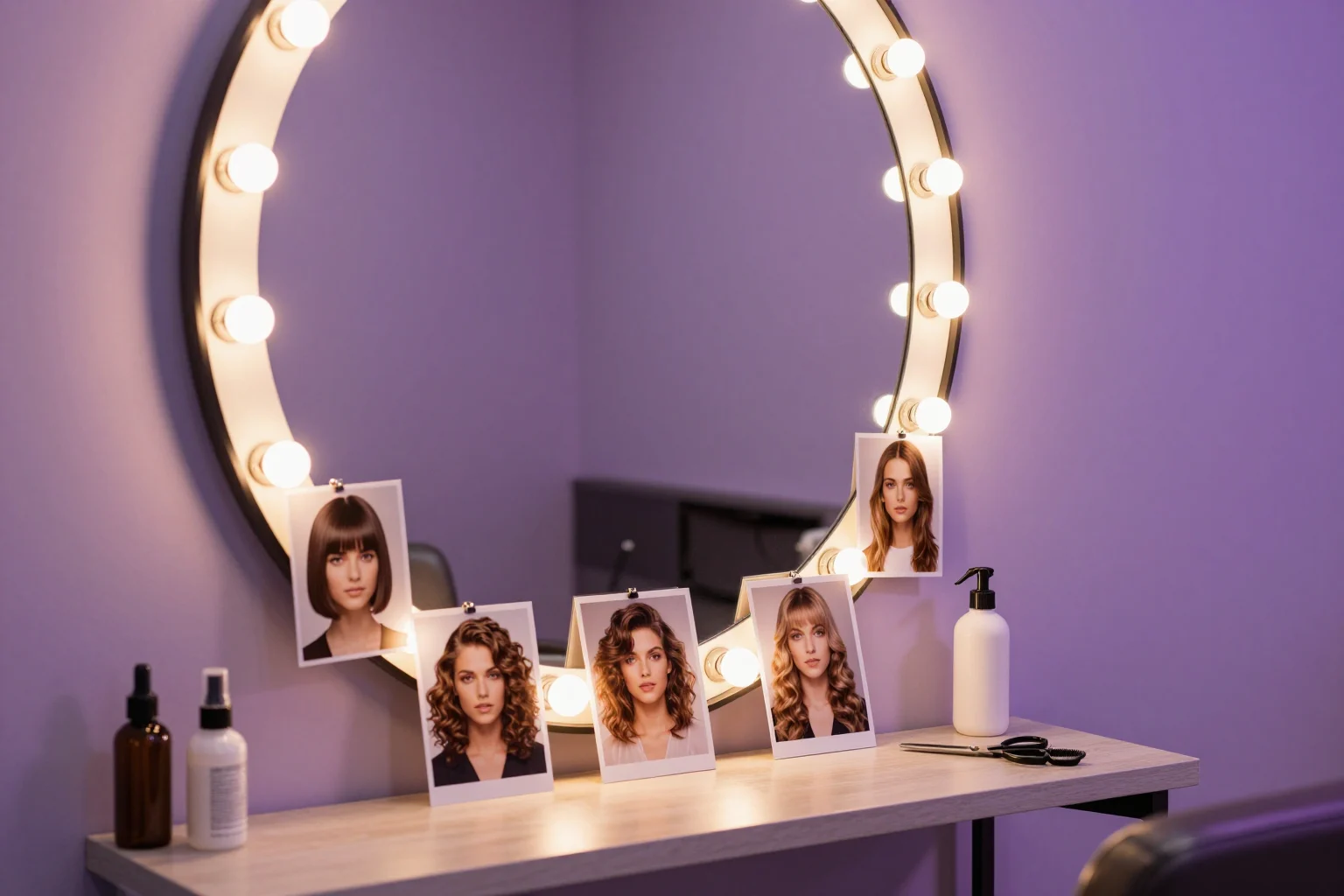
To see a hairstyle on your face, find a photo of someone with the haircut you want, add it as the Target photo in Face Swap AI with your selfie as Your face, and tap Swap faces. The hair, hairline and head shape stay from the hairstyle photo while your face goes in, so in a few seconds you get a realistic preview of you with that cut.
Most hairstyle apps paint artificial hair onto your selfie. This works the other way round: you borrow a real photo of real hair, which is why the texture and the light on it look right.
How to try a hairstyle on your face in 4 steps
- Save a photo of the hairstyle. A salon's Instagram, a stylist's portfolio or a picture a friend sends you all work. Choose one where the face points at the camera.
- Open the face swap tool and add the hairstyle photo as the Target photo.
- Add a selfie as Your face: taken straight on, in daylight, with your hair pulled back off your forehead.
- Tap Swap faces and save the result to show your hairdresser.
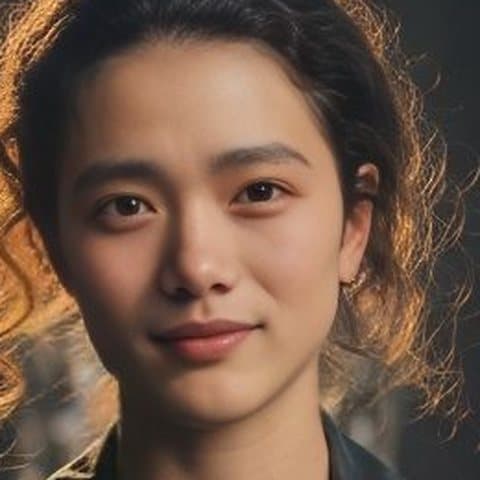
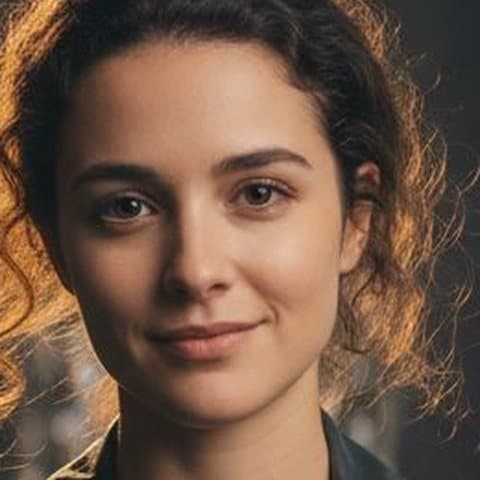
Choose a hairstyle photo that gives a true preview
- Same face angle as your selfie. A straight-on selfie needs a straight-on hairstyle photo.
- Similar light. The AI matches skin tone at the edges, but a photo lit very differently from your selfie still shows at the hairline.
- Forehead and eyebrows visible. Heavy bangs over the eyes leave less face to replace. Curtain bangs and side fringes are fine.
- A face shape close to yours. The jaw and head outline come from the photo, so a round face swapped onto a long-faced model looks slimmer than it is.
That last point is the real limit of the method. It shows the cut, the color and the texture with your features, but it borrows the model's head shape. If your question is whether a cut suits your face shape, pick photos of people whose face is shaped like yours.
Hairstyle ideas worth previewing first
- Going much shorter. Pixie cuts and bobs take months to grow out, so they're the cuts most worth seeing in advance.
- A new color. Find a photo with roughly the cut you have now in blonde, silver or copper, and you see the color change on its own.
- Bangs. Curtain bangs and side-swept fringes, in photos where the eyebrows still show.
- Curls and waves. Search for your hair type plus the style, for example "4c twist out" or "wavy lob", so the texture matches what your hair can do.
- Shorter styles for men. A buzz cut, a textured crop or longer swept-back hair, using photos with a jaw like yours.
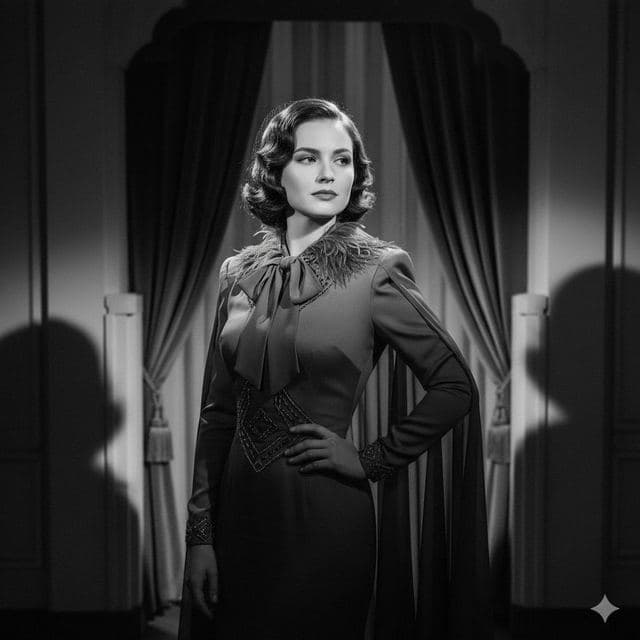
Our templates include a few distinct cuts if you'd rather start without searching: a sleek bob, 1940s waves, natural curls and a swept-back look for men.


What it costs
Adding photos is free. The starter pack is $2.99 for 15 swaps with no subscription, enough to compare a handful of cuts side by side. PRO is $9.99 a month or $29.99 a year. Results have no watermark, and a swap that fails isn't counted.
Questions
Can it change my hair color without changing the cut?
Yes, if you find a photo of the same cut in the new color. The swap keeps everything in the target photo except the face, so the photo you choose decides both the cut and the color.
Should I show the preview to my hairdresser?
Show them both pictures. The original hairstyle photo shows the cut the way a stylist needs to see it, and the swap shows how it looks with your features.
Keep reading
Put your face on any picture
Put your face on any picture in your browser: upload the photo, add a selfie, and AI blends your face in with matching light and skin tone, in seconds.
Gender swap photo
What would you look like as the opposite gender? Swap your face into a portrait of a man or a woman and see a realistic photo of yourself in seconds.
8 tips for a realistic face swap
Why some face swaps look fake and how to fix it: angle, light, sharpness, expression, hair, glasses and skin tone. Eight tips for any AI face swap app.