
Put Your Face on Any Picture


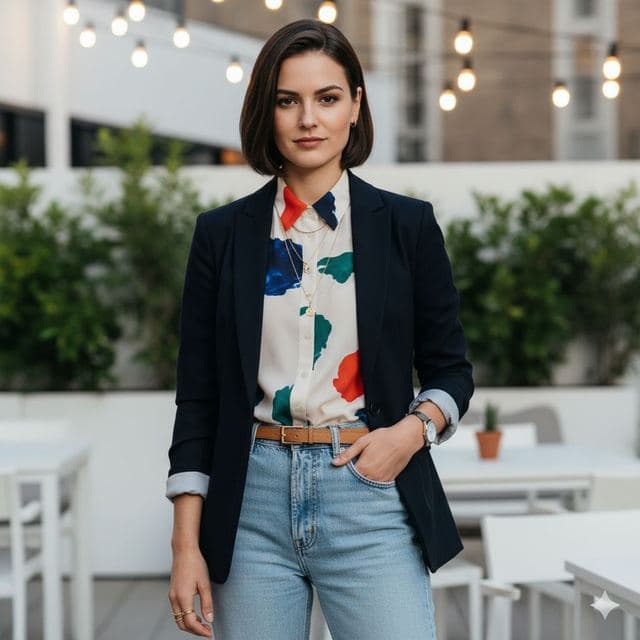
To put your face on a picture, open Face Swap AI, tap Upload your own photo, choose the picture, add a clear selfie and tap Swap faces. The AI replaces the face in the picture with yours and matches the lighting and skin tone, so it reads as one photo. It takes a few seconds and works in any browser.
You don't need to cut anything out or open an editing app. The tips below help the result look like it was taken that way.
How to put your face on a picture in 4 steps
- Open the studio and sign in with Google or an email link.
- Tap Upload your own photo and choose the picture you want to be in. On a computer you can drag it straight onto the upload area.
- Add your selfie: upload one, or tap Take selfie on your phone.
- Tick the consent box and tap Swap faces. Download the result, or share it straight from your phone.


Pick a picture the AI can work with
- One clear face. If there are several people, the biggest face in the frame is the one that gets replaced.
- A visible face. Sunglasses, masks and hands over the face leave less to replace.
- A real photo of a person. Cartoons, statues and pets usually don't have a face the model can detect.
- Your right to use it. Your own photos, photos of friends who agreed, or pictures you have a licence for.
The body, hair, clothes and background all come from the picture. Only the face changes, which is why a picture with a hairstyle close to yours looks most natural.
Make it look like you were really there
Match the head angle first: a selfie facing the camera works best on a picture where the face also points at the camera. Then match the light. If the picture is lit from the left, take your selfie with a window on your left.
Small faces in big pictures are the hardest case. If the person is far away in the shot, use your sharpest selfie and expect a softer result. More fixes in how to make a face swap look realistic.
No picture in mind? Use a ready-made one
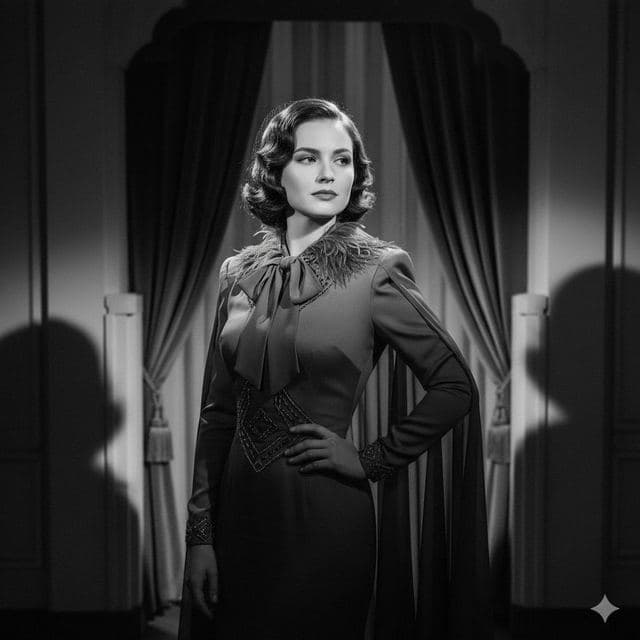
There are 50+ portraits already lit and framed for face swaps: dating photos, dream jobs, red carpet and film noir. Pick one instead of uploading and you skip the guesswork about light and angle.




What it costs
Uploading and previewing is free. Swaps start with a one-time starter pack: $2.99 for 15 swaps, with no subscription and no watermark. If you'll use it every month, PRO is $9.99 a month or $29.99 a year. A swap that fails is never counted.
Questions
Can I put my face on a picture of a celebrity?
We don't recommend it. Public figures' photos are usually copyrighted, and their likeness is protected in many places. Use your own photos, friends who agreed, or our templates, which show AI-generated people.
Will it work on a group photo?
It replaces one face per swap: the largest face in the picture. For a group shot, crop the photo around the person you want to replace before uploading.
Keep reading



Swap faces between two photos
Swap faces between any two photos in your browser: pick the face, pick the target, tap swap. How to match angle and light so the result looks real.



Face changer AI: how it works
Face changer AI that works in your browser. Put your face into 50+ photo templates or change faces between any two photos. Ready in seconds, no app needed.


8 tips for a realistic face swap
Why some face swaps look fake and how to fix it: angle, light, sharpness, expression, hair, glasses and skin tone. Eight tips for any AI face swap app.