
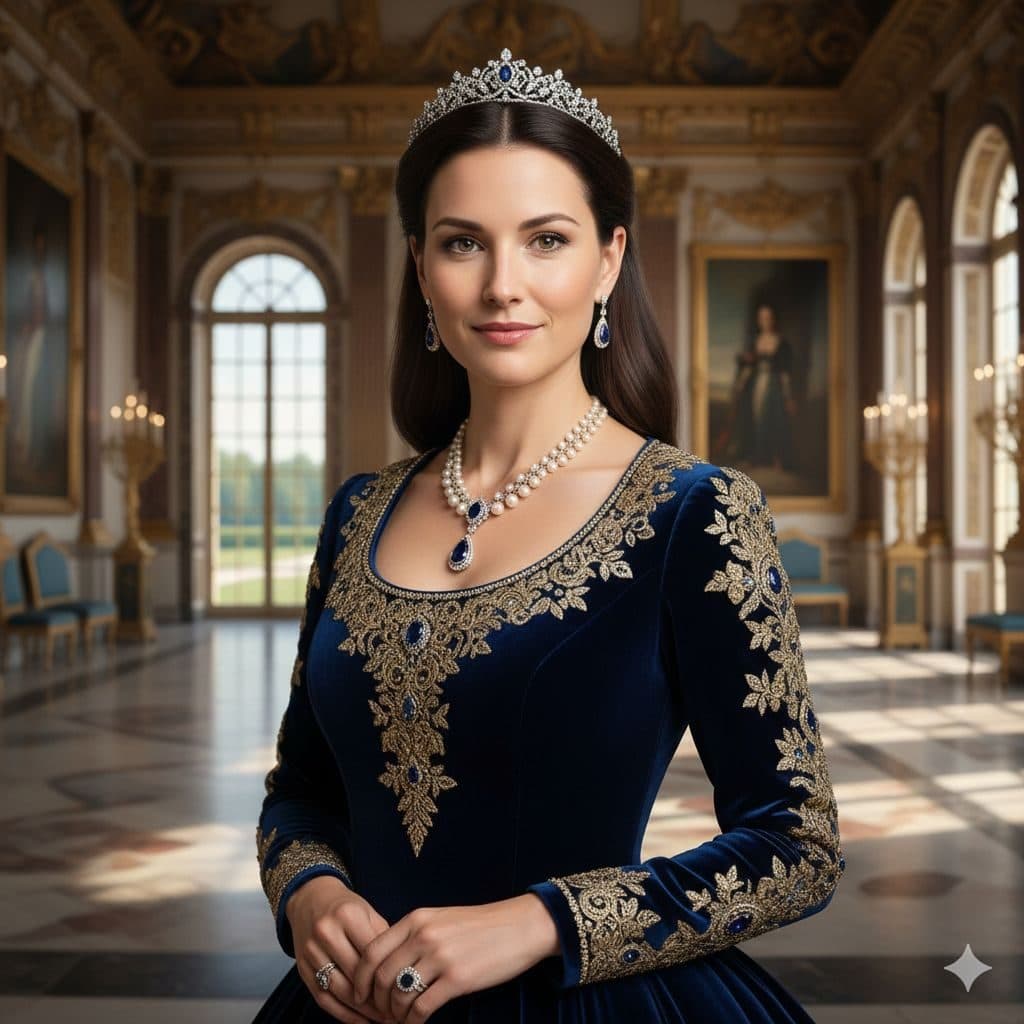
The Royal Elite template, before your face is added.
Luxury & Glamour template
Royal Portrait of Yourself
Royal Elite turns a selfie into a palace portrait, complete with a diamond tiara, a sapphire-and-pearl necklace and a navy velvet gown embroidered in gold. It works well for birthday posts and printed gifts.


- Template
- Royal Elite
- Category
- Luxury & Glamour
- Style
- Aristocratic elegance
What's in the Royal Elite template
A woman with long dark hair wears a sparkling tiara, a navy velvet gown with ornate gold embroidery along the neckline and sleeves, and a pearl necklace with a sapphire pendant. She stands in a palace hall with tall arched windows, chandeliers and gilt-framed paintings. Soft daylight, framed from the waist up, with a gentle smile.
How to use the Royal Elite template
- Download Face Swap AI on iPhone or Android.
- Open the Luxury & Glamour category and tap Royal Elite.
- Add a clear selfie from your camera or gallery, then tap Swap Faces.
- Your photo is ready in under a minute. Save it to Photos or share it.
What people use it for
- "Me as royalty" birthday and holiday posts
- Fantasy and princess-themed party invitations
- Framed prints as a gift
Tips for a natural result
- A gentle smile with lips closed matches the template.
- Long dark hair stays in the result, so it looks most natural if your hair is similar.
- Face the camera straight on. The template's head is level and frontal.
More advice in how to make a face swap look realistic.
Questions
Can I make a royal portrait as a gift for someone else?
Yes, with their OK. Use a clear photo of their face. It makes a fun printed gift for birthdays and anniversaries.
Is there a king or prince version?
Royal Elite shows a woman. For men, Luxury Executive and Charity Gala give a formal, regal look.
More Luxury & Glamour templates

Executive Portrait
Luxury Executive
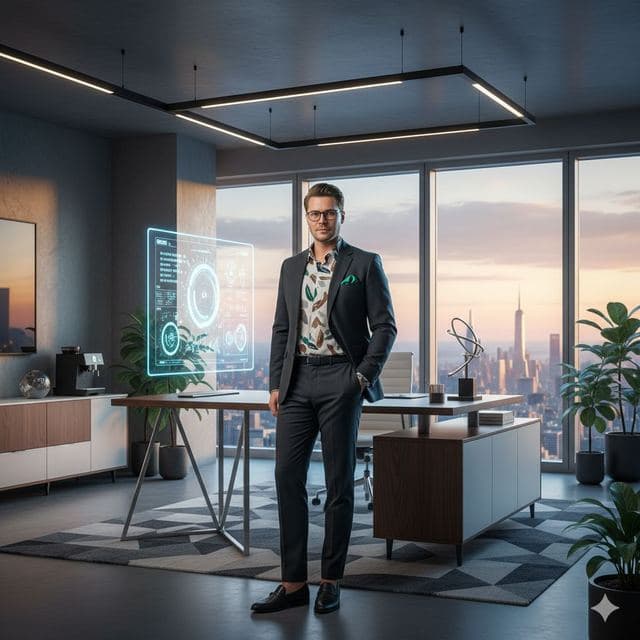
Entrepreneur Penthouse Photo
Luxury Entrepreneur
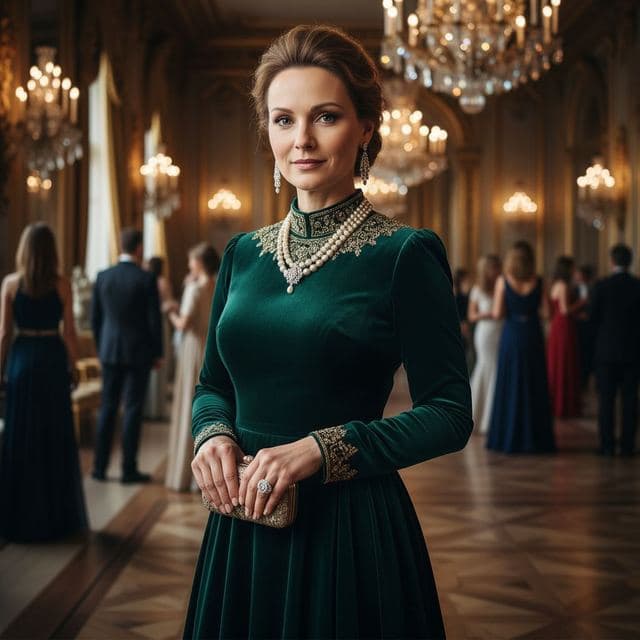
Ballroom Gown Portrait
High Society
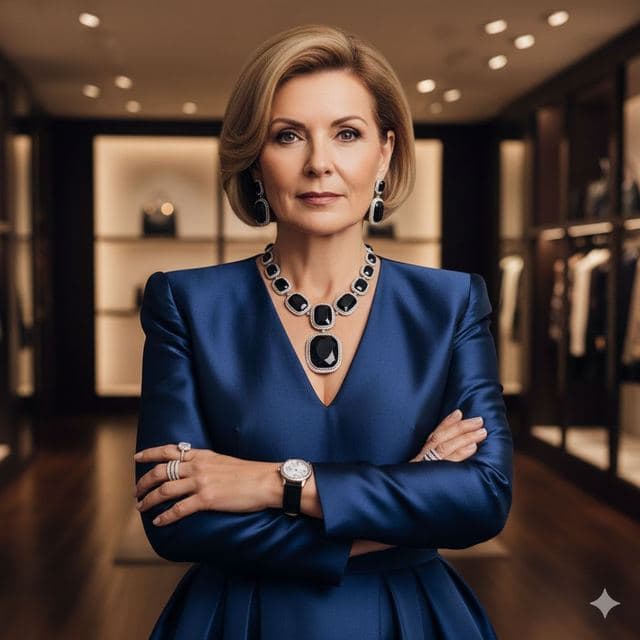
Luxury Fashion Portrait
High Fashion

Wealthy Investor Portrait
Wealthy Investor
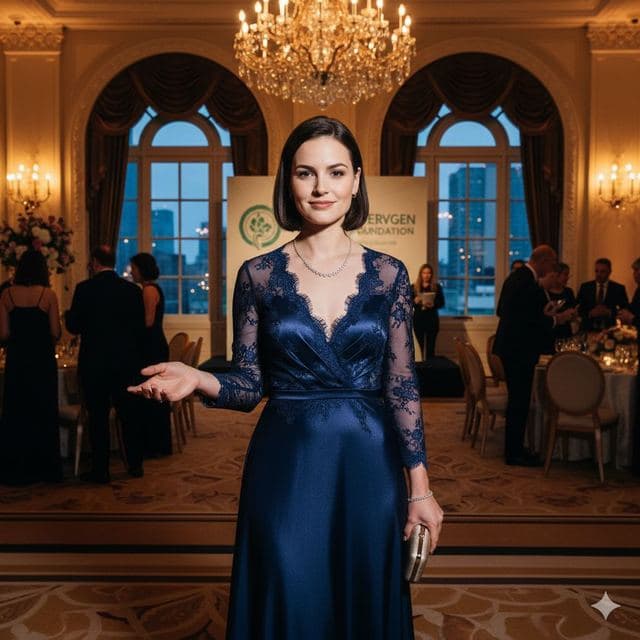
Evening Gown Portrait
Philanthropist
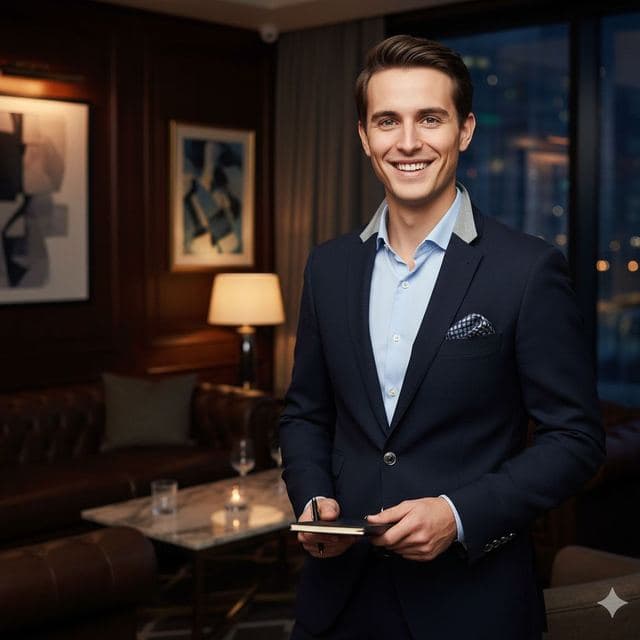
VIP Lounge Photo
VIP Elite
All Luxury & Glamour templates →
Related guides
8 tips for a realistic face swap
Why some face swaps look fake and how to fix it: angle, light, sharpness, expression, hair, glasses and skin tone. Eight tips for any AI face swap app.
AI photo face swap, with real examples
AI photo face swap for iPhone and Android: put your face into a styled photo template or swap faces between any two pictures. Ready in under a minute.



How to face swap on iPhone
Face swap on iPhone in five steps: install, pick a template or two photos, add a selfie, tap Swap Face, save. Works on iPhone and iPad with iOS 13 or later.