
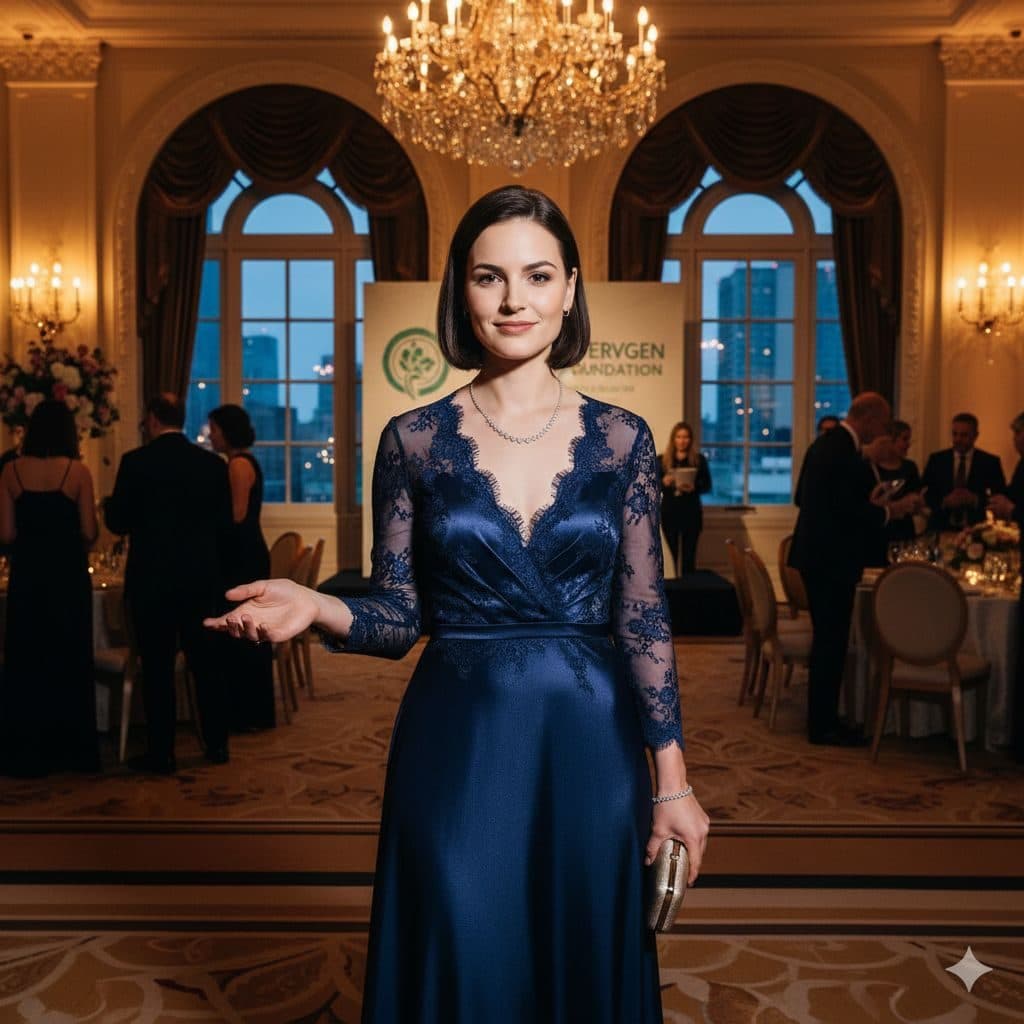
The Philanthropist template, before your face is added.
Luxury & Glamour template
Evening Gown Portrait
Philanthropist is a gala portrait in a navy lace evening gown, mid-welcome, with chandeliers and guests behind you. It looks like a candid photo from a black-tie fundraiser.


- Template
- Philanthropist
- Category
- Luxury & Glamour
- Style
- Distinguished charitable
What's in the Philanthropist template
A woman with a dark bob wears a floor-length navy satin gown with lace sleeves and a fine necklace, one hand extended as if greeting guests and a clutch in the other. She stands in a grand hall with crystal chandeliers, arched windows, a sponsor banner and guests in formal wear. Warm, golden light, framed full length, with a gracious smile.
How to use the Philanthropist template
- Download Face Swap AI on iPhone or Android.
- Open the Luxury & Glamour category and tap Philanthropist.
- Add a clear selfie from your camera or gallery, then tap Swap Faces.
- Your photo is ready in under a minute. Save it to Photos or share it.
What people use it for
- Gala and fundraiser invitations
- Charity and nonprofit social posts
- Prom and formal dress inspiration
Tips for a natural result
- Your face is small in a full-length shot. Use a close, sharp selfie.
- A gracious, closed-mouth smile matches the welcoming pose.
- The bob haircut stays, so this suits short hair.
More advice in how to make a face swap look realistic.
Questions
Can I use this for a charity event poster?
You can use it as a decorative image for your own event. Don't use other people's faces without their consent.
Is the banner text readable in the result?
The banner is part of the template and stays as it is. It's soft and in the background, so it doesn't distract.
More Luxury & Glamour templates

Executive Portrait
Luxury Executive

Entrepreneur Penthouse Photo
Luxury Entrepreneur
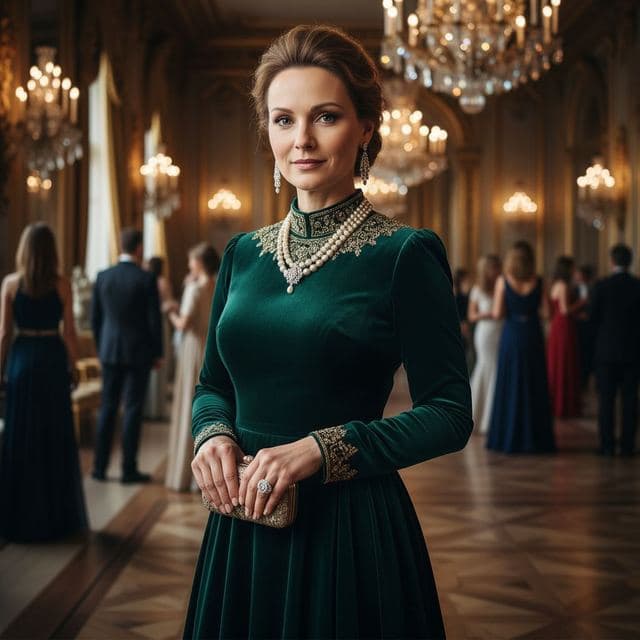
Ballroom Gown Portrait
High Society
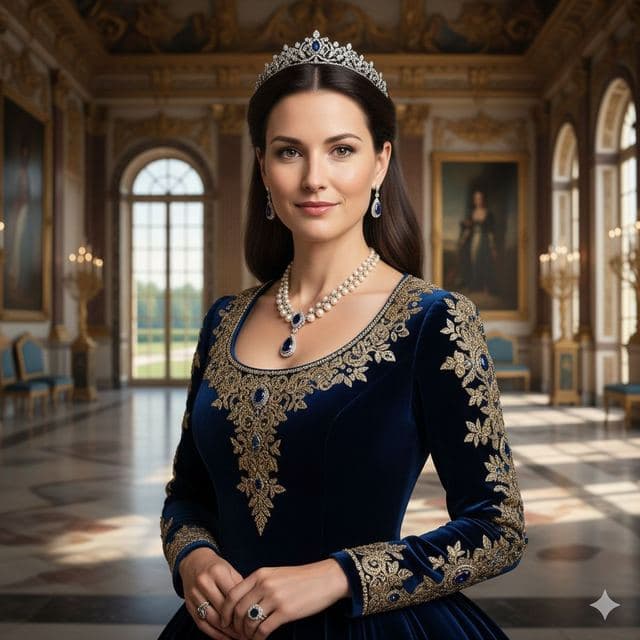
Royal Portrait of Yourself
Royal Elite
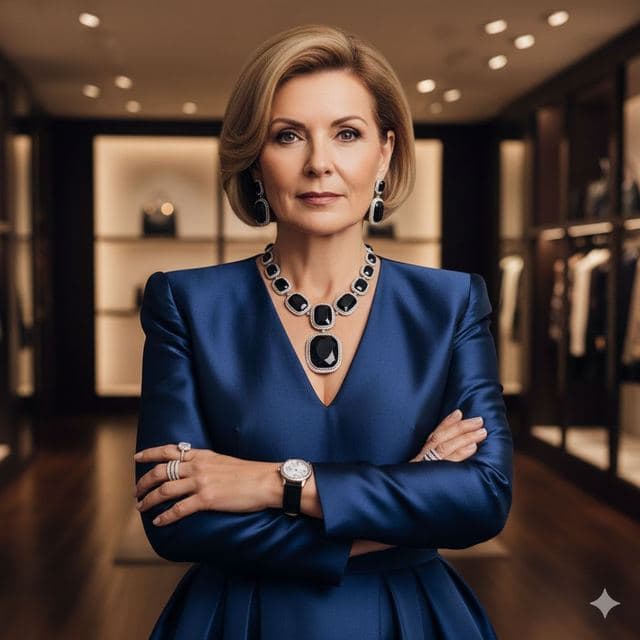
Luxury Fashion Portrait
High Fashion

Wealthy Investor Portrait
Wealthy Investor

VIP Lounge Photo
VIP Elite
All Luxury & Glamour templates →
Related guides

8 tips for a realistic face swap
Why some face swaps look fake and how to fix it: angle, light, sharpness, expression, hair, glasses and skin tone. Eight tips for any AI face swap app.
AI photo face swap, with real examples
AI photo face swap for iPhone and Android: put your face into a styled photo template or swap faces between any two pictures. Ready in under a minute.



How to face swap on iPhone
Face swap on iPhone in five steps: install, pick a template or two photos, add a selfie, tap Swap Face, save. Works on iPhone and iPad with iOS 13 or later.