
AI Dating Profile Photo Templates
Most dating profiles have the same problem: one decent selfie and four photos that were cropped out of group shots. The Dating & Social category in Face Swap AI gives you 12 finished scenes to put your own face into, so you can fill the gaps without booking a photographer.
Each template is a half-body portrait with real light and a real setting: a café table, a city sidewalk at golden hour, a hiking trail, a rose garden. You upload one clear selfie, pick a scene, and the app swaps your face onto the person in the template.


12 Dating & Social templates

Casual Dating
Casual Dating Profile Picture
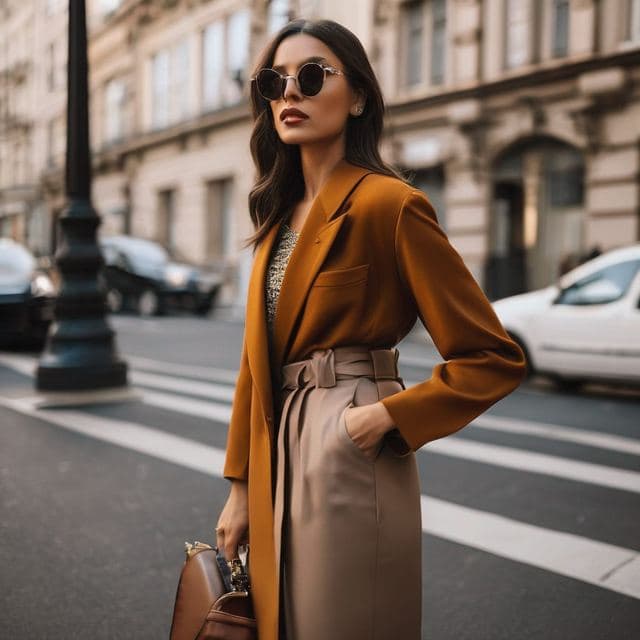
Stylish & Trendy (Female)
Stylish Dating Photos for Women

Stylish & Trendy (Male)
Stylish Dating Photos for Men
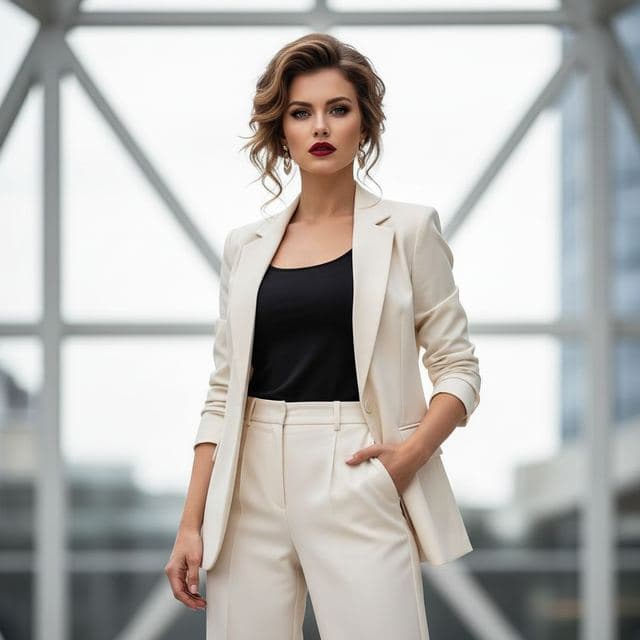
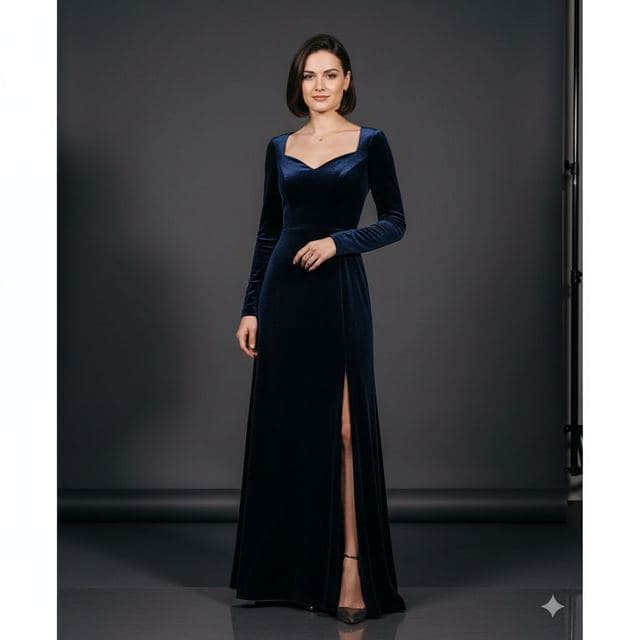
Confident & Bold (Female)
Confident Dating Photo for Women

Confident & Bold (Male)
Confident Dating Photo for Men

Outdoor Lifestyle
Hiking Dating Profile Picture

Romantic
Romantic Golden Hour Photo

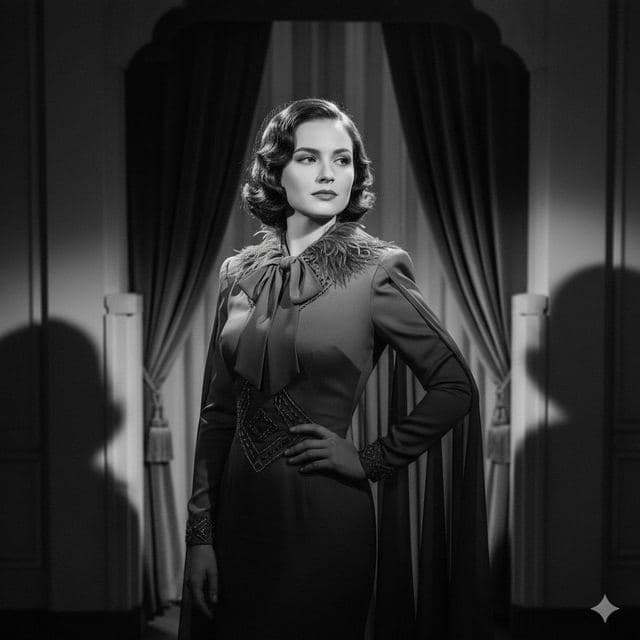
Sophisticated (Female)
Elegant Dinner Date Photo for Women
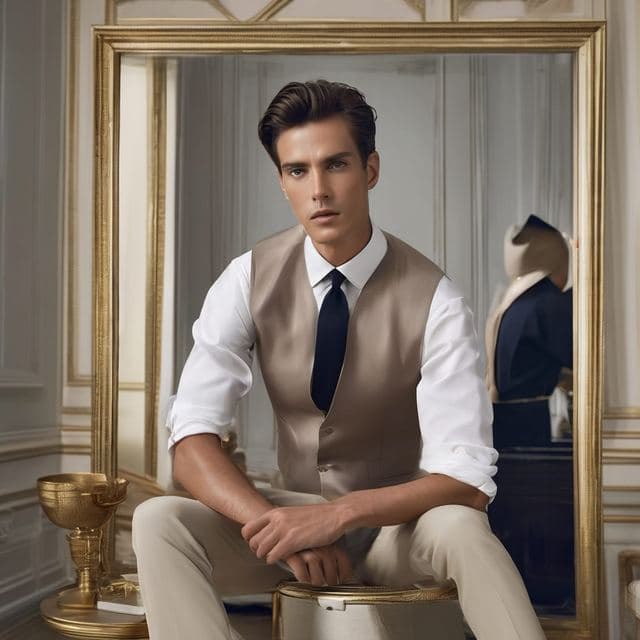
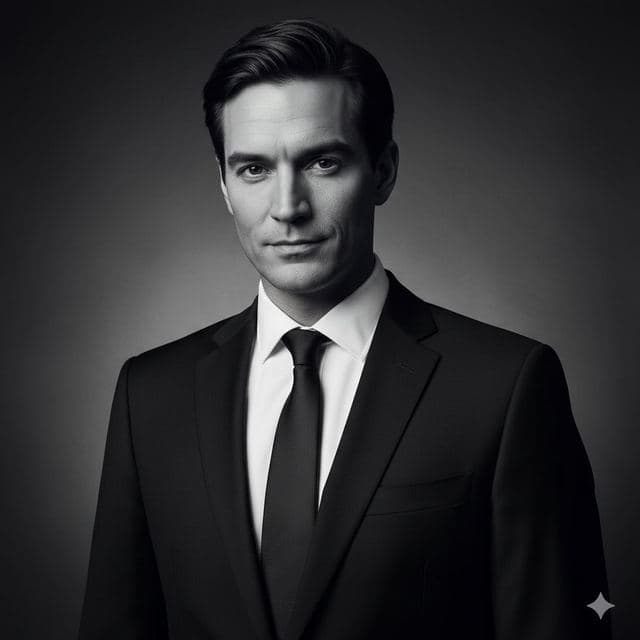
Sophisticated (Male)
Classy Dating Photo for Men
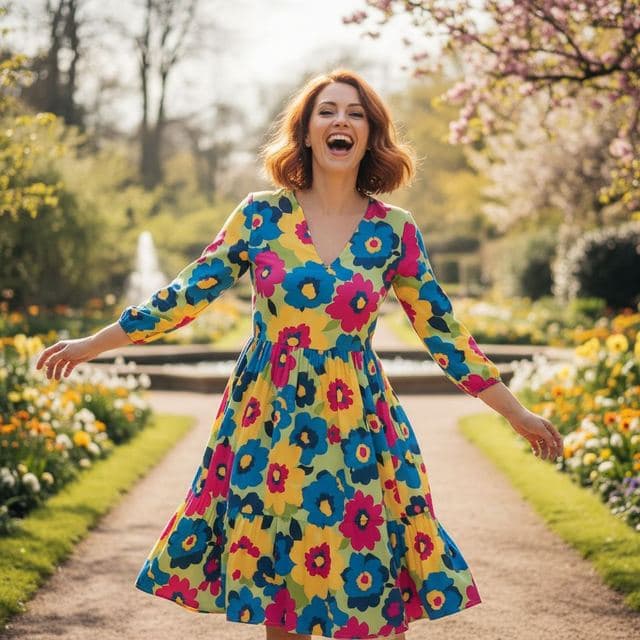
Fun & Playful
Fun Dating Profile Picture
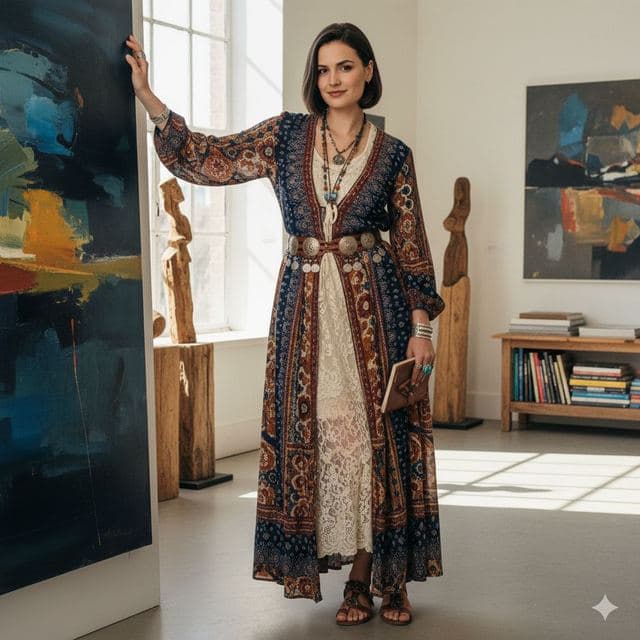
Artistic & Creative (Female)
Artsy Dating Profile Picture

Artistic & Creative (Male)
Creative Dating Photo for Men
Best for
- A second or third profile photo that shows you somewhere interesting
- Trying a look (sharper outfit, outdoor shot) before you shoot it for real
- Social avatars that look like real photos
How to use these templates
- Download Face Swap AI and choose the Female or Male tab.
- Scroll to Dating & Social and tap a template.
- Add a clear selfie from your camera or gallery and tap Swap Faces.
- Save the result to Photos or share it.
How to get a dating photo that still looks like you
- Use a recent selfie taken in daylight, facing the camera, with nothing covering your face. Glasses are fine if you wear them every day.
- Pick a template where the person's head is turned the same way as yours. A front-facing selfie works best on front-facing templates like Casual Dating or Stylish & Trendy.
- Keep at least one unedited photo on your profile. Swapped scenes work best as supporting shots next to a real one, and matches appreciate it.
Questions
Is it OK to use AI face swap photos on a dating app?
It's your face, so the person you meet will recognise you. The fair way to use them is as extra scenes alongside at least one recent unedited photo. Avoid templates that change your body type or age in a way that would surprise a date.
Are there male and female dating templates?
Yes. The app has Female and Male tabs, and several dating styles come in both versions, such as Stylish & Trendy, Confident & Bold, Sophisticated and Artistic & Creative.
Related guides
AI dating profile photos, done honestly
Use AI face swap to make better dating profile photos without catfishing. Which shots to make, which templates fit, and what to keep real.
8 tips for a realistic face swap
Why some face swaps look fake and how to fix it: angle, light, sharpness, expression, hair, glasses and skin tone. Eight tips for any AI face swap app.


How to face swap on iPhone
Face swap on iPhone in five steps: install, pick a template or two photos, add a selfie, tap Swap Face, save. Works on iPhone and iPad with iOS 13 or later.