
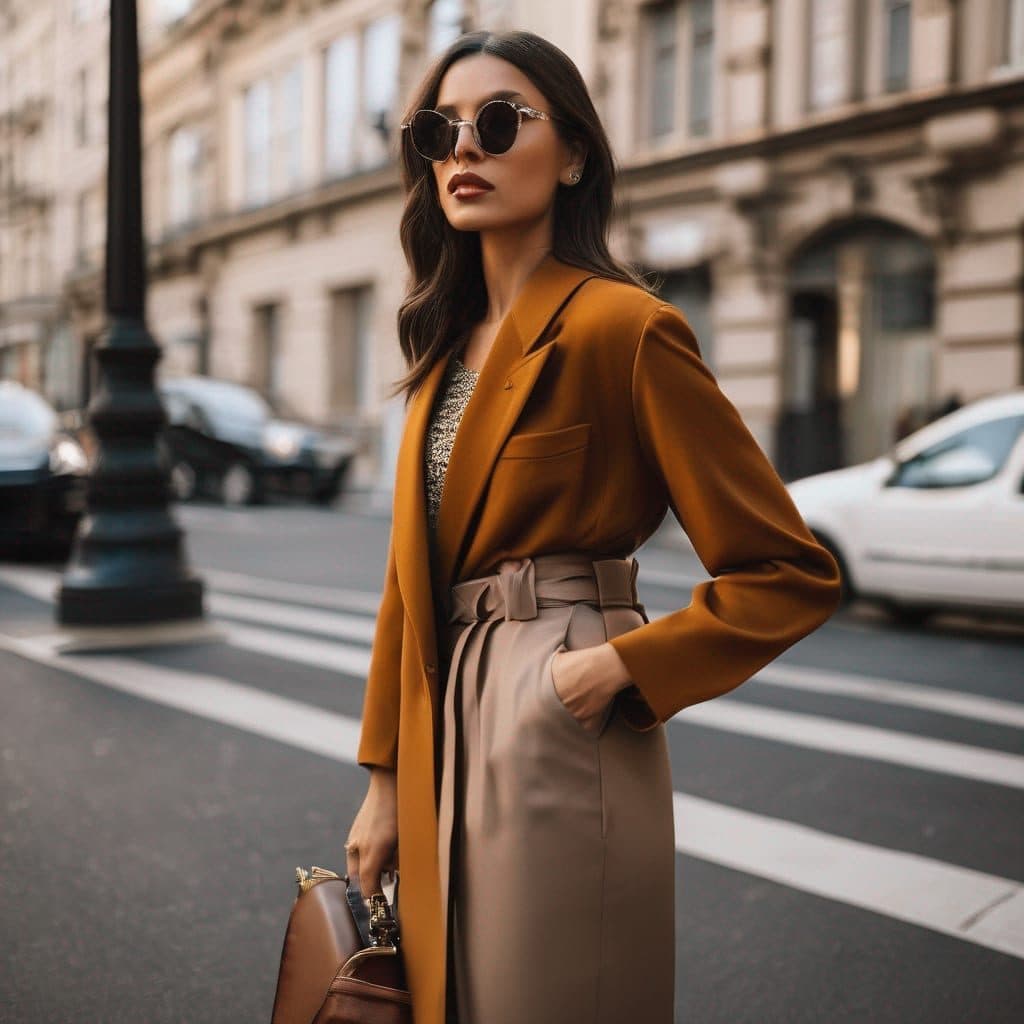
The Stylish & Trendy (Female) template, before your face is added.
Dating & Social template
Stylish Dating Photos for Women
If your profile needs one photo that says you have taste, this is it. The Stylish & Trendy (Female) template is a street-style shot on a city crosswalk, and the swap puts your face under the sunglasses in about a minute.
Use this templateWorks in your browser. See more before-and-after examples
- Template
- Stylish & Trendy (Female)
- Category
- Dating & Social
- Style
- Fashion-forward look
What's in the Stylish & Trendy (Female) template
A woman with long dark hair walks across a city crosswalk in a camel wrap coat, wide-leg trousers and a leather bag, wearing round sunglasses. Parked cars and stone buildings sit behind her. Her head is turned slightly to her left and the light is soft and even, like a bright overcast morning.
Stylish & Trendy (Female) before and after
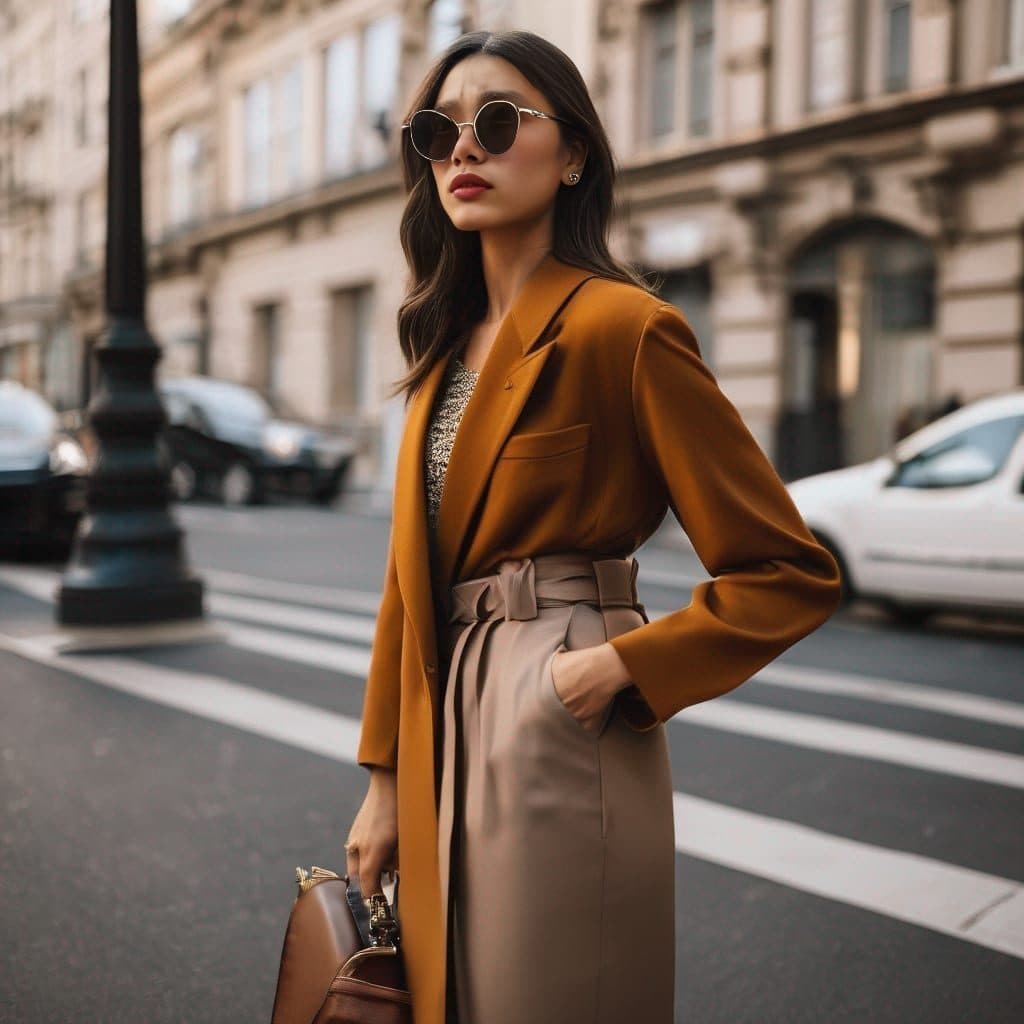
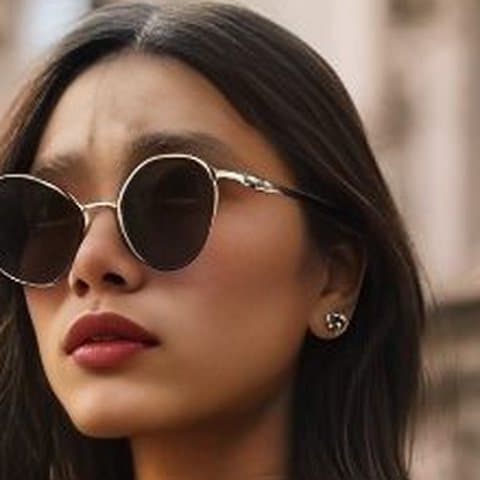
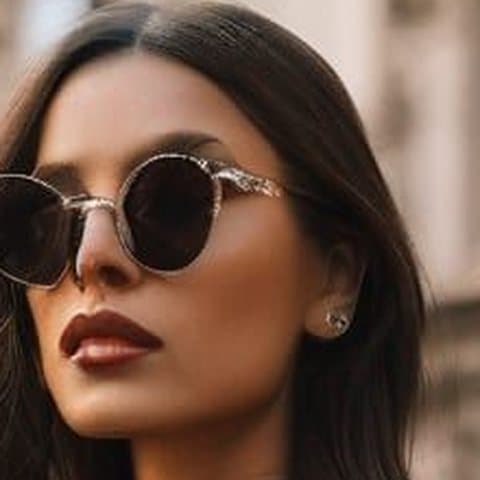
 Real results from Face Swap AI. The faces swapped in are AI-generated sample faces, not customers' photos. More before-and-after examples.
How to use the Stylish & Trendy (Female) template
- Open this template in the studio. It's already selected.
- Open the Dating & Social category and tap Stylish & Trendy (Female).
- Tap Your face to add a clear selfie or take one with your phone, then tap Swap faces. You sign in the first time you swap.
- Your photo is ready in seconds. Download it or share it.
What people use it for
- A fashion-forward photo to balance a casual profile
- Instagram and Pinterest profile pictures
- Testing a camel coat or wide-leg trousers on yourself
Tips for a natural result
- The template keeps its sunglasses, so the swap mostly changes your nose, mouth, jaw and skin. Pick a selfie where your lower face is sharp.
- Turn your head a little to one side for the selfie to match the template's three-quarter angle.
- Long hair works best. The template's long dark hair stays in the result.
More advice in how to make a face swap look realistic.
Questions
Will my eyes show through the sunglasses?
No. The sunglasses are part of the template photo and stay as they are. Use a template without glasses, such as Sophisticated (Female), if you want your eyes in the shot.
Is a sunglasses photo OK on a dating profile?
As one photo out of four or five, yes. Pair it with a clear face shot so matches can see your eyes.
More Dating & Social templates

Casual Dating Profile Picture
Casual Dating

Stylish Dating Photos for Men
Stylish & Trendy (Male)
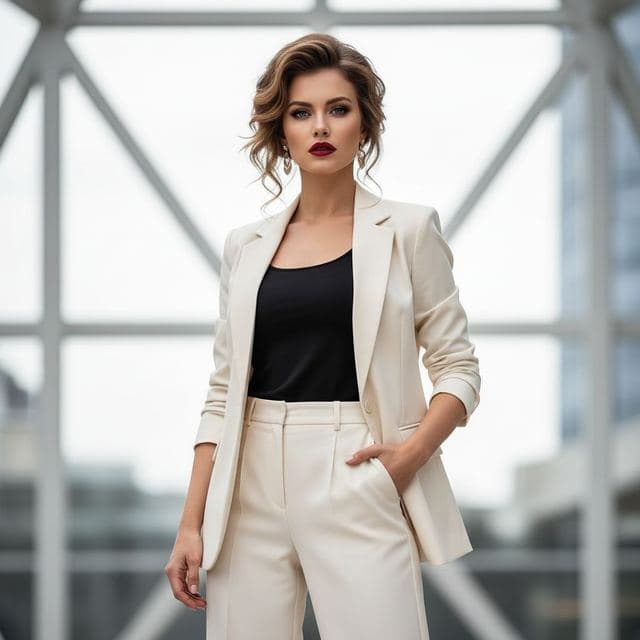
Confident Dating Photo for Women
Confident & Bold (Female)

Confident Dating Photo for Men
Confident & Bold (Male)

Hiking Dating Profile Picture
Outdoor Lifestyle

Romantic Golden Hour Photo
Romantic

Elegant Dinner Date Photo for Women
Sophisticated (Female)
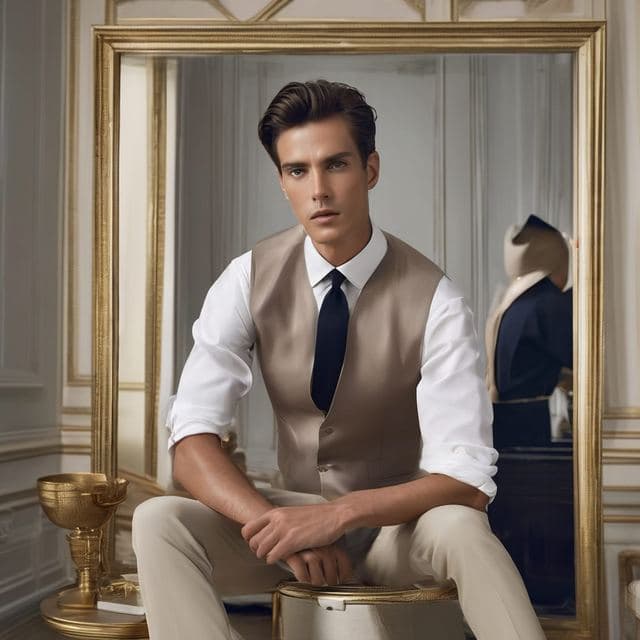
Classy Dating Photo for Men
Sophisticated (Male)
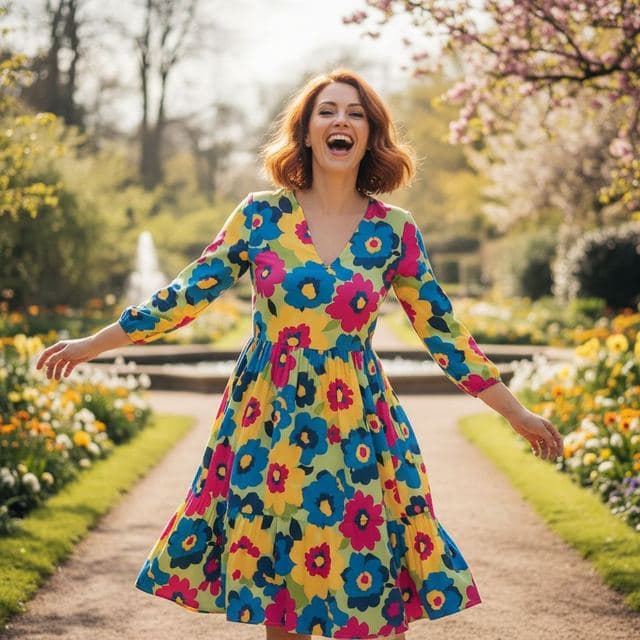
Fun Dating Profile Picture
Fun & Playful
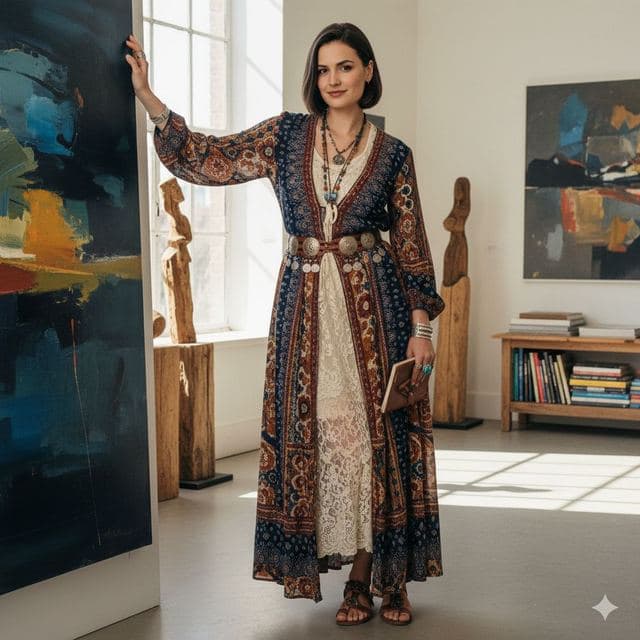
Artsy Dating Profile Picture
Artistic & Creative (Female)

Creative Dating Photo for Men
Artistic & Creative (Male)
All Dating & Social templates →
Related guides
AI dating profile photos, done honestly
Use AI face swap to make better dating profile photos without catfishing. Which shots to make, which templates fit, and what to keep real.
8 tips for a realistic face swap
Why some face swaps look fake and how to fix it: angle, light, sharpness, expression, hair, glasses and skin tone. Eight tips for any AI face swap app.
Face swap on iPhone, no app needed
Face swap on iPhone right in Safari: open Face Swap AI, pick a template, take a selfie, tap Swap faces and save to Photos. Nothing to download.