

The Stylish & Trendy (Male) template, before your face is added.
Dating & Social template
Stylish Dating Photos for Men
Stylish & Trendy (Male) is the blazer-and-T-shirt photo that works on almost every dating profile. It's smart without looking like a work headshot, and you only need one selfie to make it.
Use this templateWorks in your browser. See more before-and-after examples
- Template
- Stylish & Trendy (Male)
- Category
- Dating & Social
- Style
- Fashion-forward look
What's in the Stylish & Trendy (Male) template
A smiling man with short styled hair and light stubble stands at a city intersection in a black blazer over a heather-gray T-shirt, hands in his pockets and a watch on one wrist. Glass office buildings and traffic lights blur behind him. He faces the camera straight on, framed from the thighs up, in soft daylight.
Stylish & Trendy (Male) before and after

 Real results from Face Swap AI. The faces swapped in are AI-generated sample faces, not customers' photos. More before-and-after examples.
How to use the Stylish & Trendy (Male) template
- Open this template in the studio. It's already selected.
- Open the Dating & Social category and tap Stylish & Trendy (Male).
- Tap Your face to add a clear selfie or take one with your phone, then tap Swap faces. You sign in the first time you swap.
- Your photo is ready in seconds. Download it or share it.
What people use it for
- The lead photo on a dating profile
- A profile picture that looks put-together without a suit
- Seeing whether a blazer and tee suits you
Tips for a natural result
- Face the camera square-on. This template is frontal, so a straight selfie lines up best.
- A real smile matters. The template smiles with teeth, and a neutral face reads as forced.
- Light stubble or a short beard blends well. A full beard may come out patchy against the template's jaw.
More advice in how to make a face swap look realistic.
Questions
Should my dating photo be in a blazer?
One sharper photo helps. A blazer over a T-shirt reads as effort without looking like you came from the office, which is why this template is popular.
Can I use this template if I have a beard?
Yes. Short beards and stubble blend well. Very full beards can look thinner in the result, so compare before you save.
More Dating & Social templates

Casual Dating Profile Picture
Casual Dating
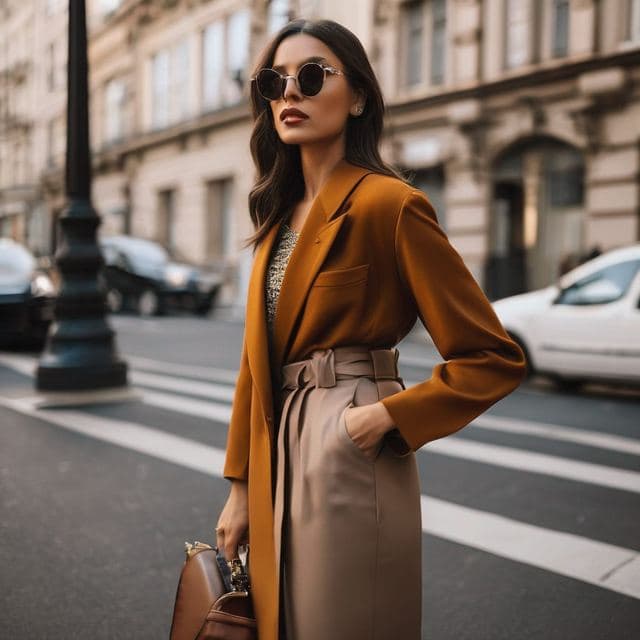
Stylish Dating Photos for Women
Stylish & Trendy (Female)
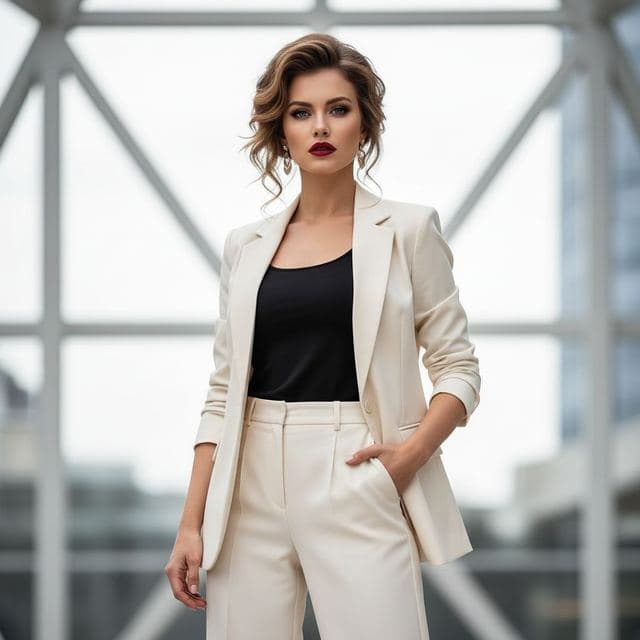
Confident Dating Photo for Women
Confident & Bold (Female)

Confident Dating Photo for Men
Confident & Bold (Male)

Hiking Dating Profile Picture
Outdoor Lifestyle

Romantic Golden Hour Photo
Romantic

Elegant Dinner Date Photo for Women
Sophisticated (Female)
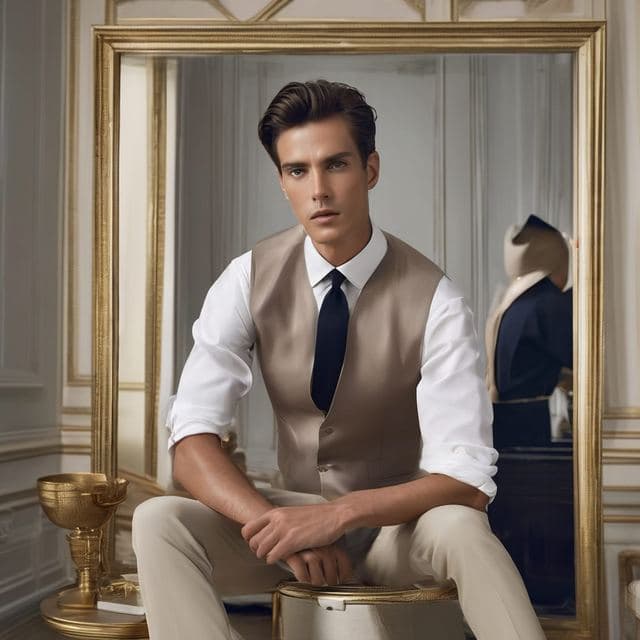
Classy Dating Photo for Men
Sophisticated (Male)
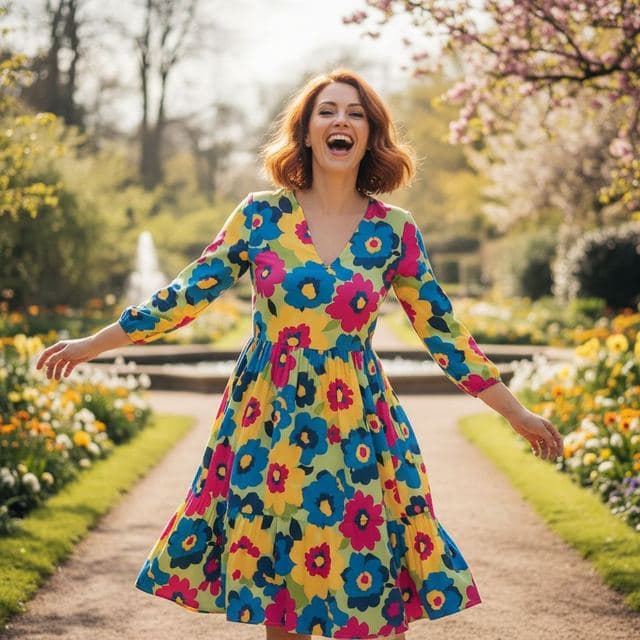
Fun Dating Profile Picture
Fun & Playful
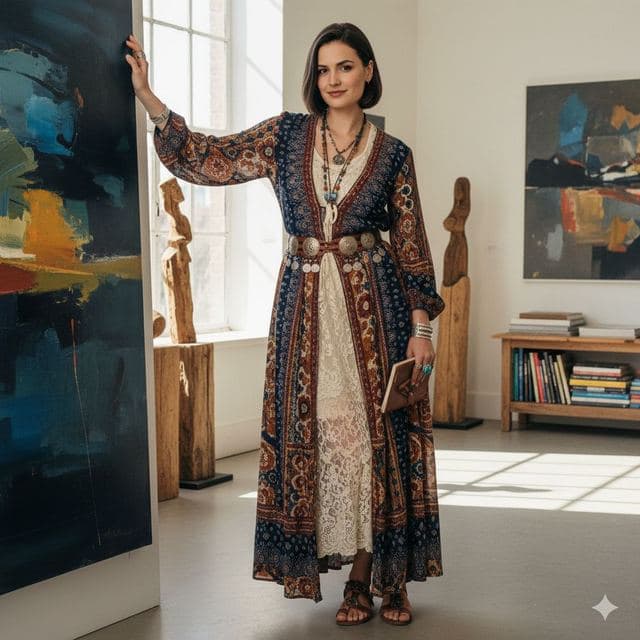
Artsy Dating Profile Picture
Artistic & Creative (Female)

Creative Dating Photo for Men
Artistic & Creative (Male)
All Dating & Social templates →
Related guides
AI dating profile photos, done honestly
Use AI face swap to make better dating profile photos without catfishing. Which shots to make, which templates fit, and what to keep real.
8 tips for a realistic face swap
Why some face swaps look fake and how to fix it: angle, light, sharpness, expression, hair, glasses and skin tone. Eight tips for any AI face swap app.
Face swap on iPhone, no app needed
Face swap on iPhone right in Safari: open Face Swap AI, pick a template, take a selfie, tap Swap faces and save to Photos. Nothing to download.