
AI Portrait From Your Photo
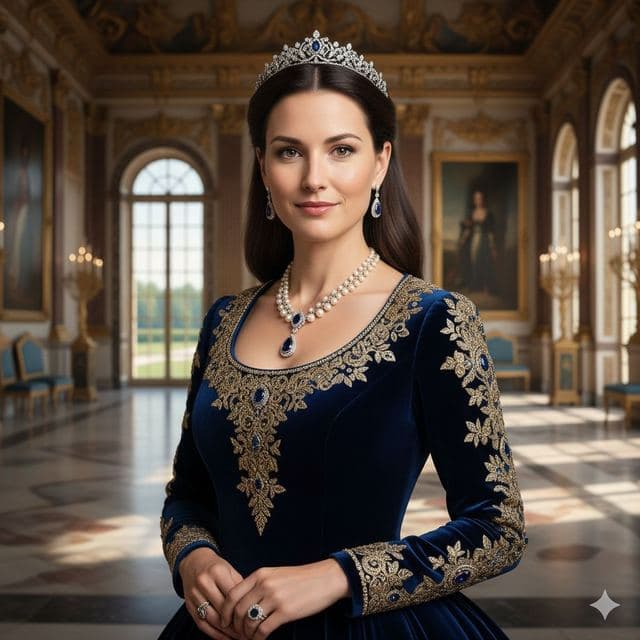
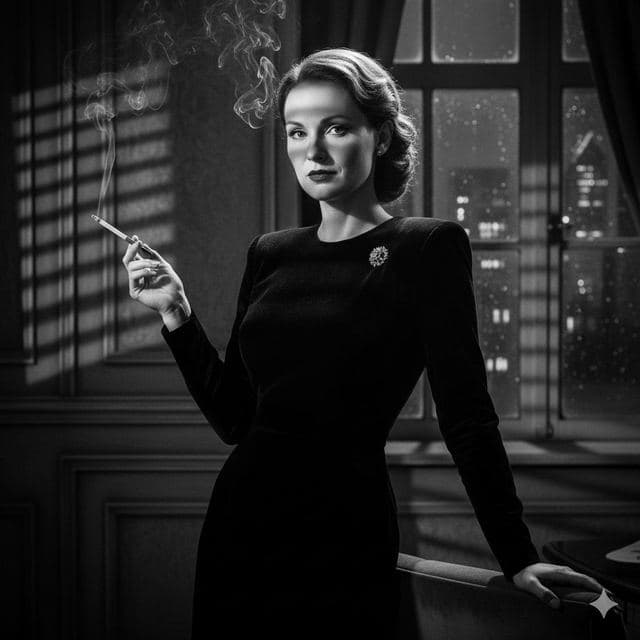
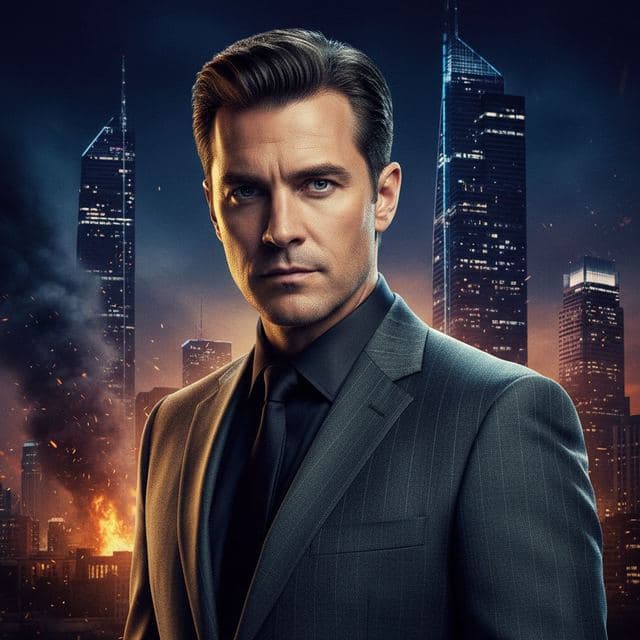
Face Swap AI turns one photo of you into a finished portrait: pick a style such as Royal Elite, Film Noir or Cinematic, add a selfie, and your face goes into a professionally lit portrait in a few seconds. Because it's your real face in a photographic scene, the result looks like a portrait session, not an illustration.
Here are the styles, what each one is good for, and how it differs from AI portrait generators that draw new images.
Portrait styles people pick most
- Royal Elite. Tiara, velvet gown, palace hall. See the template.
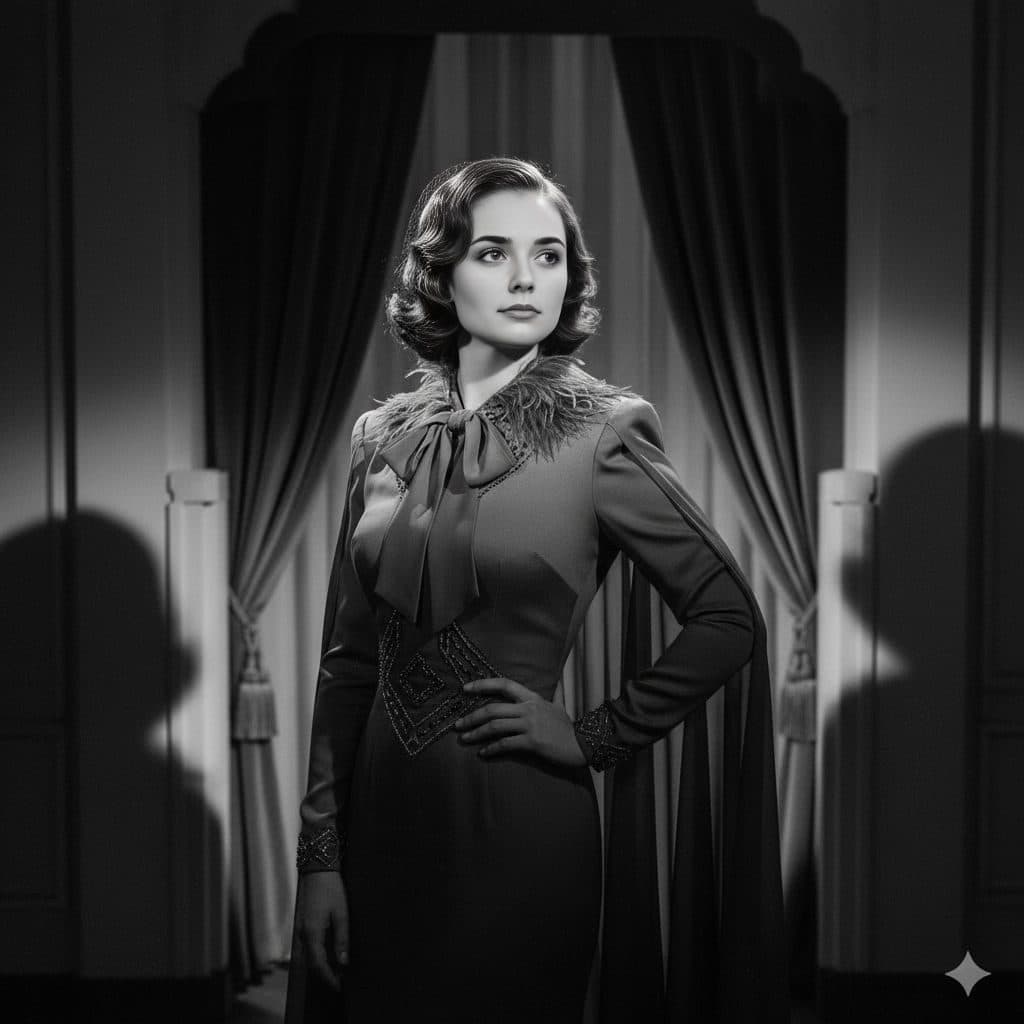
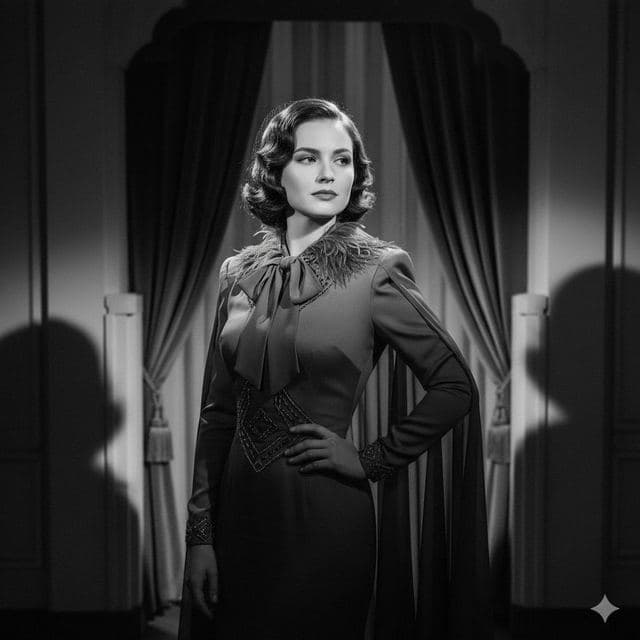
- Film Noir and Black & White. 1940s cinema and classic studio monochrome. See the styles.
- Cinematic. An action-movie poster with a burning skyline. See the template.
- Executive and studio headshots. Boardrooms, offices and plain backdrops. See dream job portraits.
- Red carpet and gala. Gowns, tuxedos and photographers. See red carpet portraits.
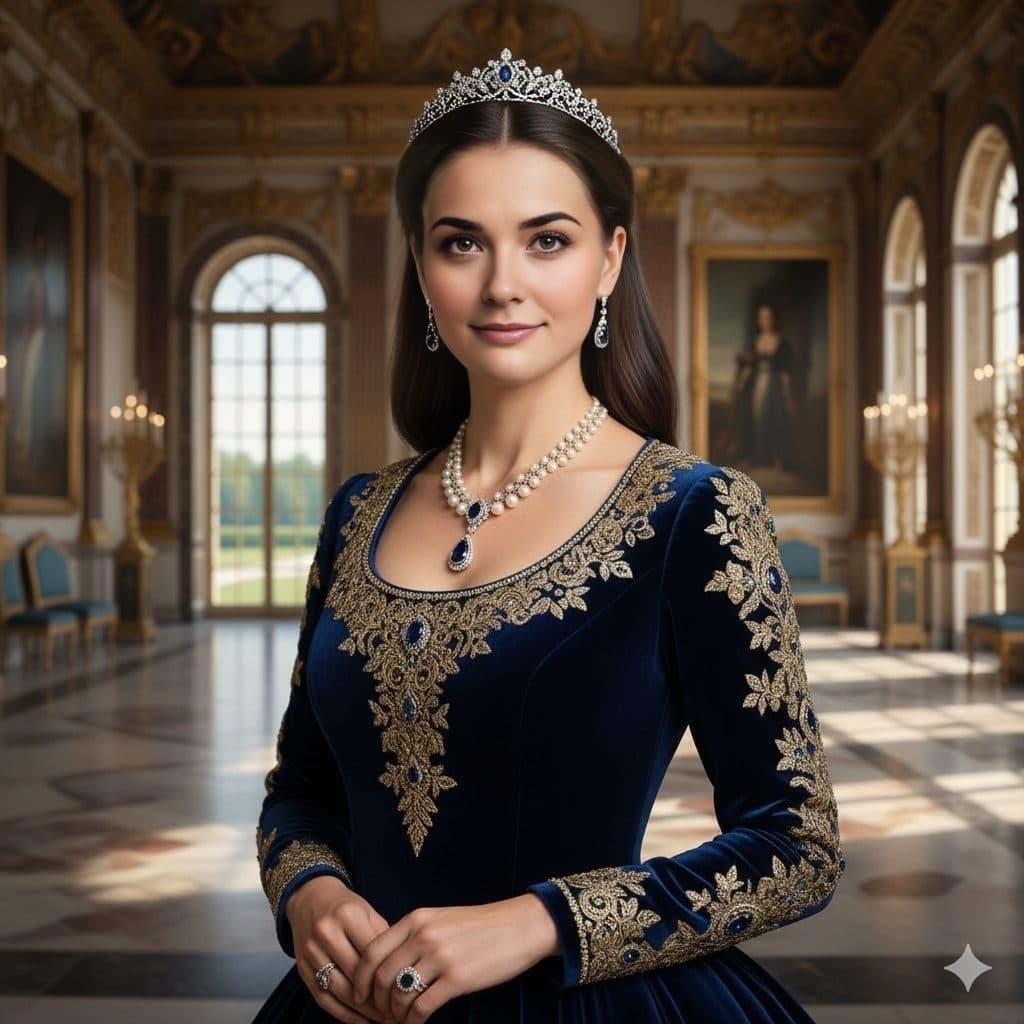
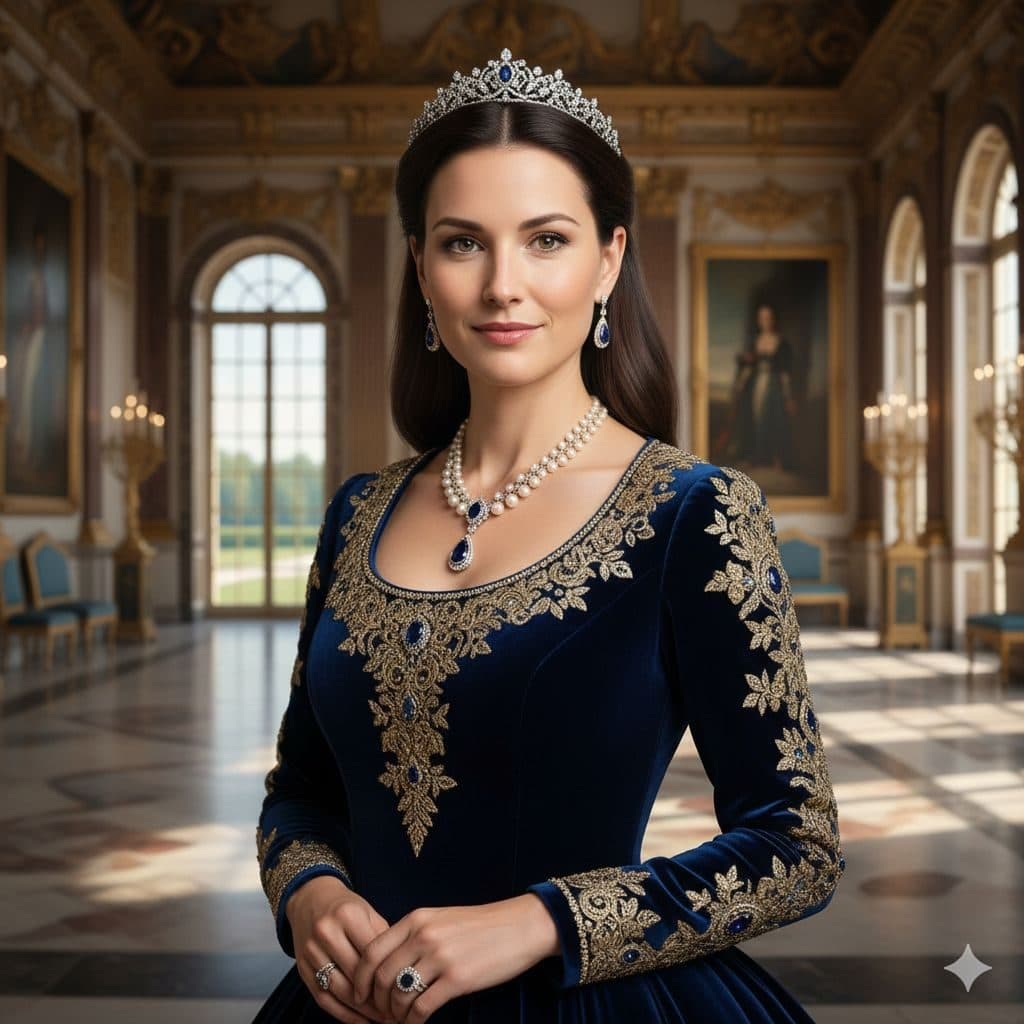
Portrait from a photo vs. an AI portrait generator
Most AI portrait generators ask for 10 to 20 selfies, train a model on your face, and then paint new images. That takes time, and some results won't look like you.
Face Swap AI works the other way round. The portrait already exists, with real lighting and a real setting, and the AI places your face into it from a single selfie. You see the style before you start, the result arrives in seconds, and it keeps your actual features.
The trade-off: you choose from ready-made scenes rather than typing a description. If you want a specific scene of your own, upload any photo and put your face into it instead.
Getting a portrait you'd actually frame
- Use a sharp selfie taken by a window, facing the camera.
- Match the mood: no big grin for Film Noir, a soft smile for Royal Elite.
- Pick a style with hair close to yours if you want it to look like a real session.
- Black-and-white styles are the most forgiving and print best at large sizes.
Gifts and prints
Portraits make easy gifts: a royal portrait for a birthday, a 1940s print for a grandparent, a movie poster for a film fan. Ask the person first, use a clear photo of their face, and download the result to print. It also works in a frame on a desk or as a profile picture.
A one-time starter pack ($2.99 for 15 swaps) is enough to try several styles and keep the best.
Questions
Can I describe my own portrait style with text?
Not at the moment. You choose from 50+ ready-made portraits, or upload any photo you have the right to use and put your face into it.
Will the portrait look like me?
Yes, because it uses your real face from the selfie. Hair, clothes and lighting come from the portrait, so a style with hair similar to yours looks most like you.
Keep reading
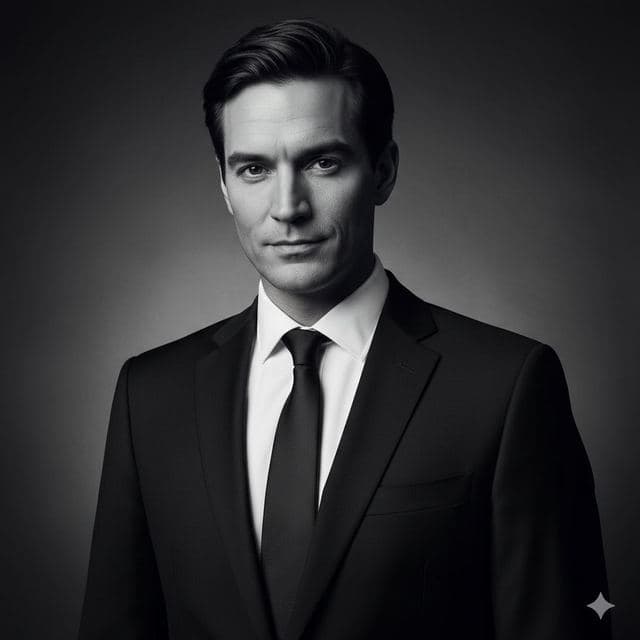
Cinematic & Black-and-White Face Swap Templates
Film noir, black-and-white portrait, movie poster, gothic chapel. 7 dramatic face swap templates that turn a selfie into a cinematic portrait.
8 tips for a realistic face swap
Why some face swaps look fake and how to fix it: angle, light, sharpness, expression, hair, glasses and skin tone. Eight tips for any AI face swap app.