
Red Carpet Face Swap Templates
Red carpet photos are hard to fake with a normal photo editor: the flashes, the crowd of photographers and the formal clothes all have to line up. These eight templates already have all of that. You just add the face.
The set covers an awards night with a trophy, a film premiere in front of a poster wall, a charity gala, a fashion week runway and a plain studio glamour shot for when you want the dress without the crowd.


8 Red Carpet & Glamour templates

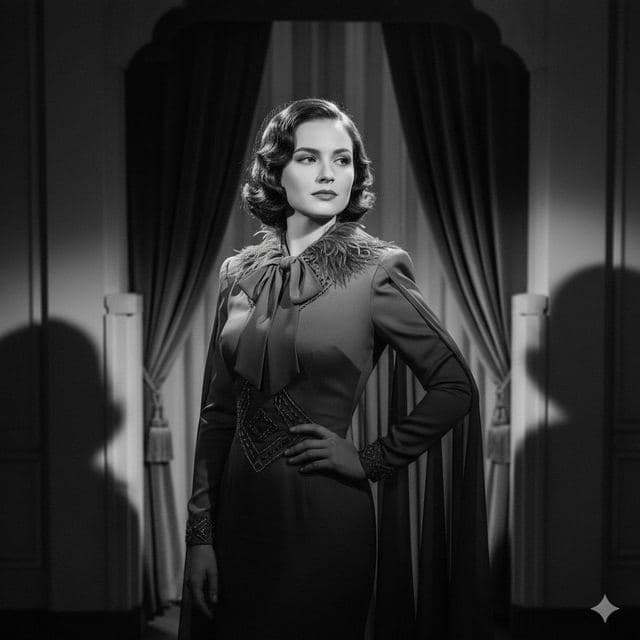
Classic Hollywood
Red Carpet Photo of Yourself
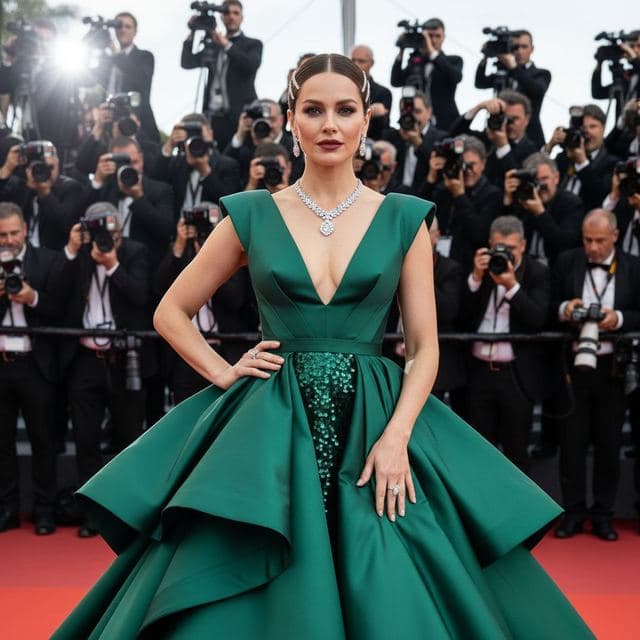
A-List Celebrity
Red Carpet Gown Photo

Awards Show
Photo of Yourself Winning an Award

Movie Premiere
Movie Premiere Photo
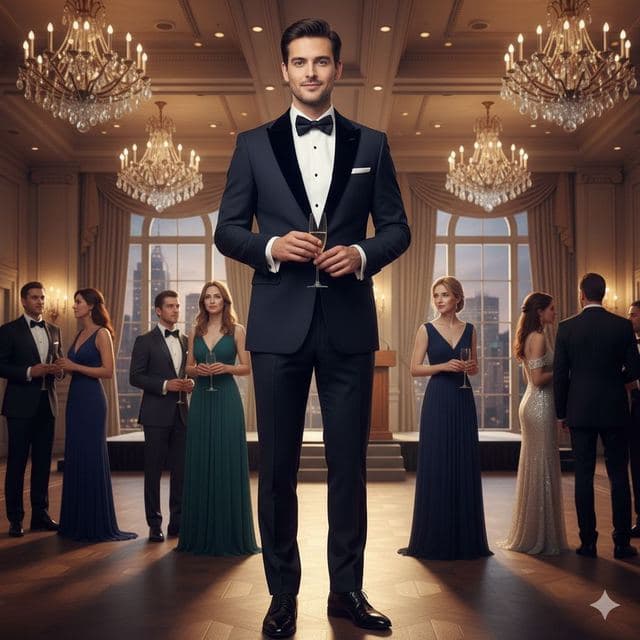
Charity Gala
Black Tie Gala Photo

Modern Glamour
Celebrity Style Red Carpet Photo
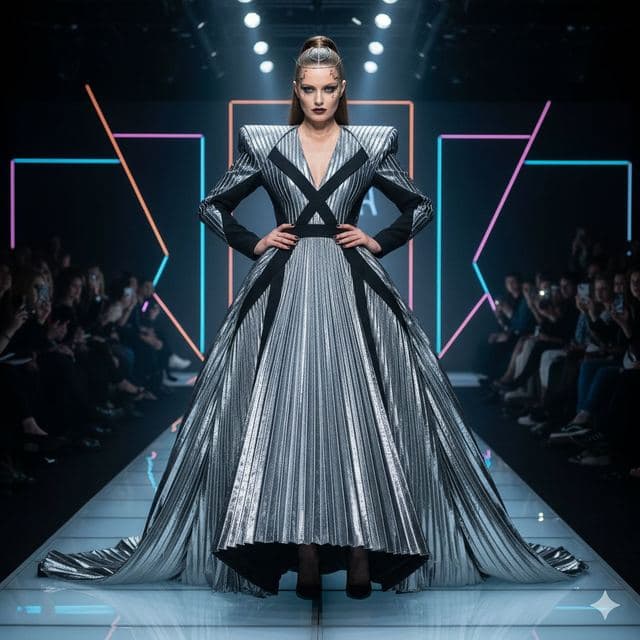
Fashion Week
Runway Photo of Yourself
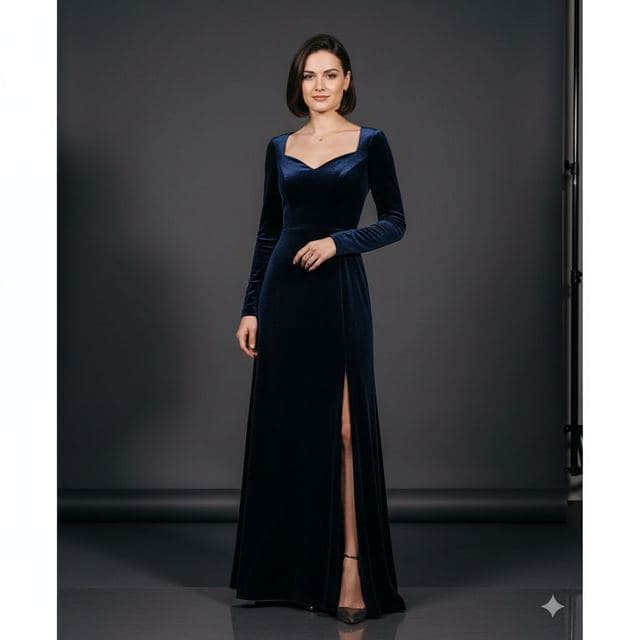
Studio Glamour
Glamour Portrait from a Selfie
Best for
- Birthday posts and "star of the night" cards
- Prom, graduation and wedding-party jokes
- Fan edits of yourself at the premiere you didn't get invited to
How to use these templates
- Download Face Swap AI and choose the Female or Male tab.
- Scroll to Red Carpet & Glamour and tap a template.
- Add a clear selfie from your camera or gallery and tap Swap Faces.
- Save the result to Photos or share it.
Red carpet tips for a sharper swap
- Most of these scenes are full-length, so the face is small in the frame. A sharp, well-lit selfie matters more here than anywhere else in the app.
- Studio Glamour has the plainest background, which makes it the best pick if you plan to print the result.
- Smile in your selfie if the template smiles (Modern Glamour, Movie Premiere). A neutral face on a waving pose looks odd.
Questions
Can I put my face on a celebrity's red carpet photo?
The red carpet templates use generated people, not real celebrities, so you're not borrowing anyone's likeness. We recommend sticking to templates or photos you have the right to use.
How long does a red carpet swap take?
Usually under a minute from tapping Swap to seeing the result, depending on your connection.
Related guides

8 tips for a realistic face swap
Why some face swaps look fake and how to fix it: angle, light, sharpness, expression, hair, glasses and skin tone. Eight tips for any AI face swap app.
Best AI face swap app: a checklist
How to pick the best AI face swap app: realism, templates, watermarks, price, privacy and speed. A 7-point checklist, plus how Face Swap AI measures up.

Swap faces between two photos
Swap faces between any two photos on your phone: pick the face, pick the target, tap swap. How to match angle and light so the result looks real.