

The Modern Glamour template, before your face is added.
Red Carpet & Glamour template
Celebrity Style Red Carpet Photo
Modern Glamour is the arrival shot: a black suit, a flash of red at the collar and a wave to the crowd on a night-time red carpet. It's the celebrity-style photo without borrowing a celebrity's face.
Use this templateWorks in your browser. See more before-and-after examples
- Template
- Modern Glamour
- Category
- Red Carpet & Glamour
- Style
- Contemporary red carpet
What's in the Modern Glamour template
A man with short dark hair and stubble walks a red carpet at night in a black suit with a red scarf at the open collar, one hand raised in a wave. Behind him, a crowd stands behind barriers and graphic banners, with spotlights in the dark. Strong spotlight from the front, framed full length.
Modern Glamour before and after



 Real results from Face Swap AI. The faces swapped in are AI-generated sample faces, not customers' photos. More before-and-after examples.
How to use the Modern Glamour template
- Open this template in the studio. It's already selected.
- Open the Red Carpet & Glamour category and tap Modern Glamour.
- Tap Your face to add a clear selfie or take one with your phone, then tap Swap faces. You sign in the first time you swap.
- Your photo is ready in seconds. Download it or share it.
What people use it for
- Birthday and "main character" posts
- Fun profile pictures for social media
- Event and party promo images
Tips for a natural result
- Smile slightly. The template has a relaxed, friendly expression mid-wave.
- Light stubble blends well with the template's jaw.
- Take a close selfie since your face is small in the frame.
More advice in how to make a face swap look realistic.
Questions
Can I make myself look like a specific celebrity?
This template uses a generated person, which keeps you clear of real people's likeness. We don't recommend swapping celebrity faces.
Does it work for a gaming or streaming profile?
Yes. Crop to your face and upper body for a profile picture with a bit of star power.
More Red Carpet & Glamour templates

Red Carpet Photo of Yourself
Classic Hollywood
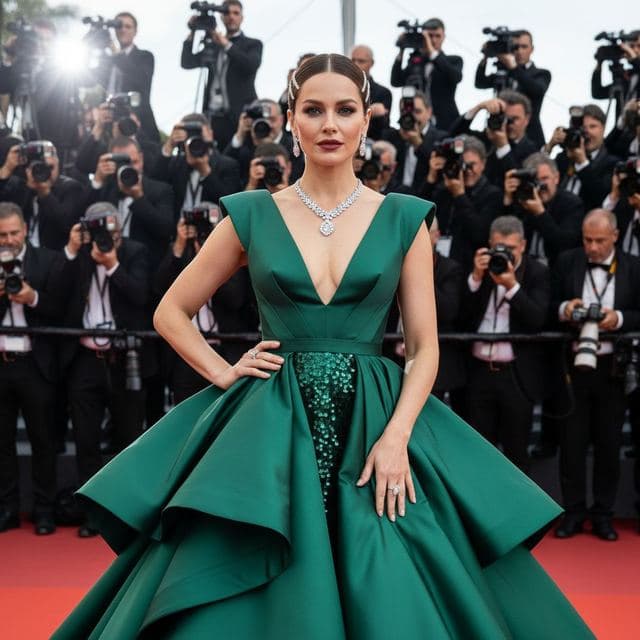
Red Carpet Gown Photo
A-List Celebrity

Photo of Yourself Winning an Award
Awards Show

Movie Premiere Photo
Movie Premiere
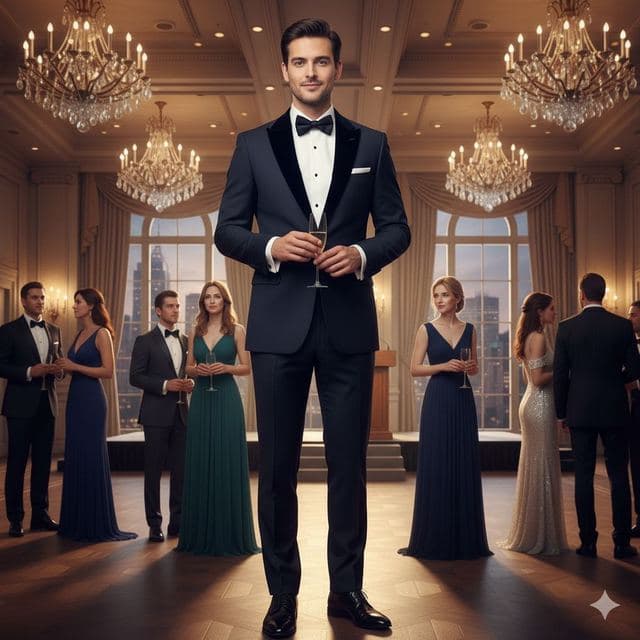
Black Tie Gala Photo
Charity Gala
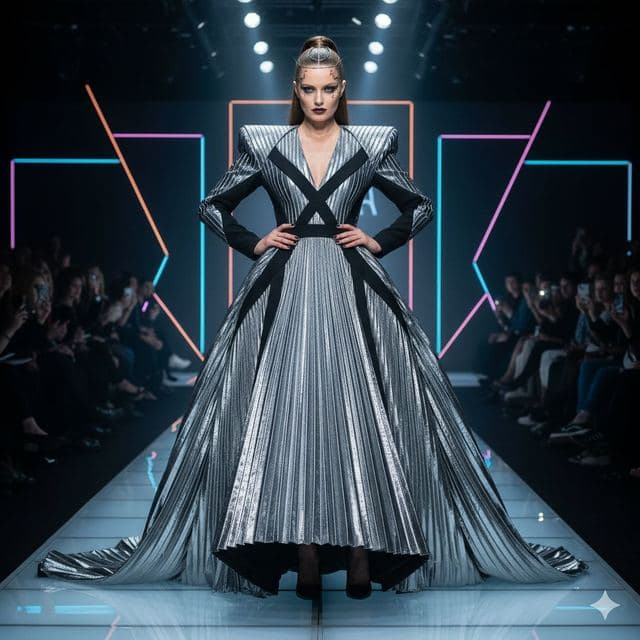
Runway Photo of Yourself
Fashion Week
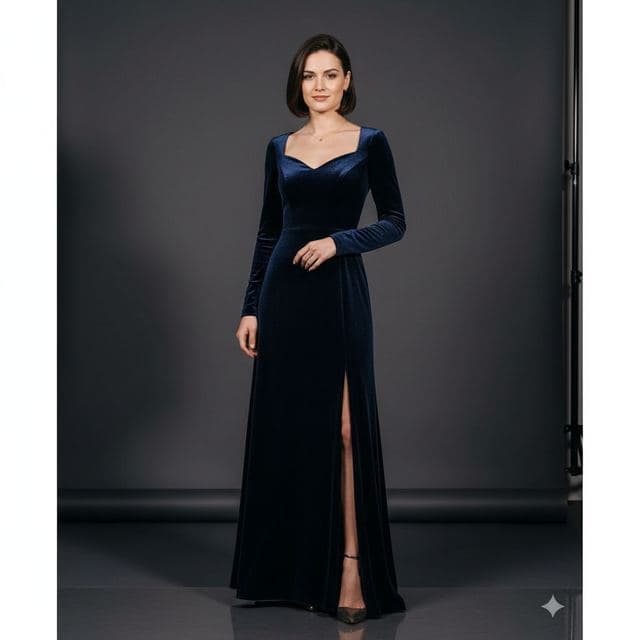
Glamour Portrait from a Selfie
Studio Glamour
All Red Carpet & Glamour templates →
Related guides
8 tips for a realistic face swap
Why some face swaps look fake and how to fix it: angle, light, sharpness, expression, hair, glasses and skin tone. Eight tips for any AI face swap app.
Best AI face swap apps, compared
7 AI face swap tools compared on free swaps, video, price and what each is best for, plus a 7-point checklist for judging realism and privacy.
Swap faces between two photos
Swap faces between any two photos in your browser: pick the face, pick the target, tap swap. How to match angle and light so the result looks real.