
Christmas Photos of Yourself: Holiday Face Swap Templates
Holiday photos are hard to get right: everyone is busy, the light is bad and nobody wants to dress up for a photo shoot. The Christmas & Holiday templates give you eight finished festive scenes to put your own face into, from a classic tree portrait to a gold New Year's Eve party.
Each scene comes in a version for women and one for men: a lit Christmas tree, a snowy street or market, an ugly sweater party and New Year's Eve glam. Upload one clear selfie, pick a scene, and the photo is ready in about 10 seconds, without a watermark.
8 Christmas & Holiday templates

Christmas Tree (Female)
Christmas Tree Portrait for Women

Christmas Tree (Male)
Christmas Tree Portrait for Men
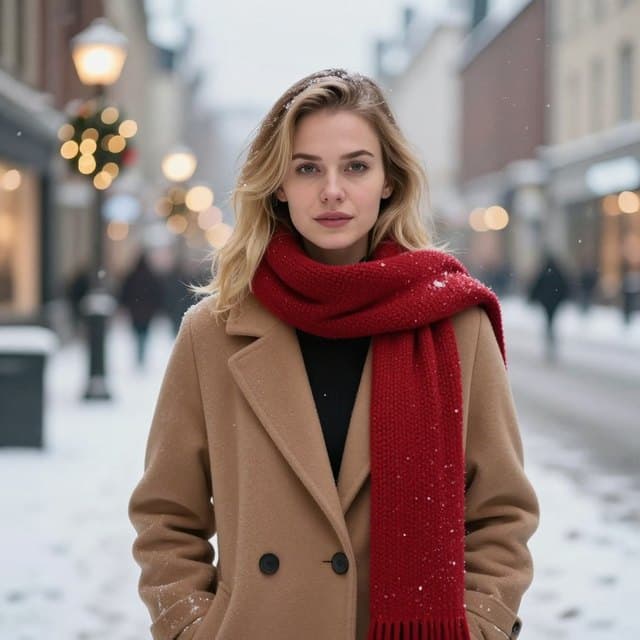
Snowy Street (Female)
Snowy Christmas Street Photo

Christmas Market (Male)
Christmas Market Photo for Men

Ugly Sweater (Female)
Ugly Christmas Sweater Photo for Women

Ugly Sweater (Male)
Ugly Christmas Sweater Photo for Men

New Year's Eve Glam
New Year's Eve Party Photo for Women

New Year's Eve Tuxedo
New Year's Eve Tuxedo Photo for Men
Best for
- Christmas cards and holiday e-cards
- Festive profile pictures for December
- Ugly sweater party invites and New Year's Eve posts
How to use these templates
- Open the template studio. No sign-in needed until you swap.
- Choose the Christmas & Holiday tab and tap a template.
- Upload a clear selfie or take one with your phone, then tap Swap faces.
- Download the result or share it.
How to get a holiday photo that still looks like you
- Use a recent selfie taken in warm indoor light, like a lamp beside you. Most holiday templates are lit warmly.
- Match your expression to the scene: a big smile for the tree and sweater templates, a calmer look for the snowy street and party ones.
- Add your greeting afterwards in any card app. Face Swap AI gives you the photo without text or a watermark.
Questions
Can I make a Christmas card with these templates?
Yes. Download the photo, then add your greeting and print or send it with any card app. Results come without a watermark, so they print cleanly.
Are there templates for men and women?
Yes. Every scene has a women's and a men's version: Christmas Tree, the snowy street and Christmas market, Ugly Sweater and New Year's Eve.
Can I put several family members on one card?
Each swap replaces one face, the largest in the photo, so each template holds one person. Make a photo for each person and put them together in a card app.
When should I make my holiday card?
Any time: the photo is ready in seconds. If you're ordering printed cards, leave a week or two for printing and post.
Related guides

Christmas card face swap
Make a Christmas card photo with your face: a tree portrait, a snowy street, an ugly sweater or New Year's Eve glam. One selfie, ready to print or send.
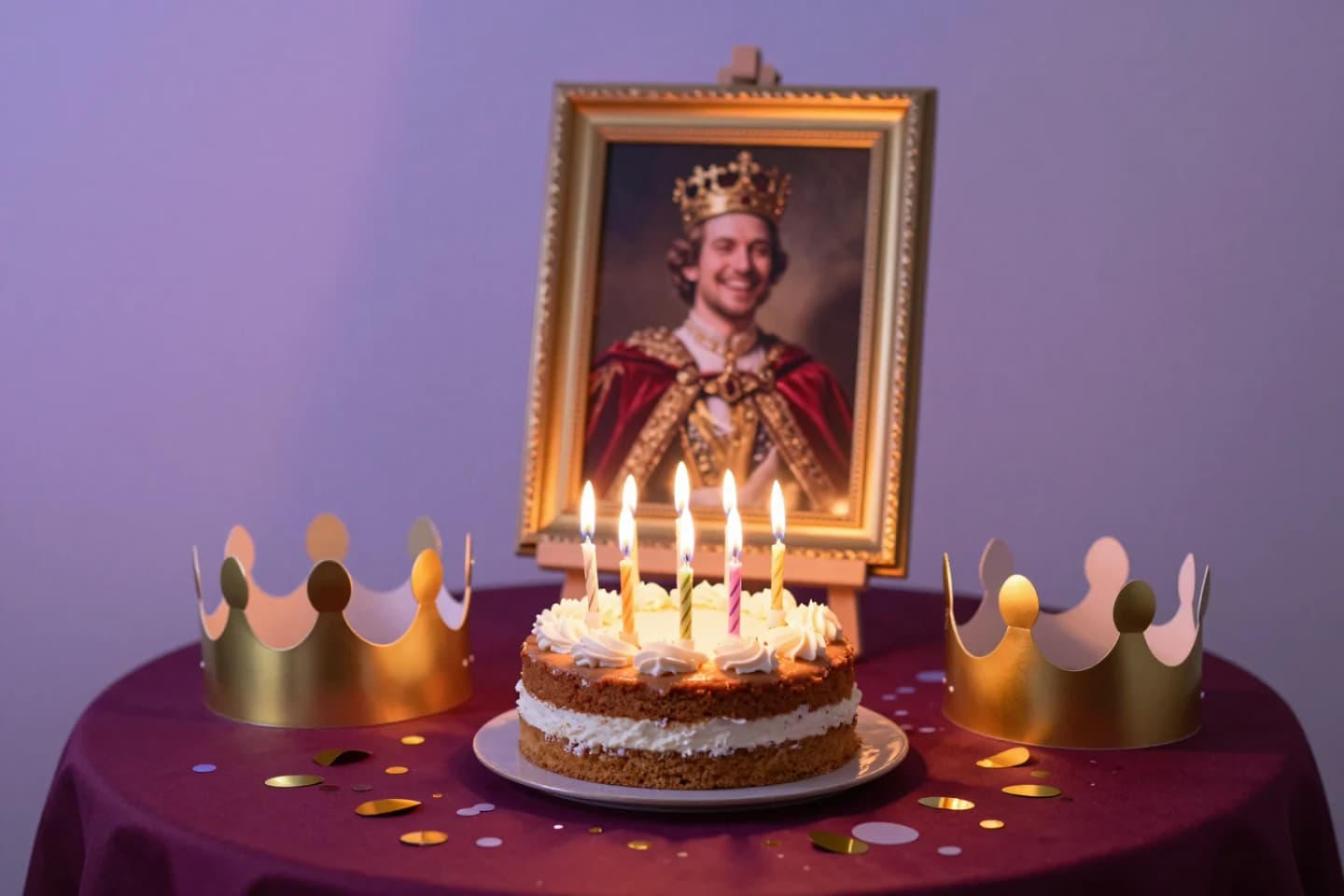
Birthday face swap ideas
Birthday face swap ideas: make the birthday person royalty, an award winner or a movie star. One photo, ready in seconds to share or print.
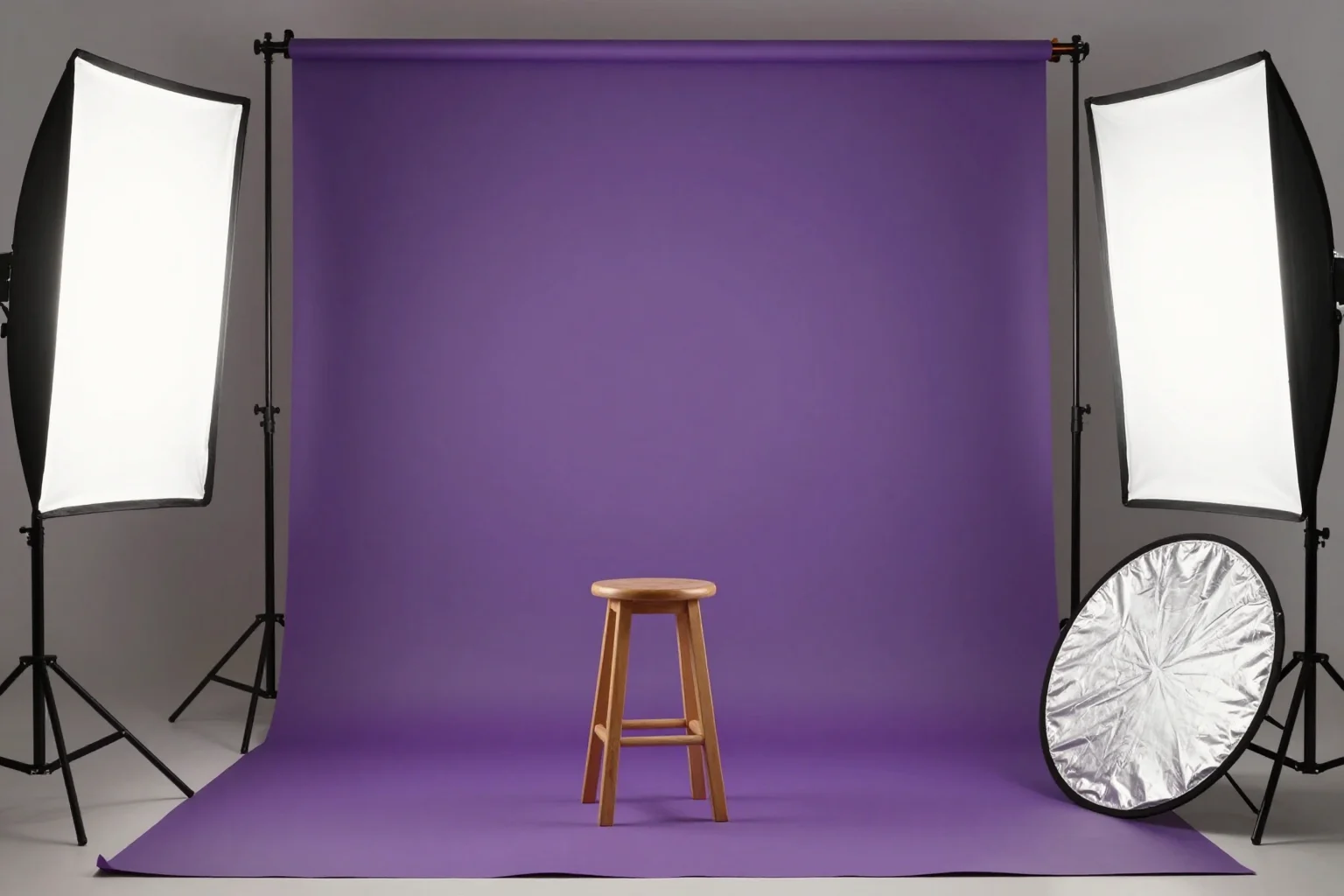
8 tips for a realistic face swap
Why some face swaps look fake and how to fix it: angle, light, sharpness, expression, hair, glasses and skin tone. Eight tips for any AI face swap app.