
Cinematic & Black-and-White Face Swap Templates
The Dramatic & Artistic category is where the app stops being practical and starts being fun. There's a 1940s film noir still, a classic black-and-white portrait, a movie poster with a burning skyline, a gothic chapel and a lone figure under a theater spotlight.
Black-and-white templates are also the most forgiving in the whole app. With no color to match, small differences in skin tone between your selfie and the template disappear.


8 Dramatic & Artistic templates
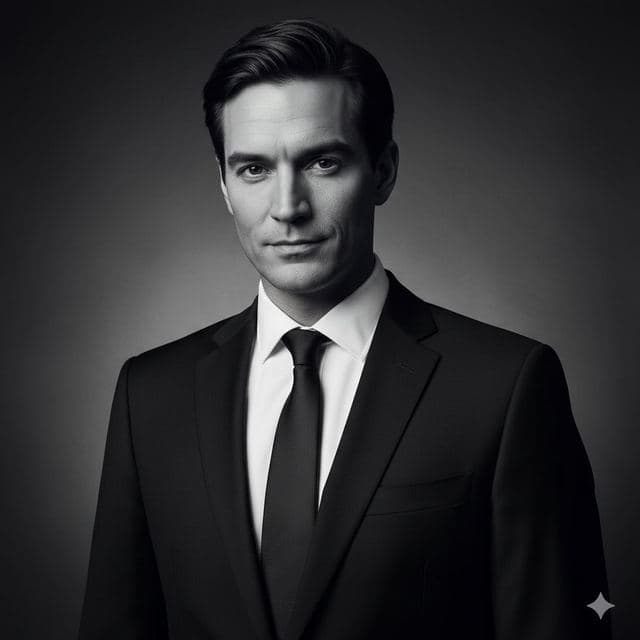
Black & White
Black and White Portrait from a Selfie
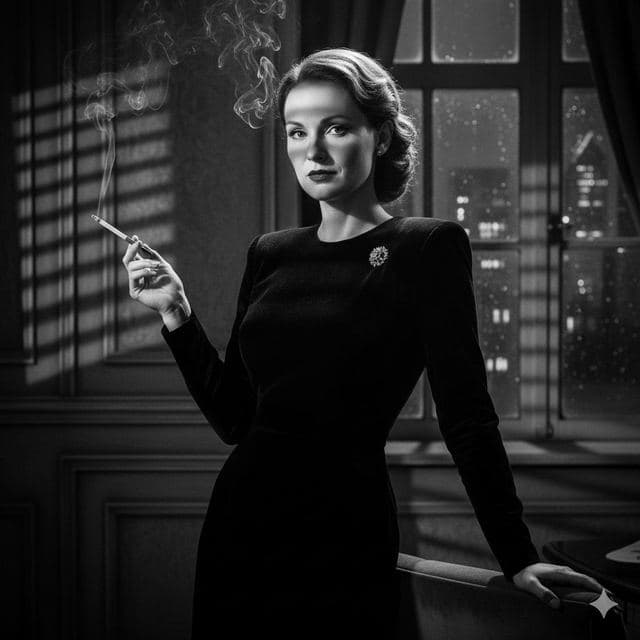
Film Noir
Film Noir Portrait of Yourself

Cinematic
Movie Poster of Yourself
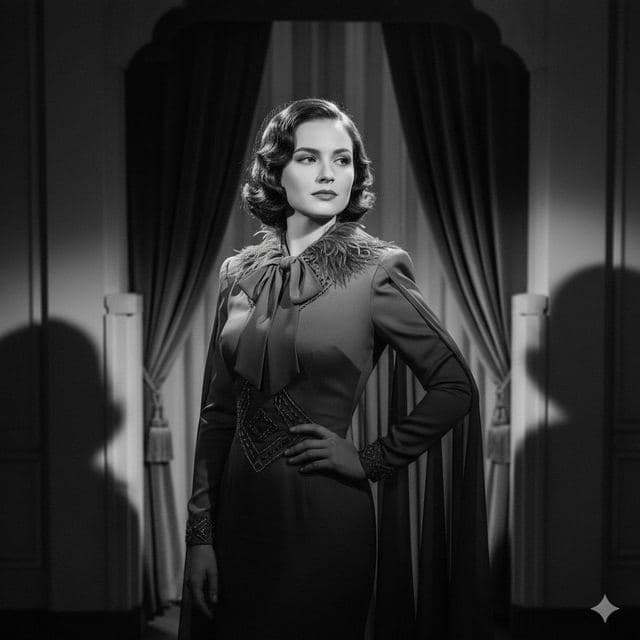
Vintage Drama
1940s Vintage Portrait of Yourself

Gothic Style
Gothic Portrait of Yourself
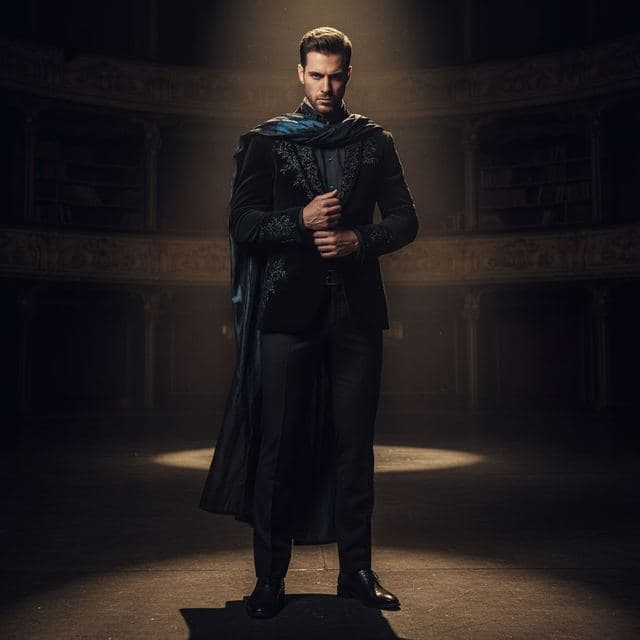
Intense Drama
Dramatic Spotlight Portrait
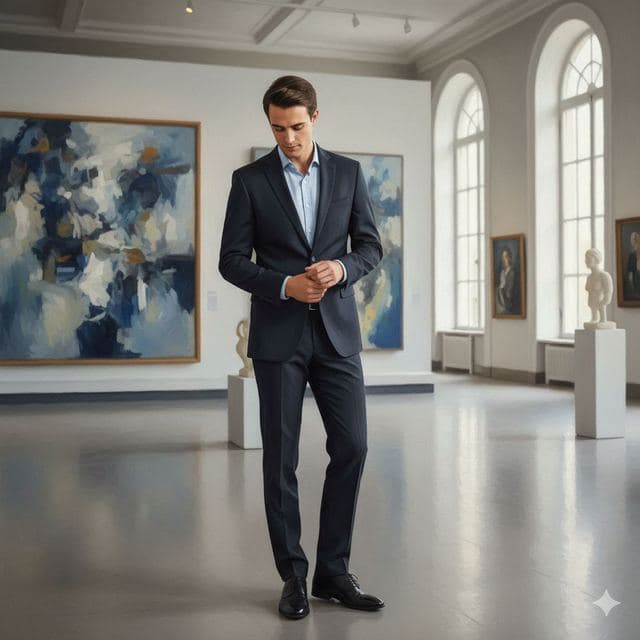
Fine Art
Art Gallery Portrait of Yourself
Also in this category: Shadow Play.
Best for
- Moody profile pictures and band or creator avatars
- Halloween and themed party invitations
- Prints and posters (the black-and-white ones look great framed)
How to use these templates
- Download Face Swap AI and choose the Female or Male tab.
- Scroll to Dramatic & Artistic and tap a template.
- Add a clear selfie from your camera or gallery and tap Swap Faces.
- Save the result to Photos or share it.
Getting the cinematic look right
- Don't smile for Film Noir or Black & White. These portraits use a serious expression, and a big grin breaks the mood.
- Cinematic is a tight head-and-shoulders crop, so your face fills much of the frame. Use your sharpest selfie.
- Gothic Style and Intense Drama are dark scenes. A selfie with strong side light will blend better than a flat, evenly lit one.
Questions
Will a color selfie work on a black-and-white template?
Yes. The swap matches your face to the template's lighting and tone, so the result comes out in black and white like the original scene.
Can I print the result?
Yes. Save the result to Photos and print it like any other photo. Black-and-white templates hold up best at larger print sizes.
Related guides
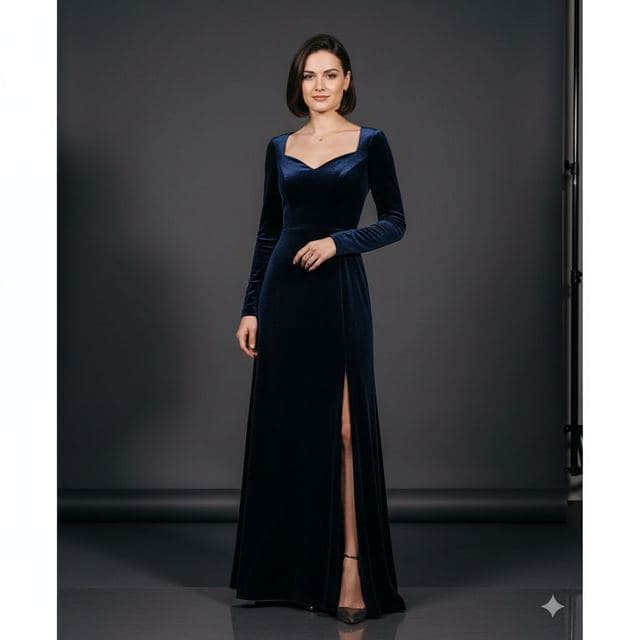
8 tips for a realistic face swap
Why some face swaps look fake and how to fix it: angle, light, sharpness, expression, hair, glasses and skin tone. Eight tips for any AI face swap app.
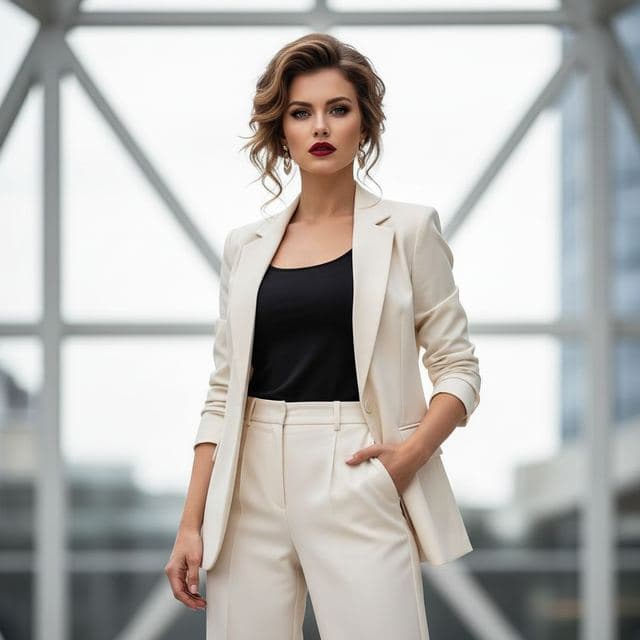

Face changer AI: how it works
Face changer AI for iPhone and Android. Put your face into 60+ photo templates or change faces between any two photos. Ready in under a minute.

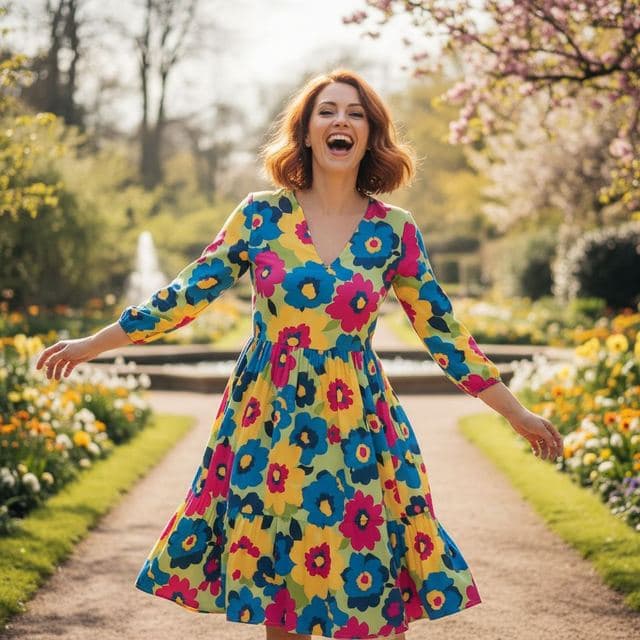

Swap faces between two photos
Swap faces between any two photos on your phone: pick the face, pick the target, tap swap. How to match angle and light so the result looks real.