
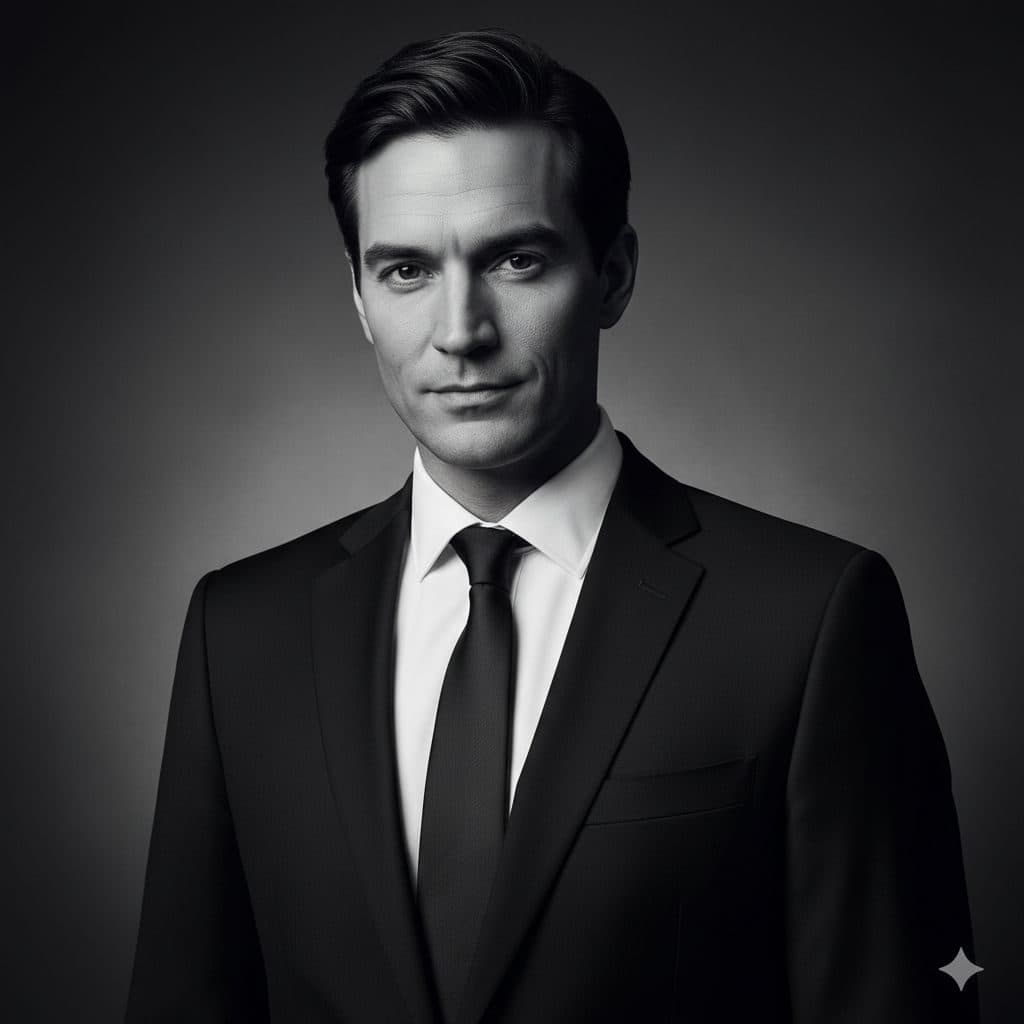
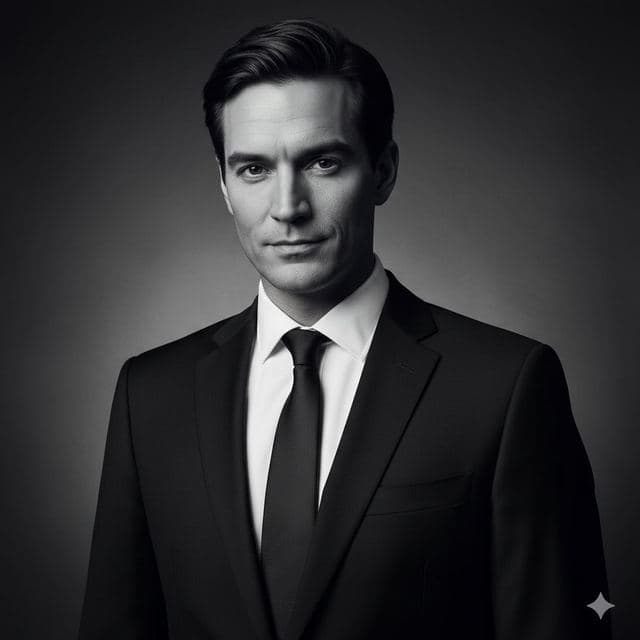
The Black & White template, before your face is added.
Dramatic & Artistic template
Black and White Portrait from a Selfie
Black & White is a classic studio portrait in monochrome: dark suit, white shirt, slim tie, soft light from one side. It's also the most forgiving template in the app, because with no color there's no skin tone to mismatch.


- Template
- Black & White
- Category
- Dramatic & Artistic
- Style
- Classic monochrome
What's in the Black & White template
A man with short dark hair combed back wears a black suit, crisp white shirt and black tie against a plain dark studio backdrop. Soft light falls from the left, leaving gentle shadow on the right side of his face. He looks at the camera with a calm, faint smile, framed chest up, in fine-grained black and white.
How to use the Black & White template
- Download Face Swap AI on iPhone or Android.
- Open the Dramatic & Artistic category and tap Black & White.
- Add a clear selfie from your camera or gallery, then tap Swap Faces.
- Your photo is ready in under a minute. Save it to Photos or share it.
What people use it for
- Timeless profile pictures and author photos
- Framed prints and gifts
- Musician, actor and creative bios
Tips for a natural result
- Take your selfie with a window on your left so the shadows fall the same way.
- Keep a calm, near-neutral expression. Big smiles look out of place in classic portraits.
- Any color selfie works. The result comes out in black and white.
More advice in how to make a face swap look realistic.
Questions
Why do black-and-white face swaps look more realistic?
Most fake-looking swaps fail on skin tone. In black and white there's no color to match, so small differences disappear.
Is a black-and-white photo OK for LinkedIn?
It's allowed and looks classic, but color photos are more common. Use it if it fits your field, like design, film or writing.
More Dramatic & Artistic templates
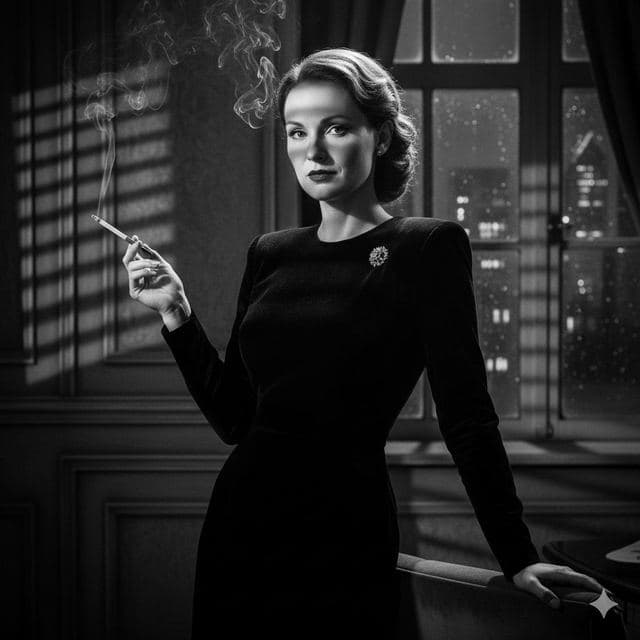
Film Noir Portrait of Yourself
Film Noir

Movie Poster of Yourself
Cinematic
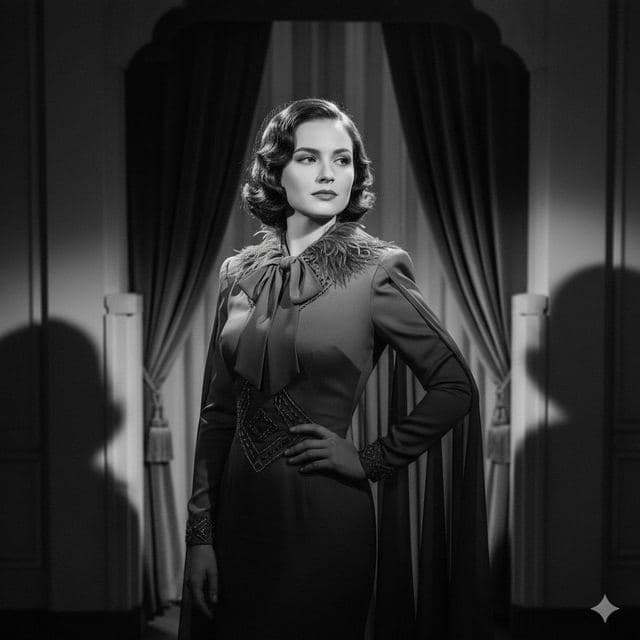
1940s Vintage Portrait of Yourself
Vintage Drama
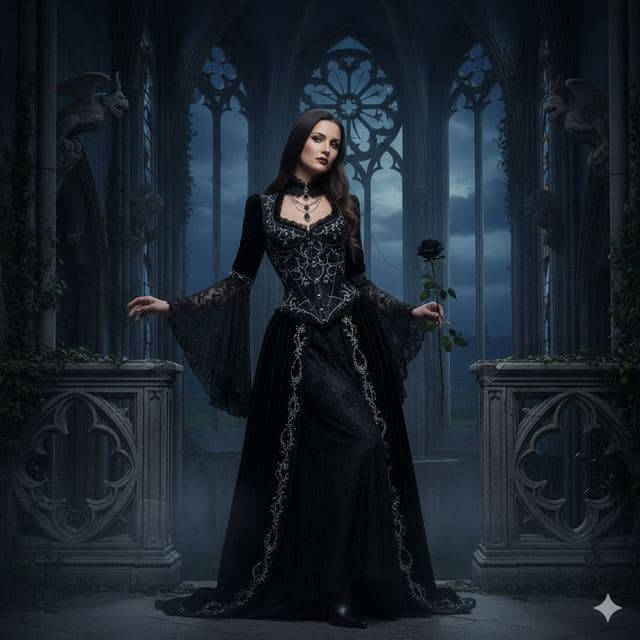
Gothic Portrait of Yourself
Gothic Style
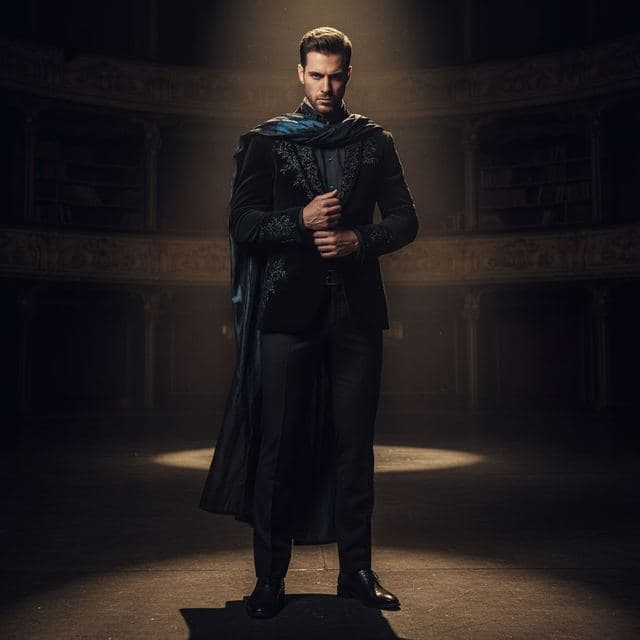
Dramatic Spotlight Portrait
Intense Drama
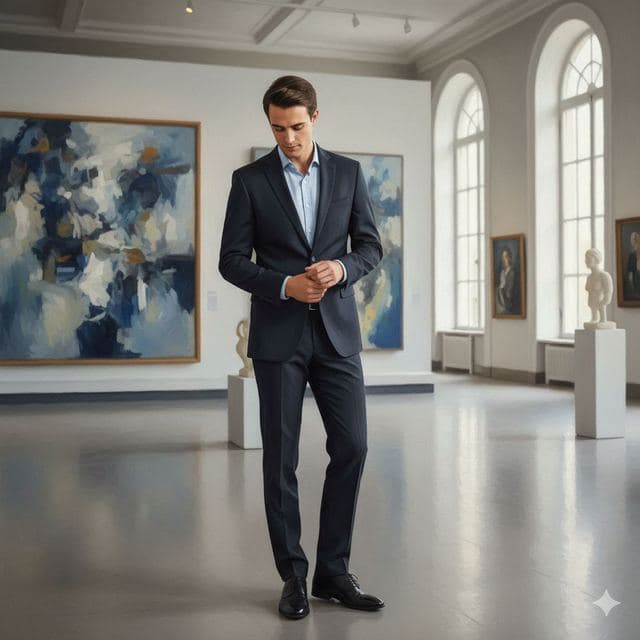
Art Gallery Portrait of Yourself
Fine Art
All Dramatic & Artistic templates →
Related guides
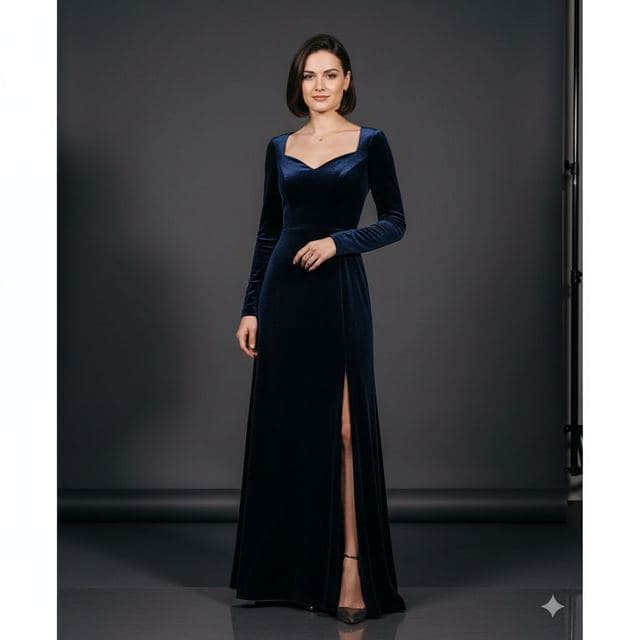
8 tips for a realistic face swap
Why some face swaps look fake and how to fix it: angle, light, sharpness, expression, hair, glasses and skin tone. Eight tips for any AI face swap app.

Face changer AI: how it works
Face changer AI for iPhone and Android. Put your face into 60+ photo templates or change faces between any two photos. Ready in under a minute.


Swap faces between two photos
Swap faces between any two photos on your phone: pick the face, pick the target, tap swap. How to match angle and light so the result looks real.