
Christmas Card Face Swap


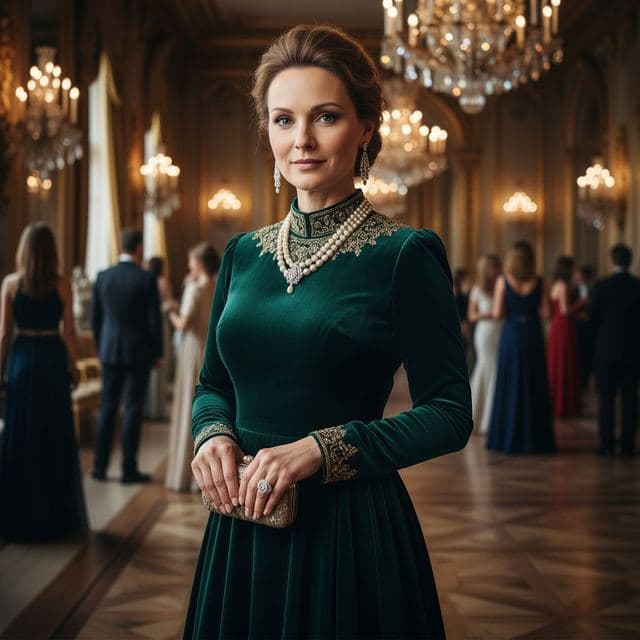
For a Christmas card, Face Swap AI can put your face into a cozy fireplace scene, a black-tie holiday gala or a candlelit dinner from one selfie, in a few seconds. Download the photo, add your greeting in any card app, and send or print it.
Here are the scenes that work best for holiday cards and party invitations.
Holiday scenes to use
- Cozy Casual: chunky knit sweater, warm mug, crackling fireplace. The classic card photo. See it.
- Charity Gala: navy tuxedo, chandeliers, guests in gowns, for a New Year's Eve invite. See it.
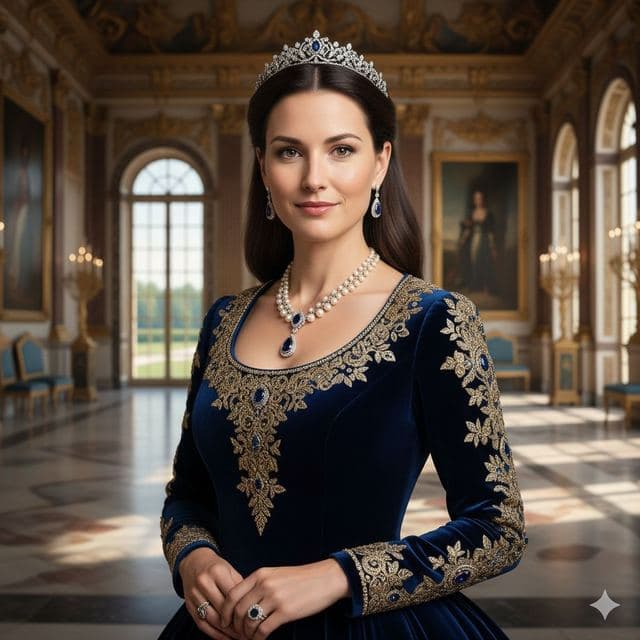
- High Society: emerald velvet gown and a ballroom, festive without the fake snow. See it.
- Sophisticated: candlelit dinner, ideal for a "season's greetings" card. See it.
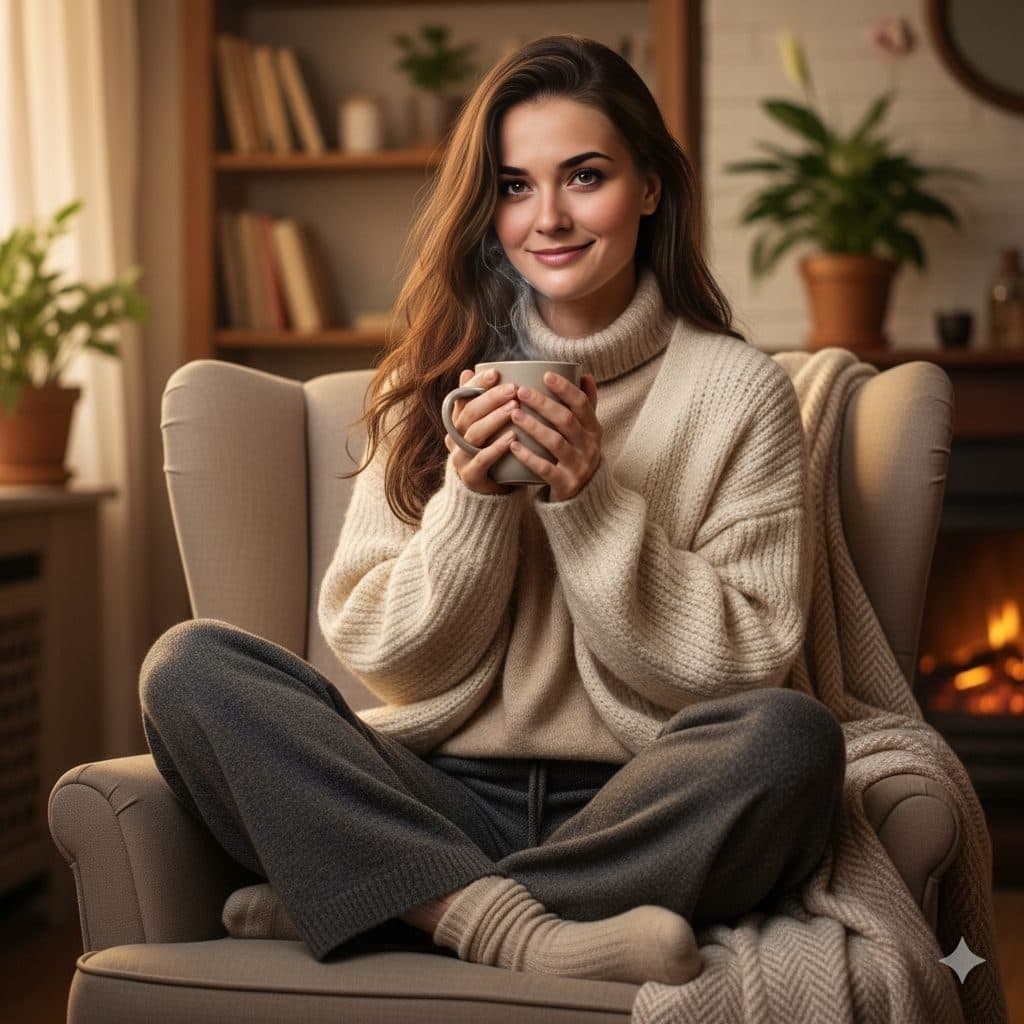
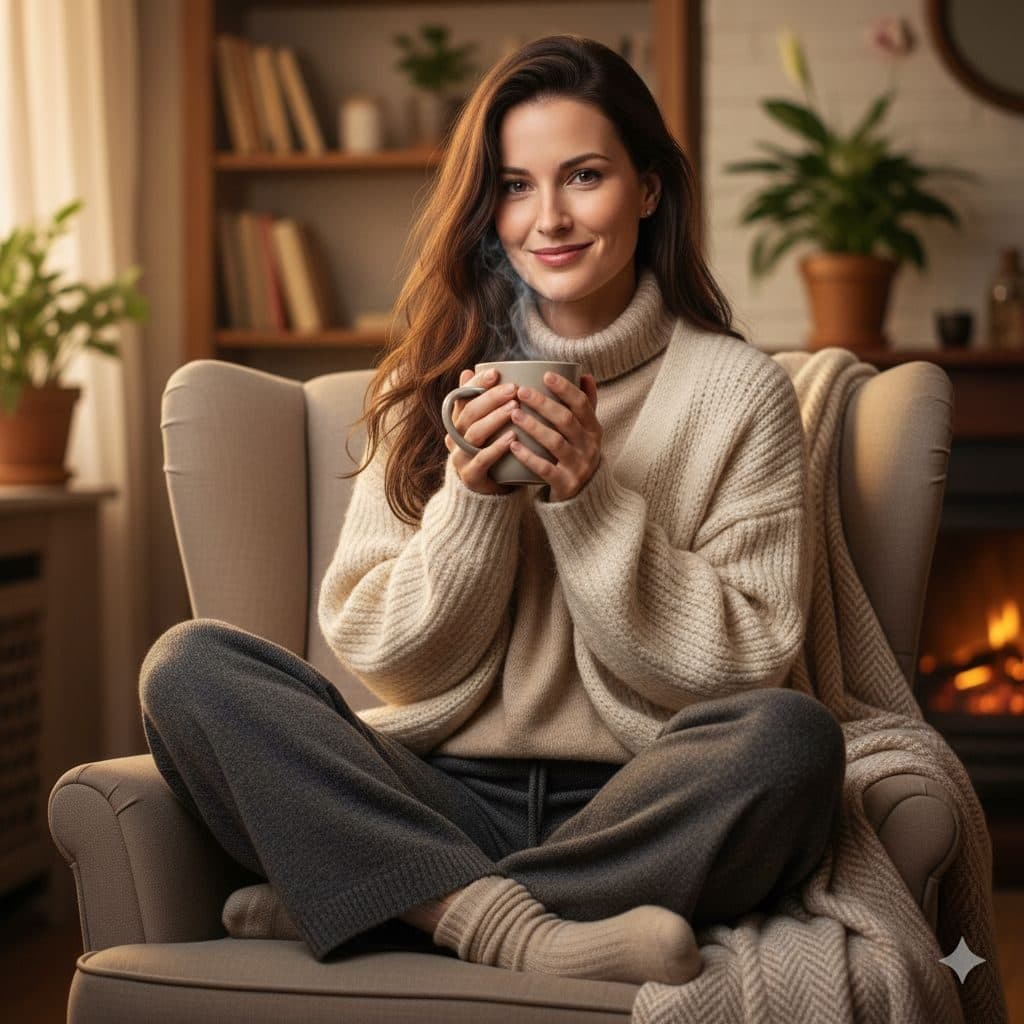
Make the card in 4 steps
- Pick a scene, or upload a holiday photo of your own.
- Add a selfie taken in warm indoor light, like a lamp beside you.
- Tap Swap faces and download the result.
- Add your greeting in a card app, then print it or send it.
Using your own family photo
If you have a festive photo where someone blinked or wasn't looking, choose Upload your own photo and swap in a better shot of their face. Each swap replaces one face, the biggest in the frame, so crop the photo around that person first.
Only use photos of people who are happy to be in the card.


Tips for warm, believable holiday photos
- Warm light in your selfie matches fireplace and candlelit scenes.
- A soft smile suits cozy scenes; save the serious look for the gala.
- Pick scenes with hair close to yours for a natural result.
A starter pack ($2.99 for 15 swaps, one-time) covers your card and a few for family.
Questions
Can I print the Christmas photo?
Yes. Download it and print it like any photo, or upload it to a card-printing service. Close-up scenes like Cozy Casual print best.
Is there a Santa or snow template?
Not at the moment. The holiday look comes from cozy fireplace, gala and candlelit scenes, or you can upload your own festive photo and swap your face into it.
Keep reading



Casual Lifestyle Face Swap Templates
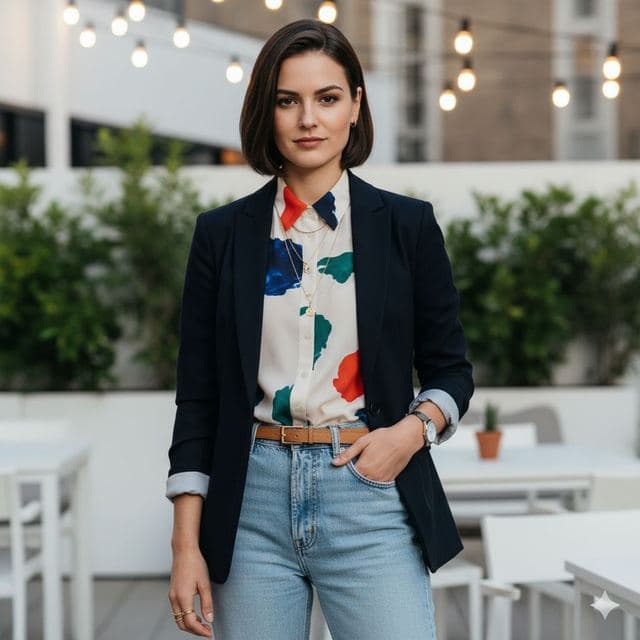
8 everyday photo templates for AI face swap: park run, cozy armchair, rooftop terrace, city balcony. Natural-looking photos for profiles and avatars.


Put your face on any picture
Put your face on any picture in your browser: upload the photo, add a selfie, and AI blends your face in with matching light and skin tone, in seconds.


Birthday face swap ideas
Birthday face swap ideas: make the birthday person royalty, an award winner or a movie star. One photo, ready in seconds to share or print.