
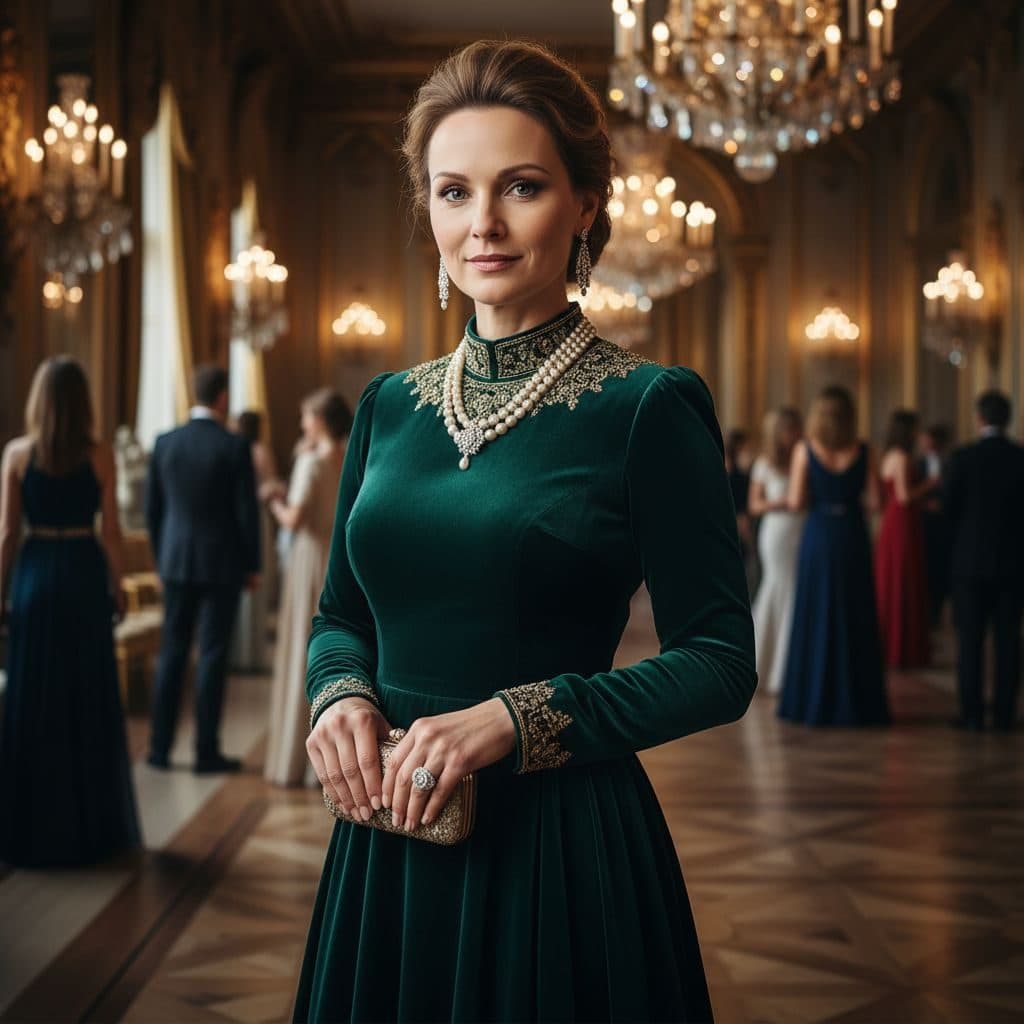
The High Society template, before your face is added.
Luxury & Glamour template
Ballroom Gown Portrait
High Society is an evening at a grand ball: an emerald velvet gown, a pearl choker and chandeliers overhead, with guests in formal dress behind you. You add one selfie.


- Template
- High Society
- Category
- Luxury & Glamour
- Style
- Elite social circles
What's in the High Society template
A woman with her hair swept up wears a long-sleeved emerald velvet gown with gold-embroidered cuffs and a multi-strand pearl choker, holding a small clutch. She stands in an ornate ballroom with crystal chandeliers, gilded mirrors and guests in evening gowns and suits. Warm candlelit tones, framed from the knees up, with a poised half-smile.
How to use the High Society template
- Download Face Swap AI on iPhone or Android.
- Open the Luxury & Glamour category and tap High Society.
- Add a clear selfie from your camera or gallery, then tap Swap Faces.
- Your photo is ready in under a minute. Save it to Photos or share it.
What people use it for
- Gala, ball and formal-event invites
- Birthday posts with a luxury theme
- Costume and period-drama inspiration
Tips for a natural result
- A poised half-smile matches best.
- The hair is an updo and stays from the template, so any hair length works.
- Use a selfie taken in warm indoor light to match the candlelit ballroom.
More advice in how to make a face swap look realistic.
Questions
Is this template good for a regency-style party invite?
Yes. The ballroom, pearls and velvet gown fit a regency or gala theme. Swap each guest of honor in with their permission.
Can I get the same look in a different color?
The gown color is fixed. Philanthropist (navy lace) and Royal Elite (navy velvet with gold) are similar evening looks.
More Luxury & Glamour templates

Executive Portrait
Luxury Executive

Entrepreneur Penthouse Photo
Luxury Entrepreneur
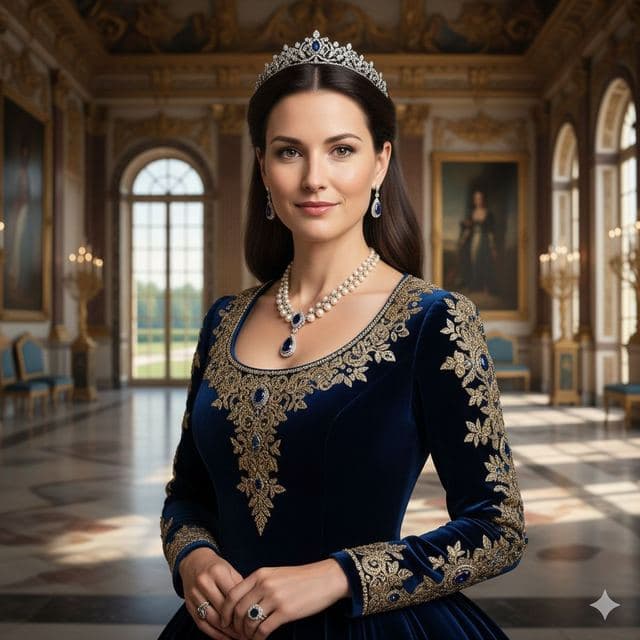
Royal Portrait of Yourself
Royal Elite
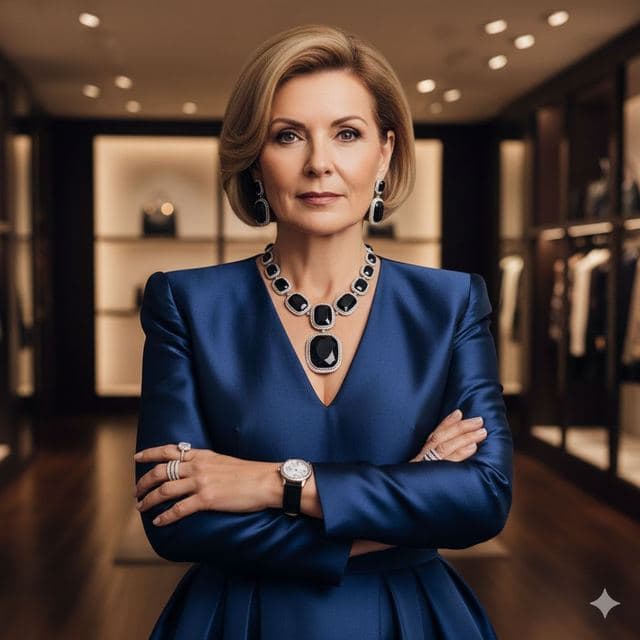
Luxury Fashion Portrait
High Fashion

Wealthy Investor Portrait
Wealthy Investor
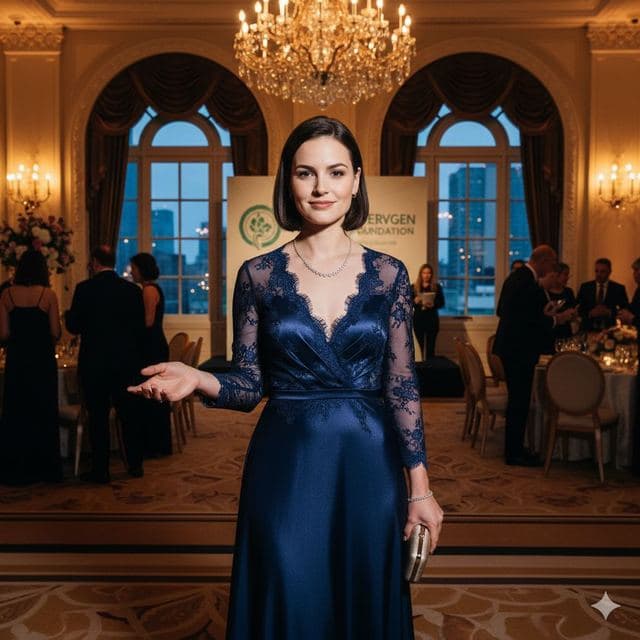
Evening Gown Portrait
Philanthropist
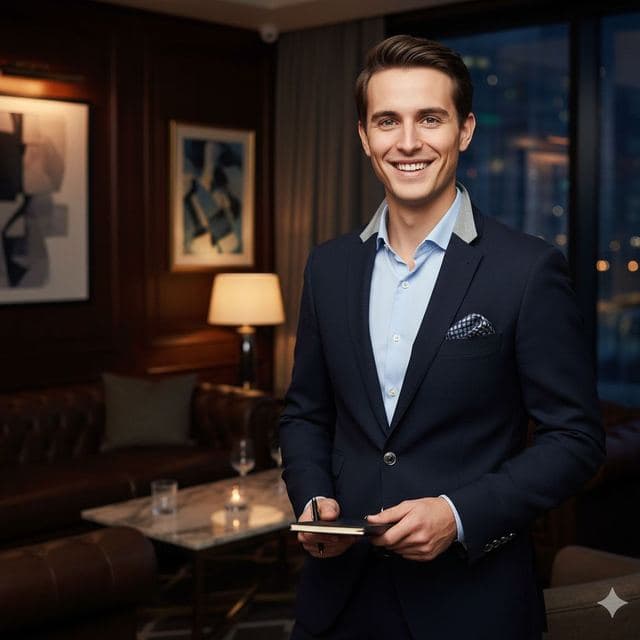
VIP Lounge Photo
VIP Elite
All Luxury & Glamour templates →
Related guides
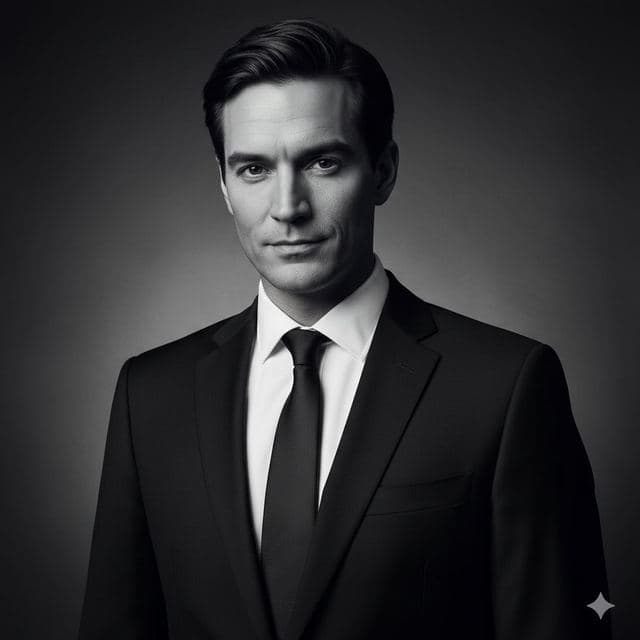
8 tips for a realistic face swap
Why some face swaps look fake and how to fix it: angle, light, sharpness, expression, hair, glasses and skin tone. Eight tips for any AI face swap app.
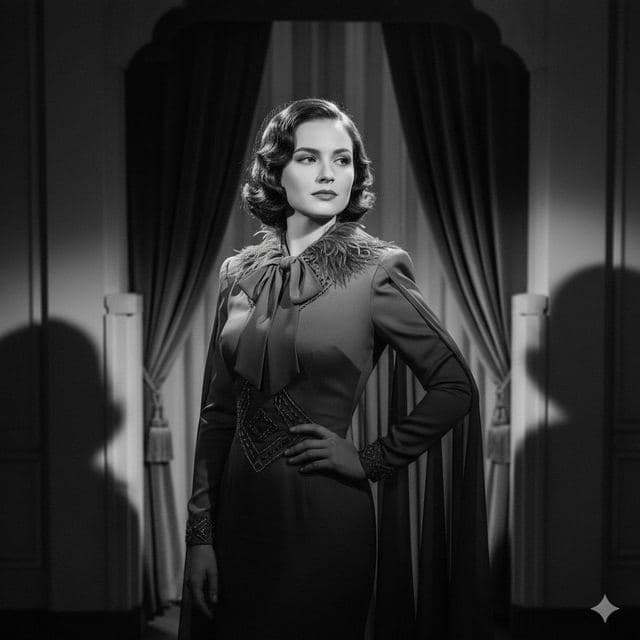
AI photo face swap, with real examples
AI photo face swap for iPhone and Android: put your face into a styled photo template or swap faces between any two pictures. Ready in under a minute.



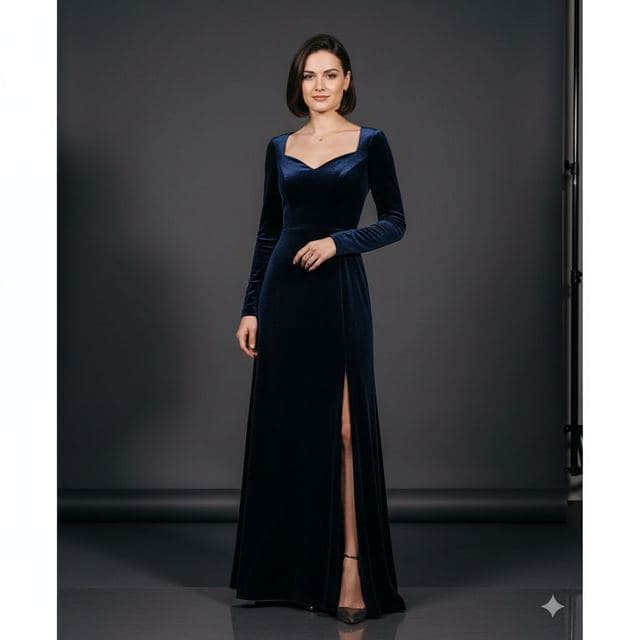
How to face swap on iPhone
Face swap on iPhone in five steps: install, pick a template or two photos, add a selfie, tap Swap Face, save. Works on iPhone and iPad with iOS 13 or later.