

The Wealthy Investor template, before your face is added.
Luxury & Glamour template
Wealthy Investor Portrait
Wealthy Investor is a late-night private office portrait: gray three-piece suit, arms folded, city lights through the window. It's composed, serious and very "old money".


- Template
- Wealthy Investor
- Category
- Luxury & Glamour
- Style
- Financial elite
What's in the Wealthy Investor template
A man with neat side-parted brown hair wears a charcoal three-piece suit, white shirt and navy tie, with a watch on his wrist and arms folded. Behind him, dark wood paneling, a brass wall lamp and a window onto a night skyline. Warm, low light, framed from the waist up, with a calm, confident look.
How to use the Wealthy Investor template
- Download Face Swap AI on iPhone or Android.
- Open the Luxury & Glamour category and tap Wealthy Investor.
- Add a clear selfie from your camera or gallery, then tap Swap Faces.
- Your photo is ready in under a minute. Save it to Photos or share it.
What people use it for
- Finance and investor social profiles
- "Old money" aesthetic posts
- Groomsman and formal-event inspiration
Tips for a natural result
- Keep a calm, confident expression with a hint of a smile.
- A selfie with warm light from one side matches the lamp-lit office.
- Side-parted short hair blends best.
More advice in how to make a face swap look realistic.
Questions
What's the "old money" look and does this fit it?
It's understated, tailored and traditional: muted suits, wood-paneled rooms, no logos. This template fits it closely.
Can I use it for an investor profile on a startup site?
It works as a profile picture. For a formal team page, Luxury Executive or Tech Startup CEO look more like real office photos.
More Luxury & Glamour templates

Executive Portrait
Luxury Executive

Entrepreneur Penthouse Photo
Luxury Entrepreneur
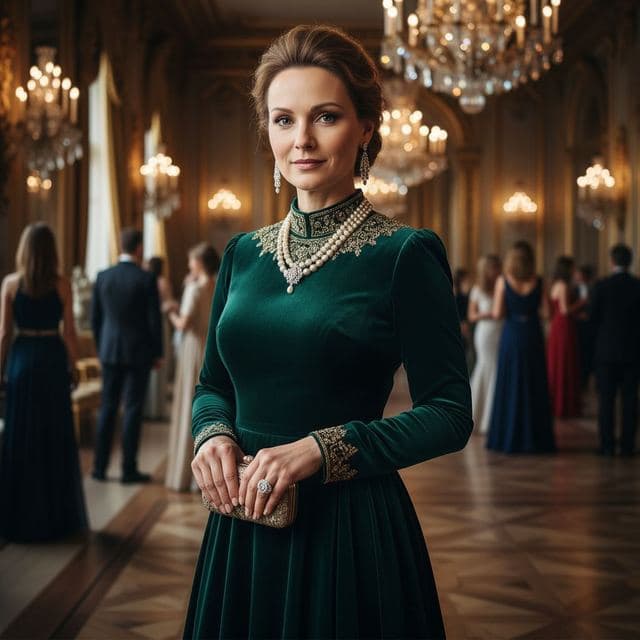
Ballroom Gown Portrait
High Society

Royal Portrait of Yourself
Royal Elite
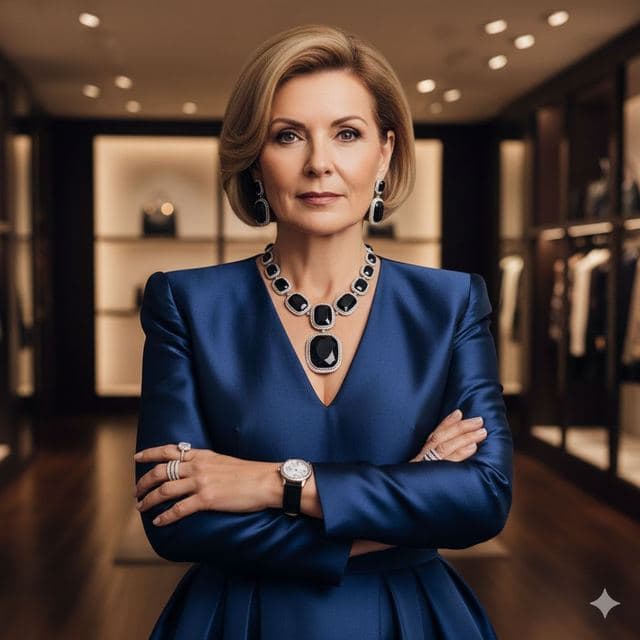
Luxury Fashion Portrait
High Fashion
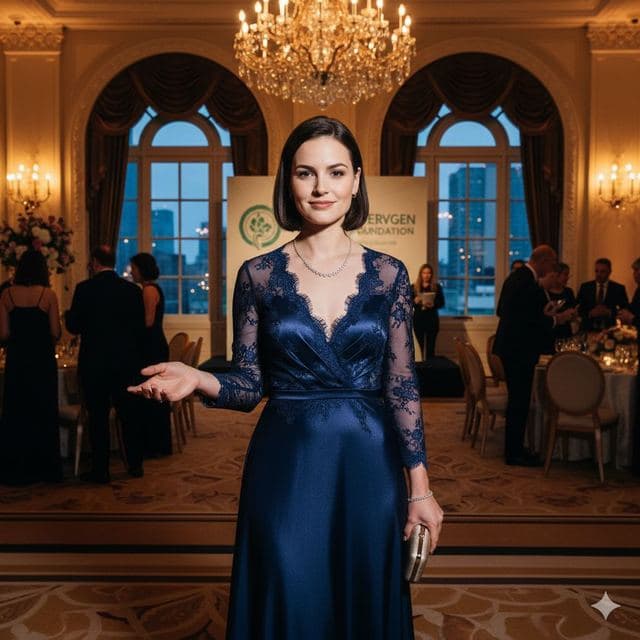
Evening Gown Portrait
Philanthropist

VIP Lounge Photo
VIP Elite
All Luxury & Glamour templates →
Related guides


8 tips for a realistic face swap
Why some face swaps look fake and how to fix it: angle, light, sharpness, expression, hair, glasses and skin tone. Eight tips for any AI face swap app.


AI photo face swap, with real examples
AI photo face swap for iPhone and Android: put your face into a styled photo template or swap faces between any two pictures. Ready in under a minute.



How to face swap on iPhone
Face swap on iPhone in five steps: install, pick a template or two photos, add a selfie, tap Swap Face, save. Works on iPhone and iPad with iOS 13 or later.