
GIF Face Swap: Put Your Face on Any GIF

To face swap a GIF, open the GIF face swap tool, add a clear photo of your face and the GIF you want to change, then tap Swap faces. Face Swap AI puts your face on every frame, keeps the motion and timing, and gives you a new GIF to download and share.
It works in your browser on a phone or a computer. Each GIF uses one swap from your starter pack, and you see a blurred preview before you pay. GIFs can be up to 4 MB and about 10 seconds long.
Quick steps
- Save the GIF. Download the GIF to your phone or computer first. The file should end in .gif and be 4 MB or less.
- Add your face. Open the GIF face swap tool and add a clear, front-facing photo of the face you want to use.
- Add the GIF. Add the GIF in the second box. It plays in the preview so you can check it's the right one.
- Swap and download. Tap Swap faces. Your face goes on every frame, and you download the finished GIF.
How GIF face swap works
A GIF is a short loop of still frames. The AI finds the face in each frame and replaces it with yours, matching the angle, expression and light of that frame, so the face moves with the head, the mouth and the eyes. The background, the timing and the loop stay as they were.
- One face per GIF. If several people are in the GIF, the biggest face is the one changed.
- Up to 4 MB and about 10 seconds. Short reaction GIFs work best.
- One swap per GIF, the same as a photo. Failed swaps aren't counted.
- Usually ready in seconds. If the GIF tool hasn't been used for a while, the first swap can take up to a minute to start.
Where to get a GIF to swap
Any GIF file works, as long as one face is clearly visible. Reaction GIFs, where one person fills most of the frame, give the best results.
- GIF sites and keyboards. On GIPHY or Tenor, open the GIF and save or download it. On a phone, press and hold the GIF and choose Save.
- Your own clips. Turn a short video of yourself or a friend into a GIF with your phone's GIF maker, then swap the face.
- Check the file. Some sites save a video (MP4) or a WebP instead of a GIF. If the tool says the file isn't a GIF, look for a "Download GIF" option.
Tips for a realistic GIF face swap
The face photo matters as much as the GIF. A sharp, well-lit photo that faces the camera gives the AI the most detail to work with on every frame.
- Pick a GIF where the face is large and mostly turned towards the camera. Faces seen from the side, or covered by hands or hair, may be skipped on some frames.
- Use a face photo with a neutral expression and no sunglasses.
- Shorter GIFs are faster and smaller to share. Cut long ones down before you upload.
- If no face is found, try a GIF where the person is closer to the camera.
More advice in our tips for realistic face swaps.
GIF, photo or group photo: which tool to use
| You want to | Use | Swaps used |
|---|---|---|
| Put your face on a moving GIF | GIF face swap | 1 |
| Put your face into one photo you choose | Face swap (two photos) | 1 |
| Change several people in one photo | Group photo tool | 1 per face changed |
| Put your face into a ready-made portrait | Templates | 1 |
For memes made from still images, see how to make a face swap meme. For group photos, see multiple face swap.
Use your own face, or a friend's who agreed
GIF face swaps are made for jokes with people who are in on it: your face on a famous reaction, a friend's face on a dance for their birthday. Only use a face if it's yours or the person agreed, and don't use a swap to make it look like someone really said or did something.
Every GIF you download carries a hidden "edited with AI" label in its file data, and our terms ask you to say it was made with AI when you share it. Our guide to face swap laws explains where the line is.
Questions
Is GIF face swap free?
No. You can try it and see a blurred preview for free, but the finished GIF uses one swap. The starter pack is $4.99 for 15 swaps, paid once with no subscription.
How big can the GIF be?
Up to 4 MB and about 10 seconds long. Most reaction GIFs from GIPHY or Tenor are well under that. For a bigger GIF, cut it shorter or make it smaller first.
Can I swap more than one face in a GIF?
Not at the moment. The GIF tool changes one face, the biggest one in the GIF. To change several people, use the group photo tool, which works on photos.
Can I face swap a video?
Not yet. Face Swap AI swaps faces in photos and GIFs. To use a short video clip, turn it into a GIF first.
Will the GIF have a watermark?
No. The GIF you download has no visible watermark. It carries a hidden label in its file data saying it was edited with AI.
Keep reading
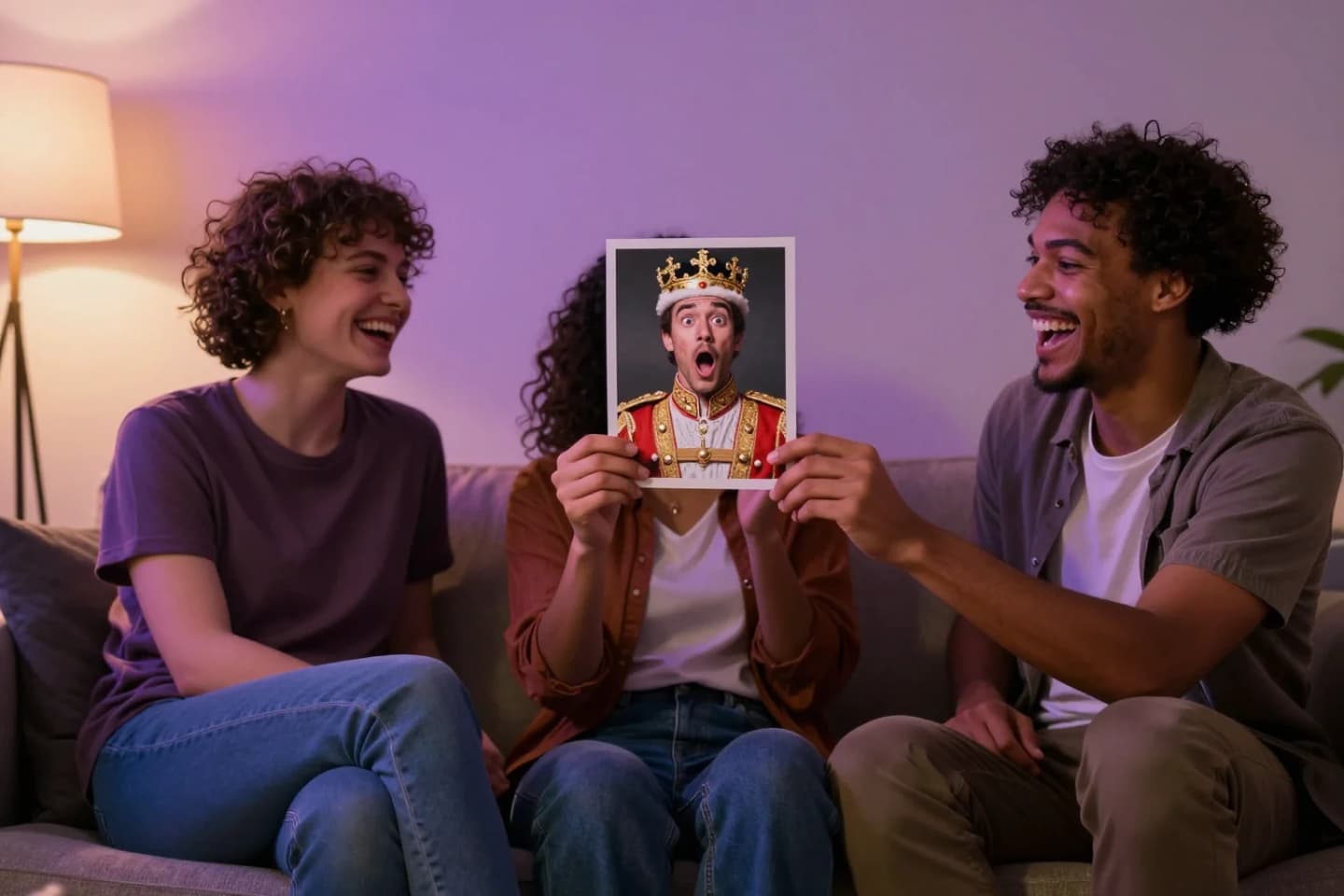
Face swap meme maker
Make a face swap meme in your browser: upload the meme and a selfie, and AI puts your face on it in seconds. Which memes work best and how to keep it fair.

Multiple face swap in one group photo
Swap several faces in one group photo with AI: add the photo, pick who gets a new face, and download one realistic result. Up to 6 faces, in your browser.
8 tips for a realistic face swap
Why some face swaps look fake and how to fix it: angle, light, sharpness, expression, hair, glasses and skin tone. Eight tips for any AI face swap app.