
Online AI face swap
Realistic AI face swap online, in seconds
Put your face into 60 realistic photo templates, from dating and headshots to red carpet and film noir, or swap faces between any two photos. It all happens in your browser, and your photo is ready in seconds.
Want a ready-made look? Put your face into a template →
- Nothing to install
- Phone or computer
- No subscription needed
- No watermark
- Photos never stored


Drag to compare the original with the swap
AI face swap before and after: real results
Drag the slider on any photo to compare. Real results from Face Swap AI. The faces swapped in are AI-generated sample faces, not customers' photos.


 Wall Street Portrait for WomenInvestment Banker (Female) template

 Film Noir Portrait of YourselfFilm Noir template

 Startup Founder HeadshotTech Startup CEO (Male) template
 Author Headshot for WomenBestselling Author (Female) template
 Movie Poster of YourselfCinematic template
 Luxury Fashion PortraitHigh Fashion template
How to swap faces online in 3 steps
- 1
Pick a template or a photo
Browse 50+ portraits by category, or use the Face swap tool to put a face into any picture you like.
- 2
Add your selfie
Upload one or take it with your phone's camera. A clear, front-facing photo works best.
- 3
Swap and download
Tap Swap faces. Your photo is ready in seconds. Download it or share it straight from your phone.
Face Swap AI on your computer or phone
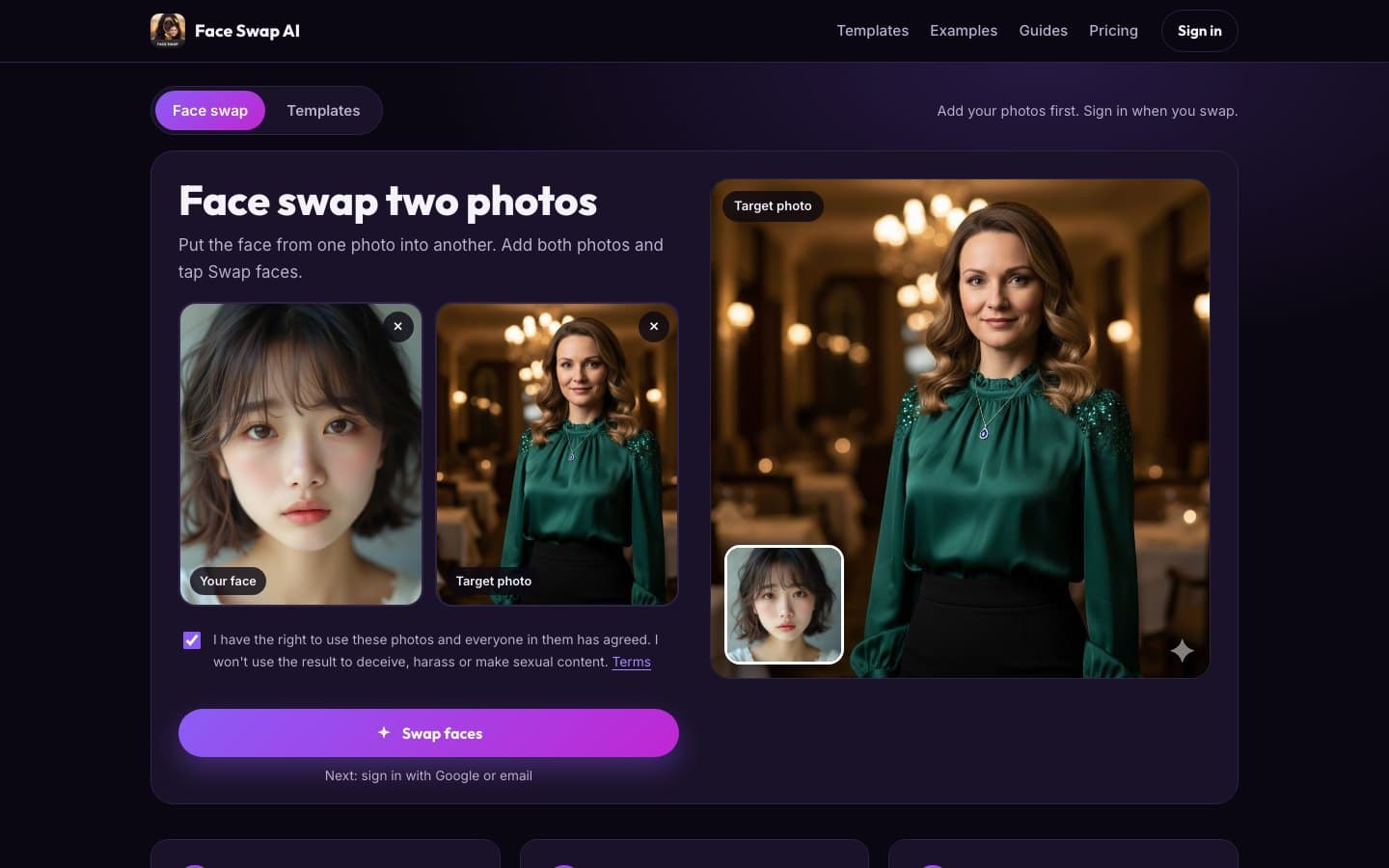
Two tools: swap faces between two photos, or put your face into a template. Add your photos, tap Swap faces. It works the same on a laptop and in your phone's browser.
Face swap templates for every kind of photo
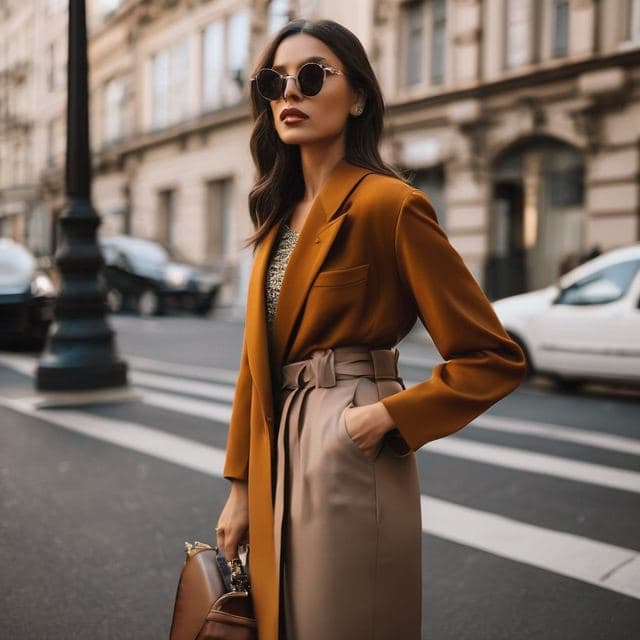
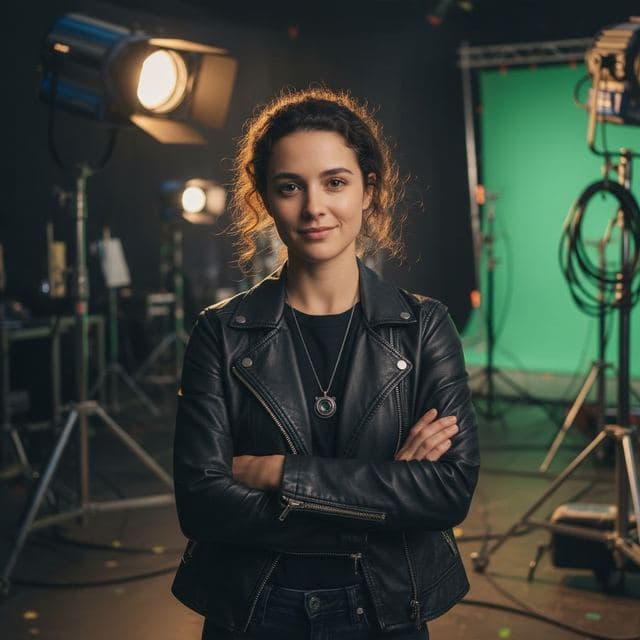
Six categories of portraits with real light and real settings, ready for your face.















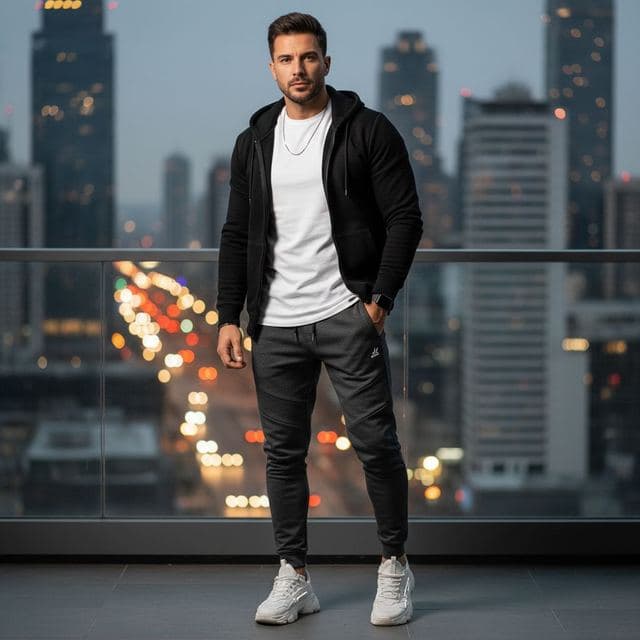



What you can do with Face Swap AI
Swap any two photos
The Face swap tool puts a face into any picture you choose, so you're not limited to templates.
Templates by use
Dating, dream jobs, luxury, red carpet, casual and cinematic portraits, with versions for women and men.
Face fusion that fits
The AI matches skin tone and lighting to the photo, so the face sits in the scene instead of on top of it.
Fast on any device
Photos are resized in your browser before upload, so swaps are quick even on mobile data.
Download, no watermark
Every result downloads clean. On a phone, share it straight to your camera roll or any app.
Private by default
Your photos are used only to make the swap. We don't keep them, sell them or train AI on them.
Face swap pricing: one pack, pay once
One starter pack for 15 swaps, no subscription. You see your swap before you pay.
- Secure checkout by Stripe
- One-time pack, no subscription needed
- No watermark
- See your swap before you pay
Popular face swap ideas

Christmas card face swap
Make a Christmas card photo with your face: a tree portrait, a snowy street, an ugly sweater or New Year's Eve glam. One selfie, ready to print or send.
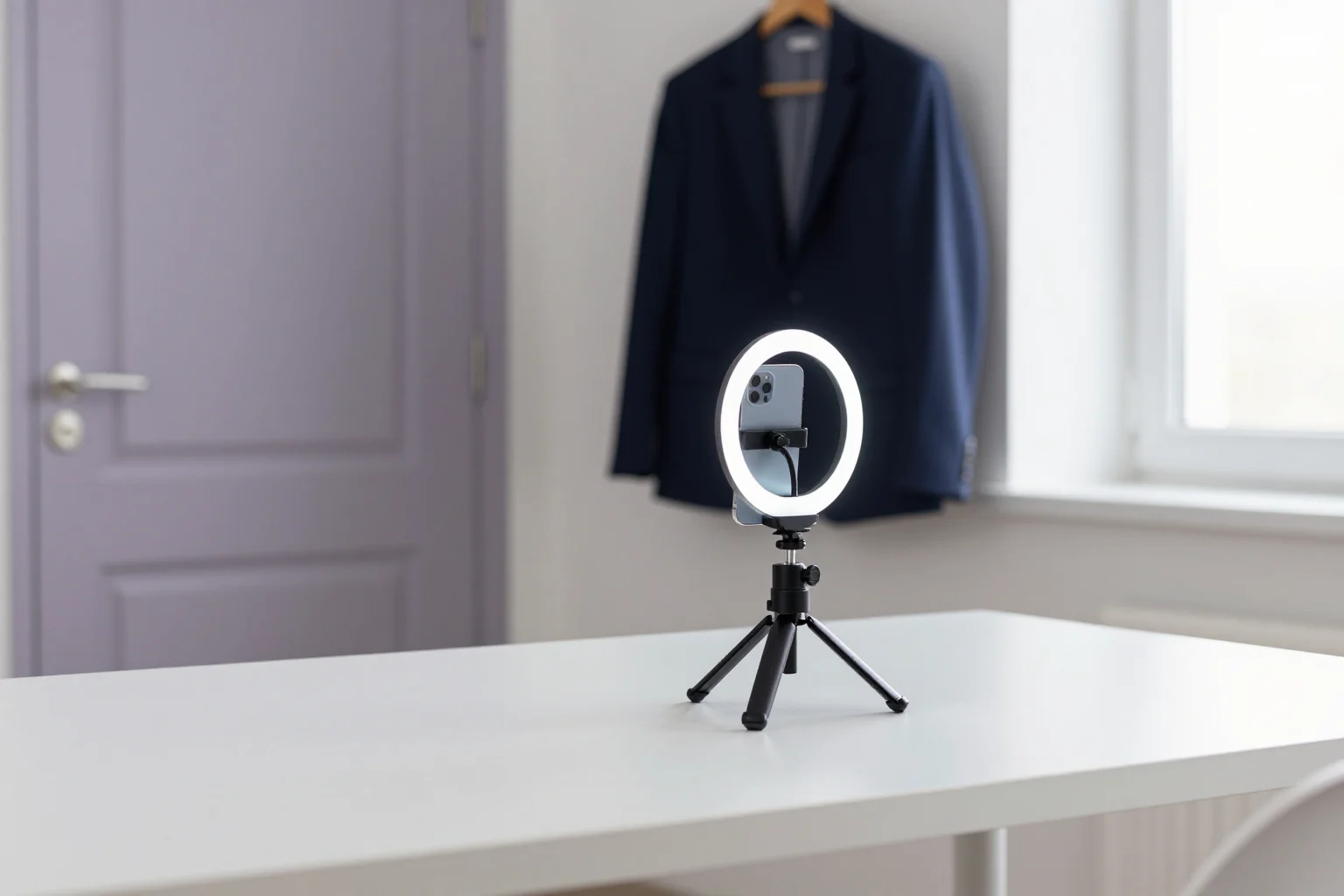
AI headshot generator from one selfie
Make a professional headshot from one selfie: office, studio and executive portraits, ready in seconds. No 20-photo upload and no subscription needed.
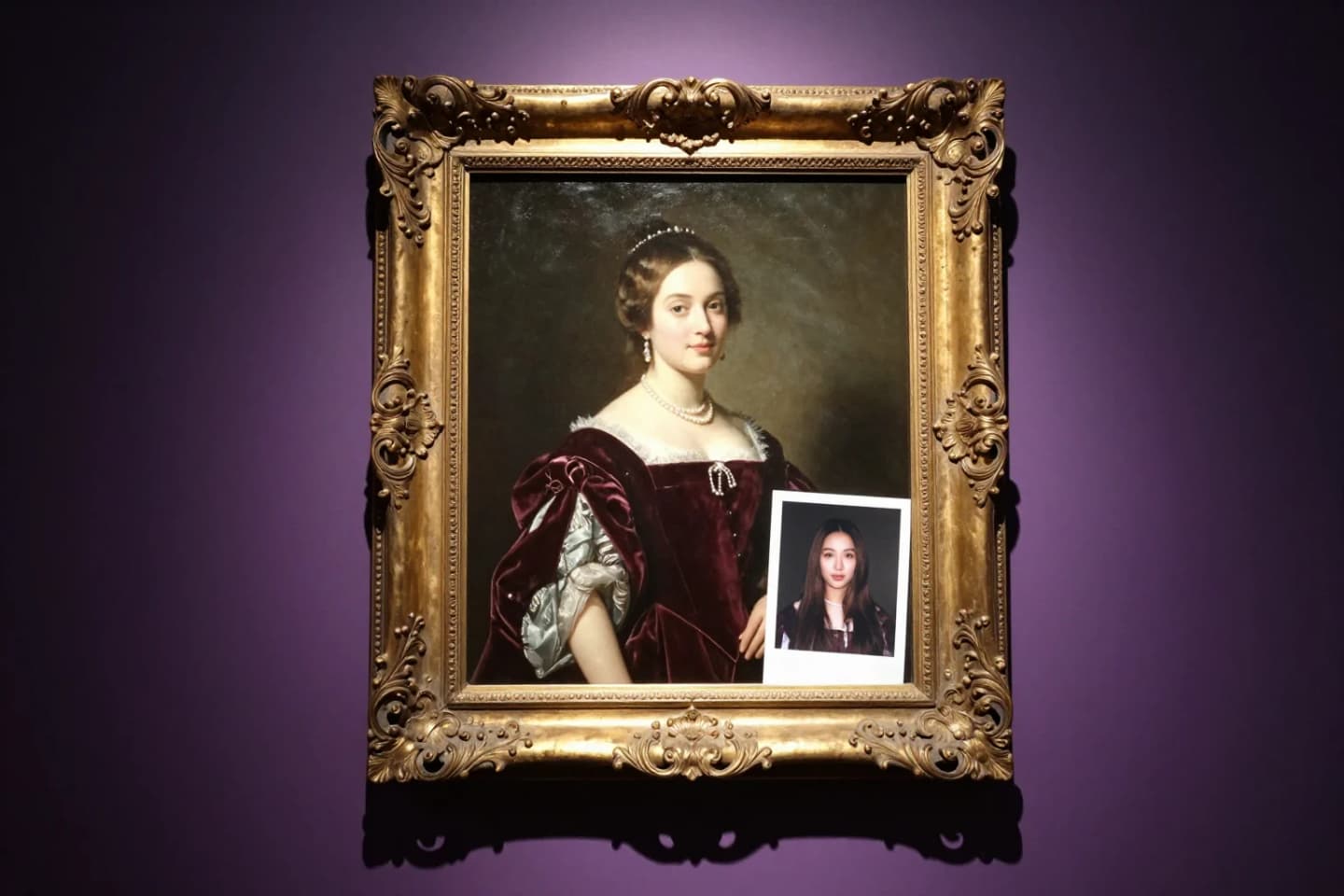
AI portrait from your photo
Turn one photo into a royal portrait, a film noir still, a movie poster or a studio headshot. 50+ AI portrait styles that keep your real face.
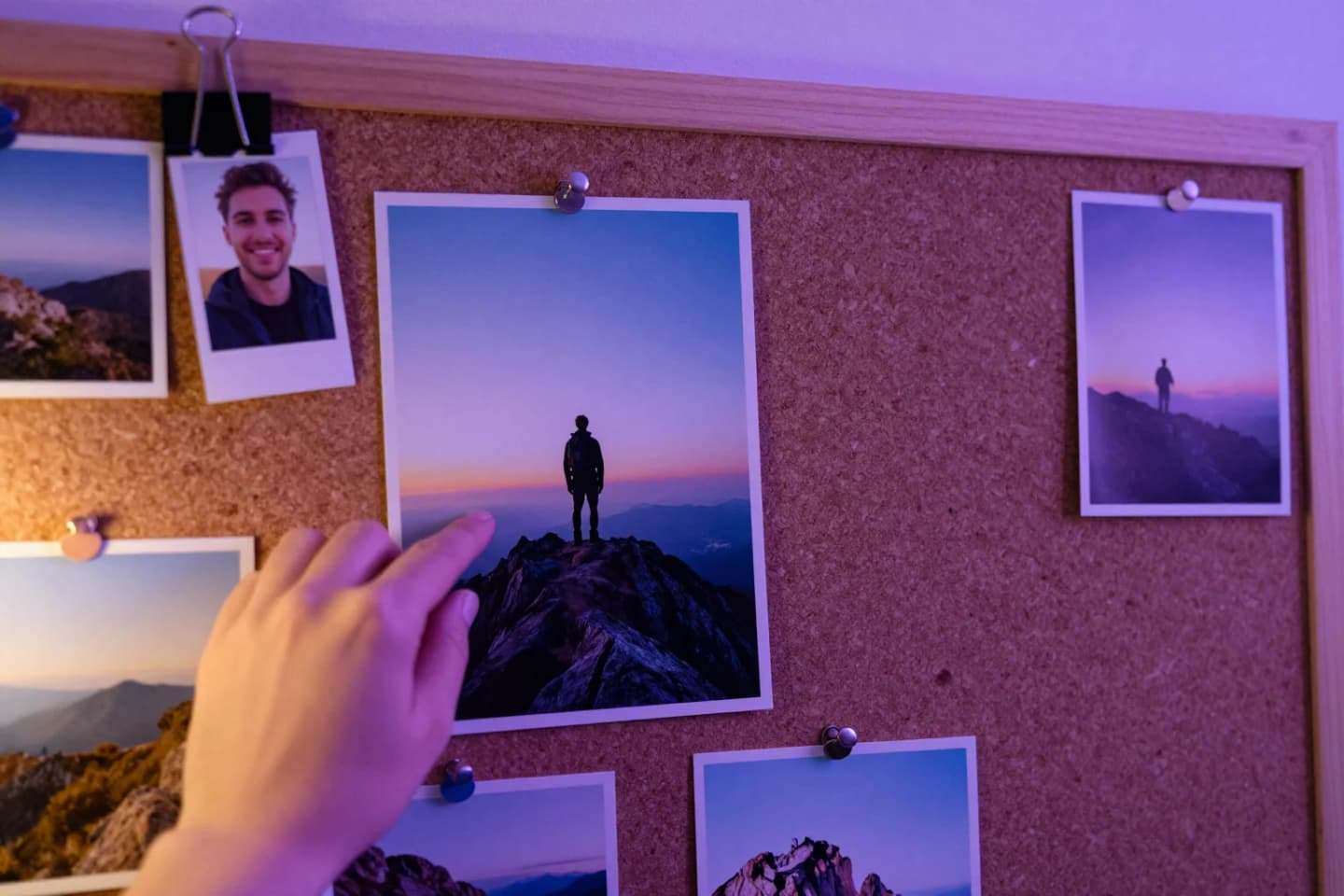
Put your face on any picture
Put your face on any picture in your browser: upload the photo, add a selfie, and AI blends your face in with matching light and skin tone, in seconds.

Birthday face swap ideas
Birthday face swap ideas: make the birthday person royalty, an award winner or a movie star. One photo, ready in seconds to share or print.
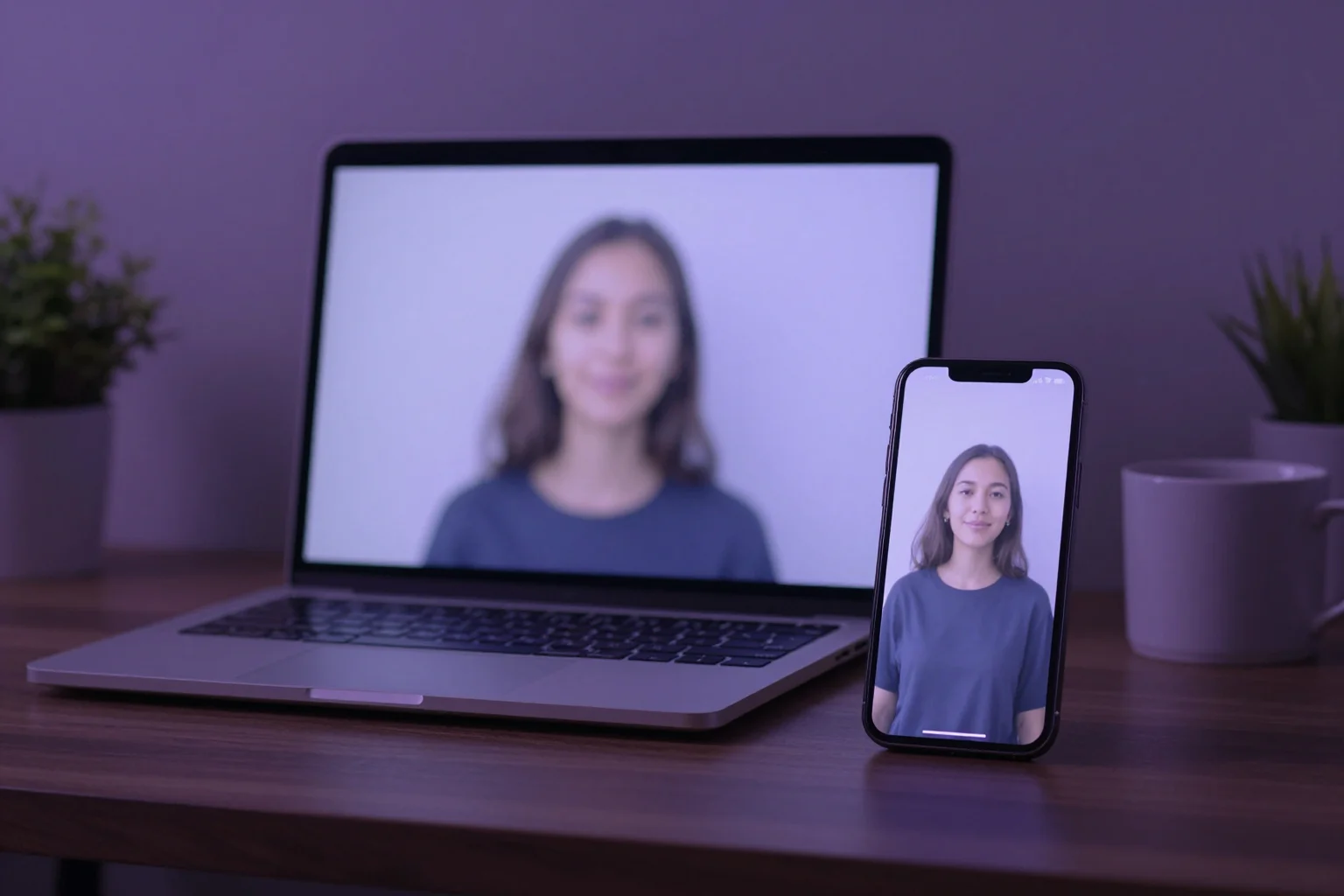
AI face swap online, in your browser
Swap faces online with Face Swap AI, no app or download: 50+ photo templates or your own two photos, results in seconds on any phone or computer.
Face swap AI questions, answered
What is AI face swap?
AI face swap takes the face from one photo and blends it into another, matching skin tone, angle and lighting. Face Swap AI does it in your browser in seconds, using ready-made templates or any two photos.
How face changer AI works →Do I need to install anything?
No. Face Swap AI runs in any modern browser on a phone, tablet or computer. Add your photos straight away, and sign in with Google or an email code when you tap Swap faces, without leaving the page.
How to swap faces online →Is Face Swap AI free?
Browsing templates and examples is free, and you see a blurred preview of your swap before you pay. Unlocking it uses a one-time starter pack, and you always see the price first.
What's free and what isn't →Can I swap faces between two of my own photos?
Yes. Open the Face swap tool, add the face photo, add the picture the face should go into, and tap Swap faces.
Two-photo swap guide →Does it work on my phone?
Yes. Open the site in Safari or Chrome on your phone, tap Your face to take a selfie, and save the result from the share sheet. The Swap faces button stays at the bottom of the screen.
Face swap on iPhone, no app needed →How do I make a face swap look realistic?
Use a sharp selfie taken in daylight and pick a template whose head angle and lighting match it. Black-and-white templates are the most forgiving.
8 tips for realistic swaps →Can I make a professional headshot with it?
Yes. Smart Casual, Minimalist, Tech Startup CEO and Investment Banker templates work well as headshots. Use a selfie taken at eye level by a window.
Headshot from a selfie →What happens to my photos?
Your photos are sent to our AI provider only to make your swap. We don't store them, sell them or use them to train AI models.
Face swap privacy explained →Is there a subscription?
No. The starter pack is a single payment for 15 swaps that never expire, so there's nothing to cancel and nothing renews.
Plans and billing →Is face swapping legal?
Swapping faces in photos is legal in most places when they're your own photos or everyone in them has agreed. What's illegal in a growing number of countries and US states is using a face swap to impersonate, defraud or harass someone, or to make sexual images of a real person without consent. Our terms forbid all of these. This isn't legal advice, so check the rules where you live.
Face swap laws by country →Can I face swap on Android?
Yes. Open faceswapai.app in Chrome or Samsung Internet, tap Your face to take a selfie or pick a photo, and tap Swap faces. Download saves the result to your phone, and Share sends it to any app. Nothing to install.
Face swap on Android, no app needed →Can Face Swap AI swap faces in videos?
Not yet. Face Swap AI works with photos only, which is where it puts all its effort: templates, lighting and realistic results for still images.
AI photo face swap examples →