

The Cinematic template, before your face is added.
Dramatic & Artistic template
Movie Poster of Yourself
Cinematic is an action-movie poster with you as the lead: a sharp suit, an intense stare and a city skyline on fire behind you. Add the title of your choice and it's ready to post.


- Template
- Cinematic
- Category
- Dramatic & Artistic
- Style
- Movie poster quality
What's in the Cinematic template
A man with slicked-back dark hair in a charcoal pinstripe suit and black shirt stares straight into the camera with a serious, intense expression. Behind him, glass skyscrapers rise against a deep blue night sky while flames and smoke burn on the left. Teal-and-orange movie lighting, framed head and shoulders in a tight crop.
How to use the Cinematic template
- Download Face Swap AI on iPhone or Android.
- Open the Dramatic & Artistic category and tap Cinematic.
- Add a clear selfie from your camera or gallery, then tap Swap Faces.
- Your photo is ready in under a minute. Save it to Photos or share it.
What people use it for
- Birthday and "main character" posts
- Movie-night and party invitations
- YouTube thumbnails and channel art
Tips for a natural result
- Look straight into the lens with a serious expression. No smile.
- This is a tight crop, so your face fills much of the frame. Use your sharpest selfie.
- A selfie with some side light adds to the dramatic look.
More advice in how to make a face swap look realistic.
Questions
How do I add a movie title to the poster?
Save the result, then add text in any editor such as Photos markup, Canva or Instagram stories. Leave the top or bottom third for the title.
Can I use it as a YouTube thumbnail?
Yes. The tight crop and strong contrast read well at small sizes. Use your own face, or a collaborator's with their OK.
More Dramatic & Artistic templates

Black and White Portrait from a Selfie
Black & White
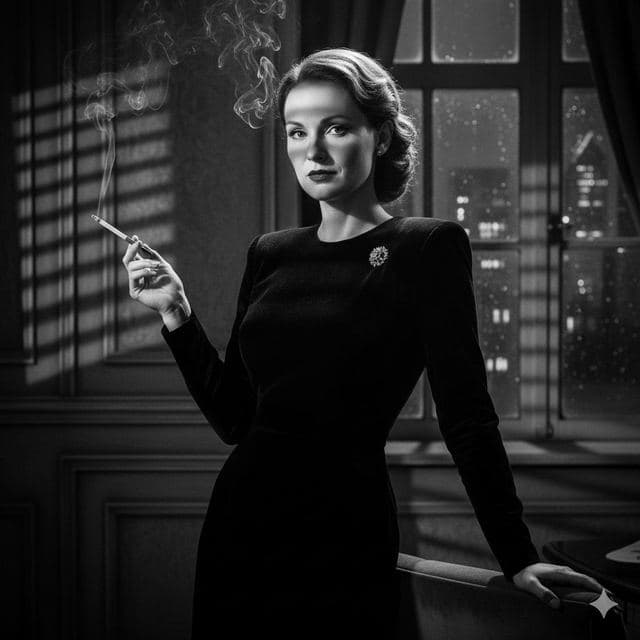
Film Noir Portrait of Yourself
Film Noir

1940s Vintage Portrait of Yourself
Vintage Drama

Gothic Portrait of Yourself
Gothic Style
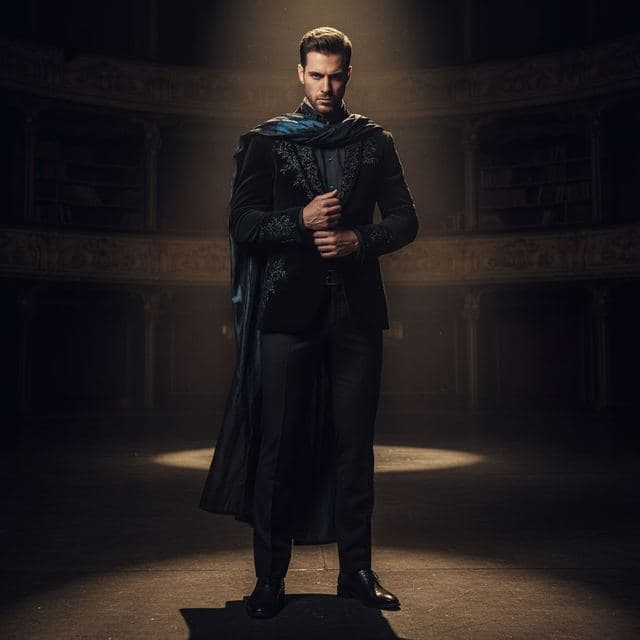
Dramatic Spotlight Portrait
Intense Drama

Art Gallery Portrait of Yourself
Fine Art
All Dramatic & Artistic templates →
Related guides
8 tips for a realistic face swap
Why some face swaps look fake and how to fix it: angle, light, sharpness, expression, hair, glasses and skin tone. Eight tips for any AI face swap app.


Face changer AI: how it works
Face changer AI for iPhone and Android. Put your face into 60+ photo templates or change faces between any two photos. Ready in under a minute.


Swap faces between two photos
Swap faces between any two photos on your phone: pick the face, pick the target, tap swap. How to match angle and light so the result looks real.