
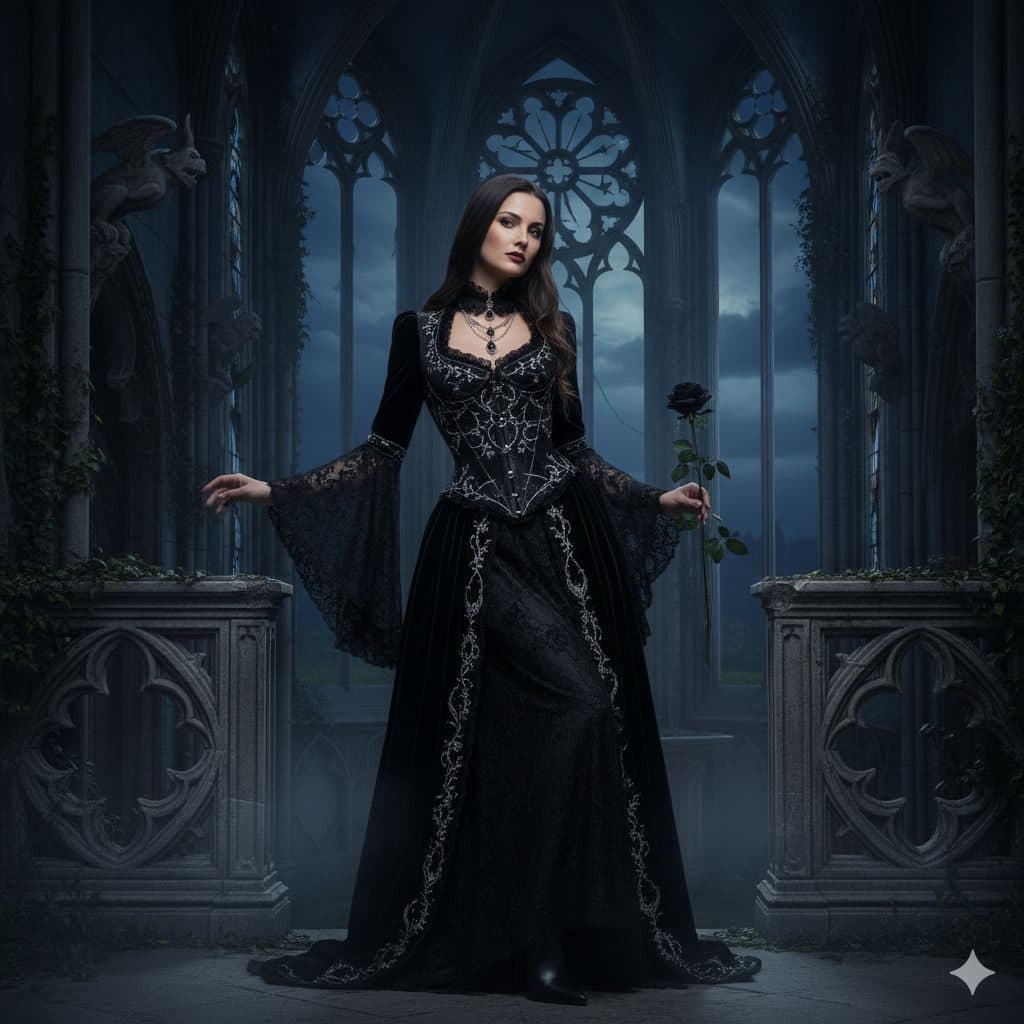
The Gothic Style template, before your face is added.
Dramatic & Artistic template
Gothic Portrait of Yourself
Gothic Style is dark romance: a black lace gown with bell sleeves, a single black rose and a moonlit chapel with pointed stone windows. It's made for Halloween, fantasy fans and anyone who owns more black than color.


- Template
- Gothic Style
- Category
- Dramatic & Artistic
- Style
- Dark romantic mood
What's in the Gothic Style template
A woman with long dark hair wears a floor-length black gown with a lace corset bodice, silver embroidery and wide lace bell sleeves, holding a black rose in one hand. She stands in a stone chapel with tall gothic arched windows, carved balustrades and climbing ivy, lit in cold blue moonlight. Framed full length, with a cool, unsmiling gaze.
How to use the Gothic Style template
- Download Face Swap AI on iPhone or Android.
- Open the Dramatic & Artistic category and tap Gothic Style.
- Add a clear selfie from your camera or gallery, then tap Swap Faces.
- Your photo is ready in under a minute. Save it to Photos or share it.
What people use it for
- Halloween profile pictures and party invites
- Fantasy, goth and cosplay accounts
- Book covers for dark romance fans
Tips for a natural result
- Don't smile. The template has a cool, mysterious look.
- The scene is dark and blue. A selfie in dim, cool light blends better than bright daylight.
- Your face is small in a full-length frame, so use a sharp close-up selfie.
More advice in how to make a face swap look realistic.
Questions
Is Gothic Style good for a Halloween profile picture?
It's one of the best options for it. Crop to your face and shoulders so it reads clearly as a small avatar.
Can I use it on a self-published book cover?
You can use your own face on your own cover. Add your title in a design tool, and keep the template's generated setting as is.
More Dramatic & Artistic templates

Black and White Portrait from a Selfie
Black & White
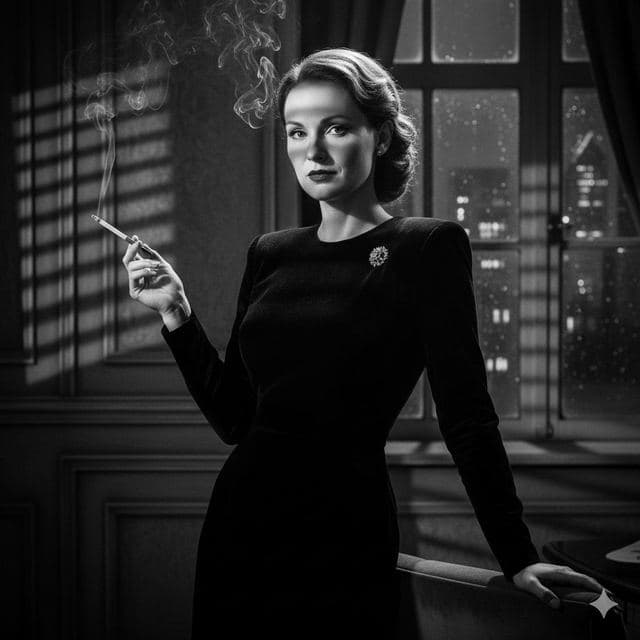
Film Noir Portrait of Yourself
Film Noir

Movie Poster of Yourself
Cinematic
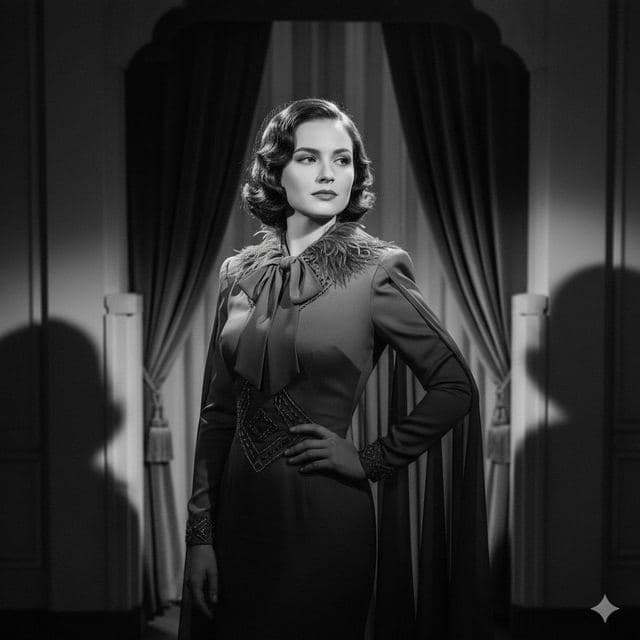
1940s Vintage Portrait of Yourself
Vintage Drama
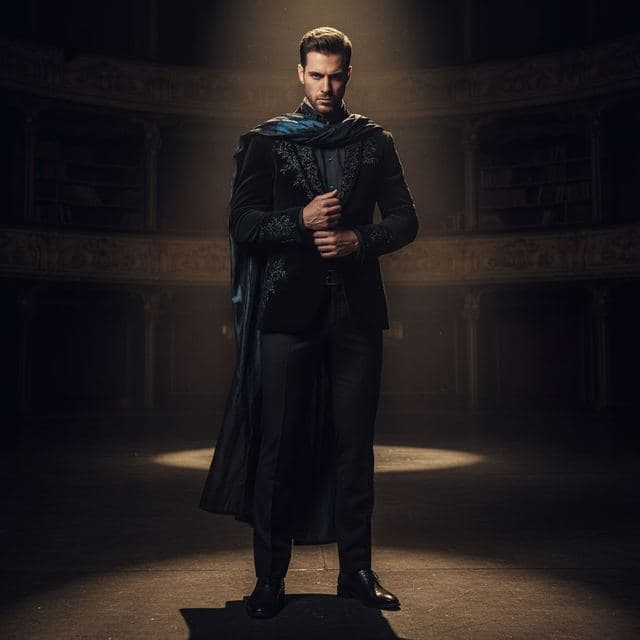
Dramatic Spotlight Portrait
Intense Drama
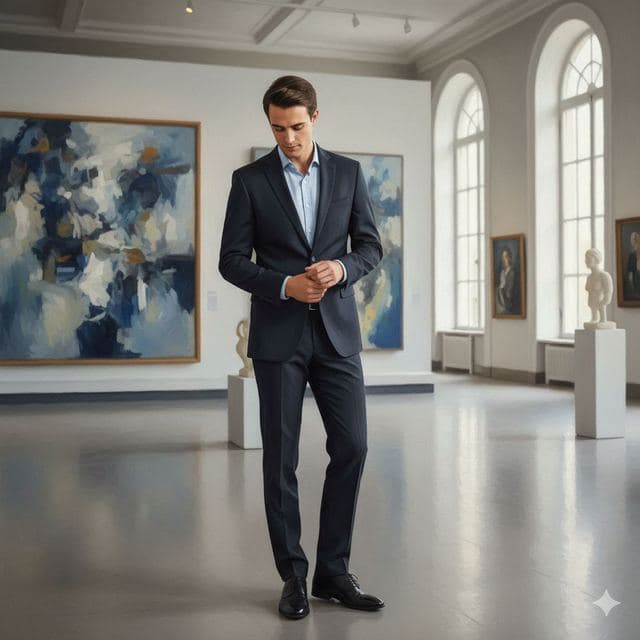
Art Gallery Portrait of Yourself
Fine Art
All Dramatic & Artistic templates →
Related guides
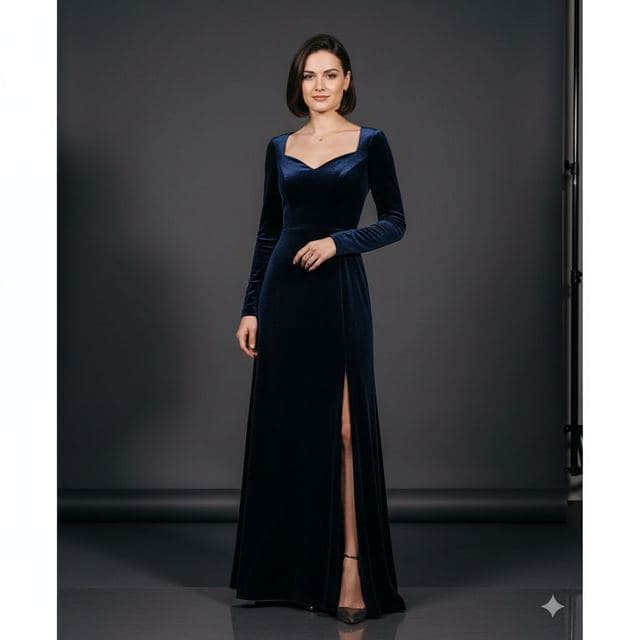
8 tips for a realistic face swap
Why some face swaps look fake and how to fix it: angle, light, sharpness, expression, hair, glasses and skin tone. Eight tips for any AI face swap app.
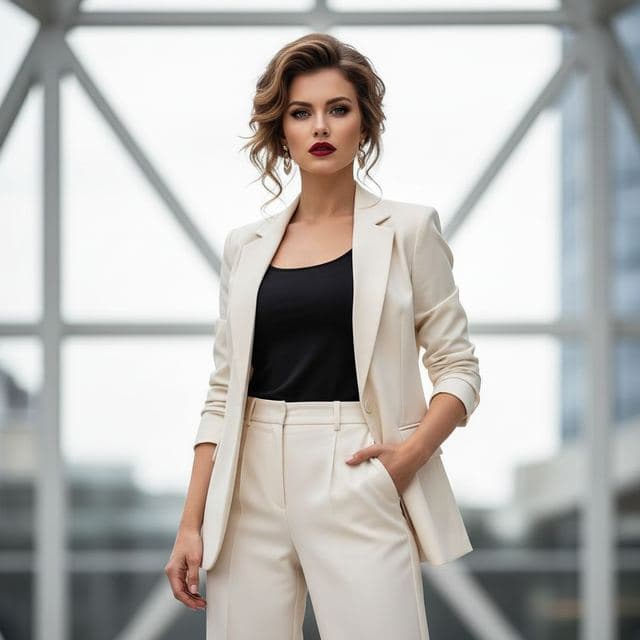

Face changer AI: how it works
Face changer AI for iPhone and Android. Put your face into 60+ photo templates or change faces between any two photos. Ready in under a minute.

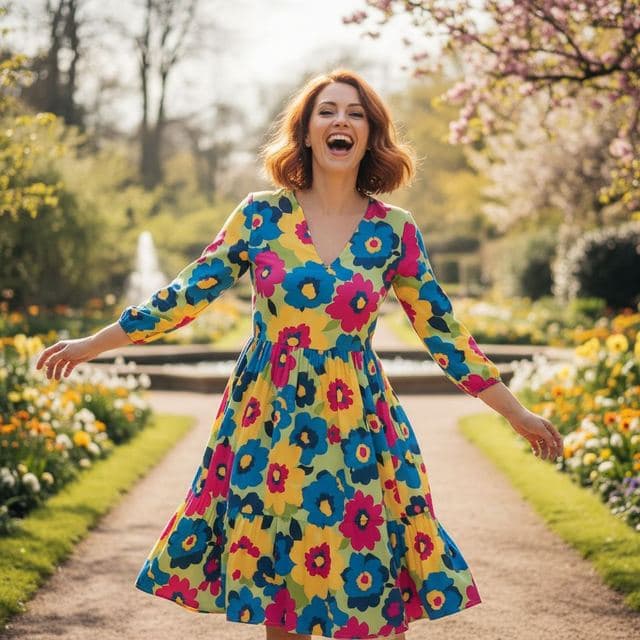

Swap faces between two photos
Swap faces between any two photos on your phone: pick the face, pick the target, tap swap. How to match angle and light so the result looks real.