

The Cozy Casual template, before your face is added.
Casual & Lifestyle template
Cozy Fireplace Photo
Cozy Casual is winter in one photo: a chunky turtleneck, a steaming mug and a fireplace glowing beside you. It's warm, friendly and perfect for the colder months.


- Template
- Cozy Casual
- Category
- Casual & Lifestyle
- Style
- Warm approachable style
What's in the Cozy Casual template
A smiling woman with long wavy brown hair sits cross-legged in a cream armchair in an oatmeal turtleneck sweater and gray lounge pants, holding a mug with both hands. A fireplace burns to her right, with shelves, books and plants behind her. Warm firelight and lamp light, framed full body, looking at the camera.
How to use the Cozy Casual template
- Download Face Swap AI on iPhone or Android.
- Open the Casual & Lifestyle category and tap Cozy Casual.
- Add a clear selfie from your camera or gallery, then tap Swap Faces.
- Your photo is ready in under a minute. Save it to Photos or share it.
What people use it for
- Holiday cards and winter posts
- Book, tea and coffee account profiles
- A warm, friendly dating photo
Tips for a natural result
- Smile softly at the camera, as the template does.
- Warm lamp light in your selfie matches the fireplace glow better than daylight.
- Long wavy hair stays from the template.
More advice in how to make a face swap look realistic.
Questions
Can I use this for a holiday card?
Yes. Save the result, then add a message in any card app. It works well for winter and new-year cards.
What's the difference between Cozy Casual and Weekend Casual?
Cozy Casual is by a fireplace looking at the camera. Weekend Casual is by a café window looking down at the mug, which needs a downward-looking selfie.
More Casual & Lifestyle templates

Natural Outdoor Profile Picture
Natural Casual

Smart Casual Headshot
Smart Casual

City Night Photo of Yourself
Urban Casual

Minimalist Profile Picture
Minimalist

Coffee Shop Aesthetic Photo
Weekend Casual

Running and Fitness Profile Picture
Active Lifestyle
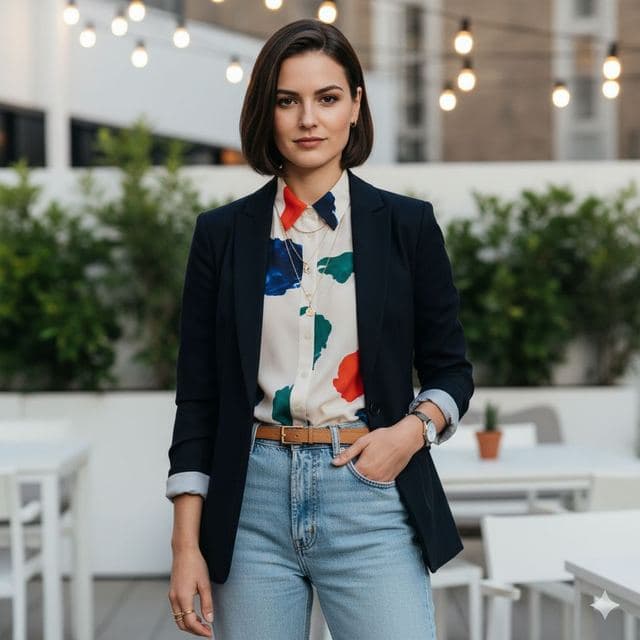
Rooftop Photo of Yourself
Trendy Casual
All Casual & Lifestyle templates →
Related guides



AI dating profile photos, done honestly
Use AI face swap to make better dating profile photos without catfishing. Which shots to make, which templates fit, and what to keep real.



AI photo face swap, with real examples
AI photo face swap for iPhone and Android: put your face into a styled photo template or swap faces between any two pictures. Ready in under a minute.


Is AI face swap safe?
What happens to your photo in an AI face swap app, how long it's kept, and the consent rules to follow. Plus Face Swap AI's privacy policy in plain English.