

The Natural Casual template, before your face is added.
Casual & Lifestyle template
Natural Outdoor Profile Picture
Natural Casual looks like a photo a friend took on a country walk: a dark henley, jeans, a wooden fence and soft green light. It's one of the most believable results in the app.


- Template
- Natural Casual
- Category
- Casual & Lifestyle
- Style
- Authentic everyday look
What's in the Natural Casual template
A man with short dark hair leans on a weathered wooden fence in a dark charcoal henley and blue jeans, hands in pockets. Behind him, tall grass and trees glow in soft late-afternoon light, blurred by a shallow depth of field. He smiles warmly at the camera, framed from the thighs up.
How to use the Natural Casual template
- Download Face Swap AI on iPhone or Android.
- Open the Casual & Lifestyle category and tap Natural Casual.
- Add a clear selfie from your camera or gallery, then tap Swap Faces.
- Your photo is ready in under a minute. Save it to Photos or share it.
What people use it for
- Everyday profile pictures for any app
- A relaxed dating photo
- Work chat and forum avatars
Tips for a natural result
- Take your selfie outdoors in shade. The template's light is soft and natural.
- A warm, closed-mouth smile matches best.
- Short hair blends most naturally with the template.
More advice in how to make a face swap look realistic.
Questions
Why does Natural Casual look more real than other templates?
Soft outdoor light and a simple pose are easy to match with an ordinary selfie, so there's less for the AI to blend.
Is it good for a LinkedIn photo?
It's friendly but casual. For LinkedIn, Smart Casual or Minimalist are closer to a work photo.
More Casual & Lifestyle templates

Smart Casual Headshot
Smart Casual
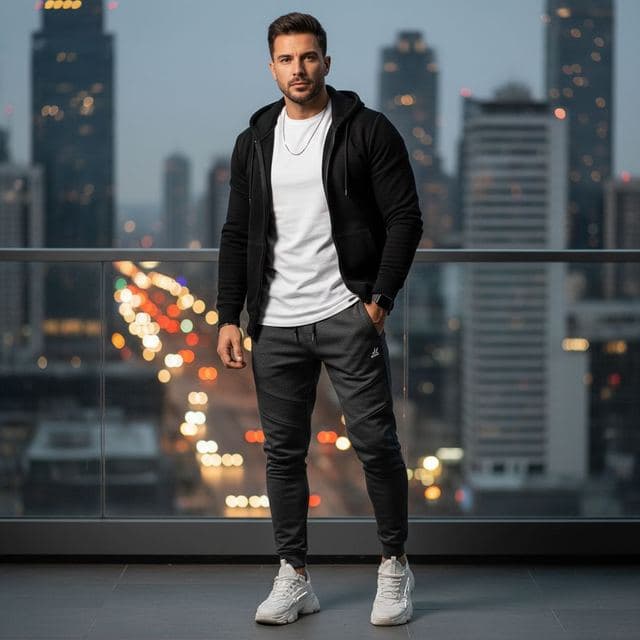
City Night Photo of Yourself
Urban Casual

Minimalist Profile Picture
Minimalist

Coffee Shop Aesthetic Photo
Weekend Casual
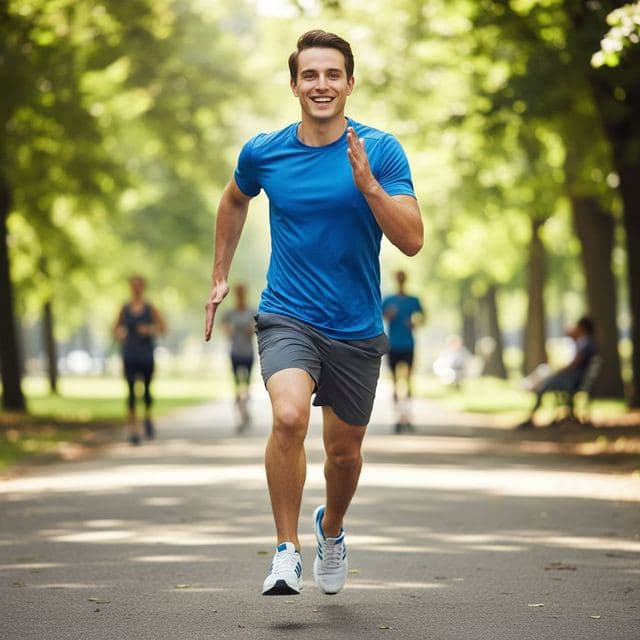
Running and Fitness Profile Picture
Active Lifestyle
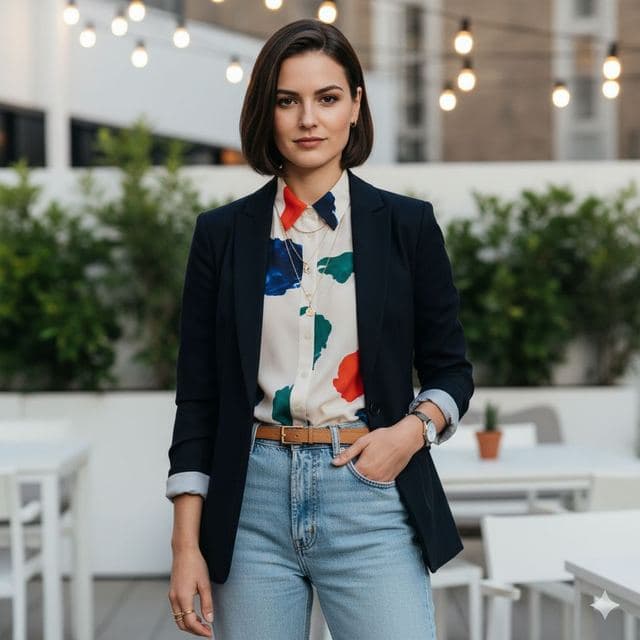
Rooftop Photo of Yourself
Trendy Casual

Cozy Fireplace Photo
Cozy Casual
All Casual & Lifestyle templates →
Related guides
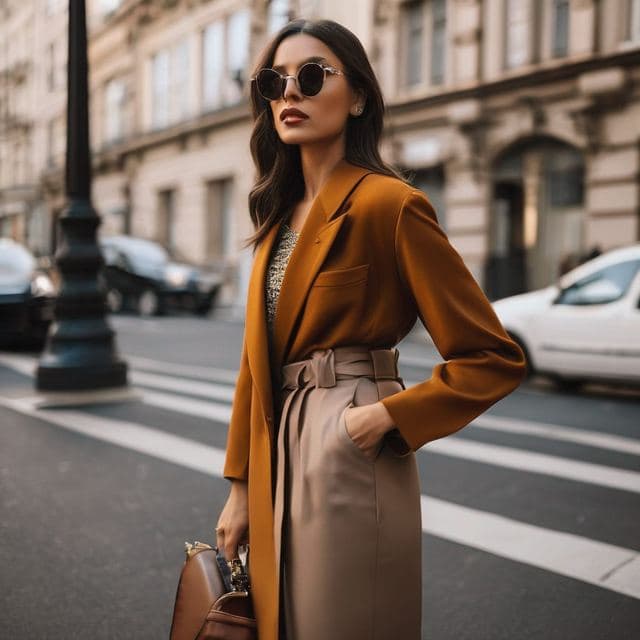

AI dating profile photos, done honestly
Use AI face swap to make better dating profile photos without catfishing. Which shots to make, which templates fit, and what to keep real.



AI photo face swap, with real examples
AI photo face swap for iPhone and Android: put your face into a styled photo template or swap faces between any two pictures. Ready in under a minute.


Is AI face swap safe?
What happens to your photo in an AI face swap app, how long it's kept, and the consent rules to follow. Plus Face Swap AI's privacy policy in plain English.