

The Smart Casual template, before your face is added.
Casual & Lifestyle template
Smart Casual Headshot
Smart Casual is the closest thing in the app to a professional headshot: a tight head-and-shoulders crop, a navy blazer with a silk scarf, and a softly blurred city apartment behind you.


- Template
- Smart Casual
- Category
- Casual & Lifestyle
- Style
- Polished yet relaxed
What's in the Smart Casual template
A woman with hair pulled back wears a navy blazer, a white top and a red, white and blue silk scarf tied at the neck. Behind her, a living room with a sofa and a large window onto city buildings at dusk is softly blurred. Even, flattering light from the front, framed head and shoulders, with a slight smile.
How to use the Smart Casual template
- Download Face Swap AI on iPhone or Android.
- Open the Casual & Lifestyle category and tap Smart Casual.
- Add a clear selfie from your camera or gallery, then tap Swap Faces.
- Your photo is ready in under a minute. Save it to Photos or share it.
What people use it for
- LinkedIn and company profile photos
- Email signatures and Slack avatars
- Speaker and conference bios
Tips for a natural result
- This crop is tight, so your selfie's sharpness matters. Tap to focus on your face first.
- Hold the phone at eye level with your chin slightly forward.
- Hair is pulled back in the template, so any hair length works.
More advice in how to make a face swap look realistic.
Questions
Is Smart Casual the best template for a work headshot?
It's one of the best, alongside Minimalist. Both are close crops with simple backgrounds, which is what recruiters and colleagues expect.
Does the scarf make it look like a uniform?
Some people read it as airline-style. If that's not what you want, Minimalist or Tech Startup CEO (Female) are plainer.
More Casual & Lifestyle templates

Natural Outdoor Profile Picture
Natural Casual

City Night Photo of Yourself
Urban Casual

Minimalist Profile Picture
Minimalist

Coffee Shop Aesthetic Photo
Weekend Casual

Running and Fitness Profile Picture
Active Lifestyle
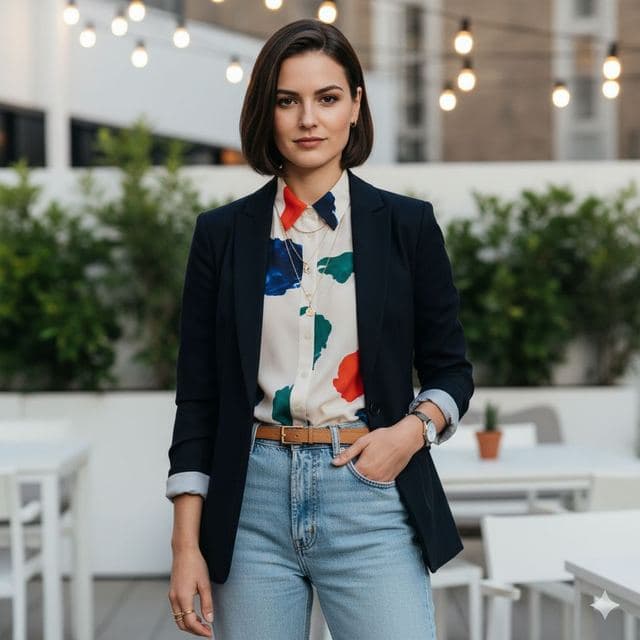
Rooftop Photo of Yourself
Trendy Casual

Cozy Fireplace Photo
Cozy Casual
All Casual & Lifestyle templates →
Related guides
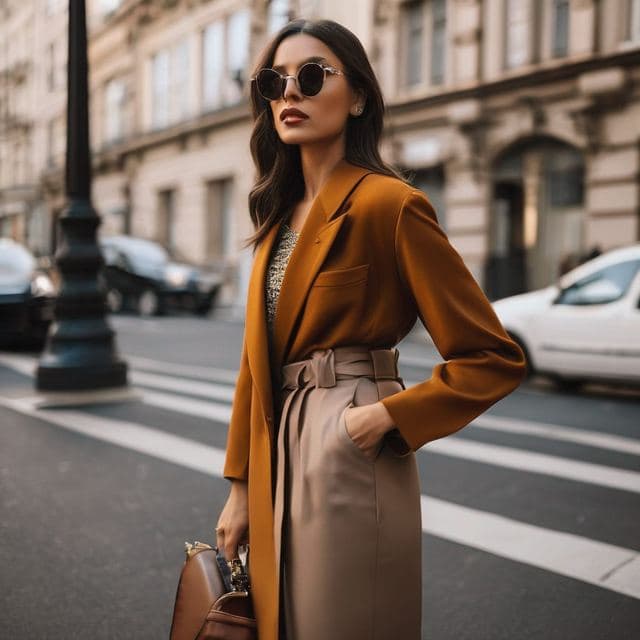

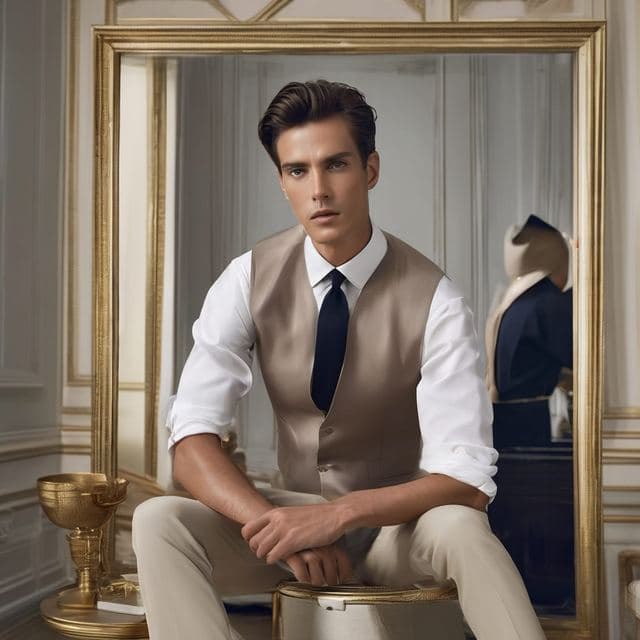
AI dating profile photos, done honestly
Use AI face swap to make better dating profile photos without catfishing. Which shots to make, which templates fit, and what to keep real.



AI photo face swap, with real examples
AI photo face swap for iPhone and Android: put your face into a styled photo template or swap faces between any two pictures. Ready in under a minute.

Is AI face swap safe?
What happens to your photo in an AI face swap app, how long it's kept, and the consent rules to follow. Plus Face Swap AI's privacy policy in plain English.