
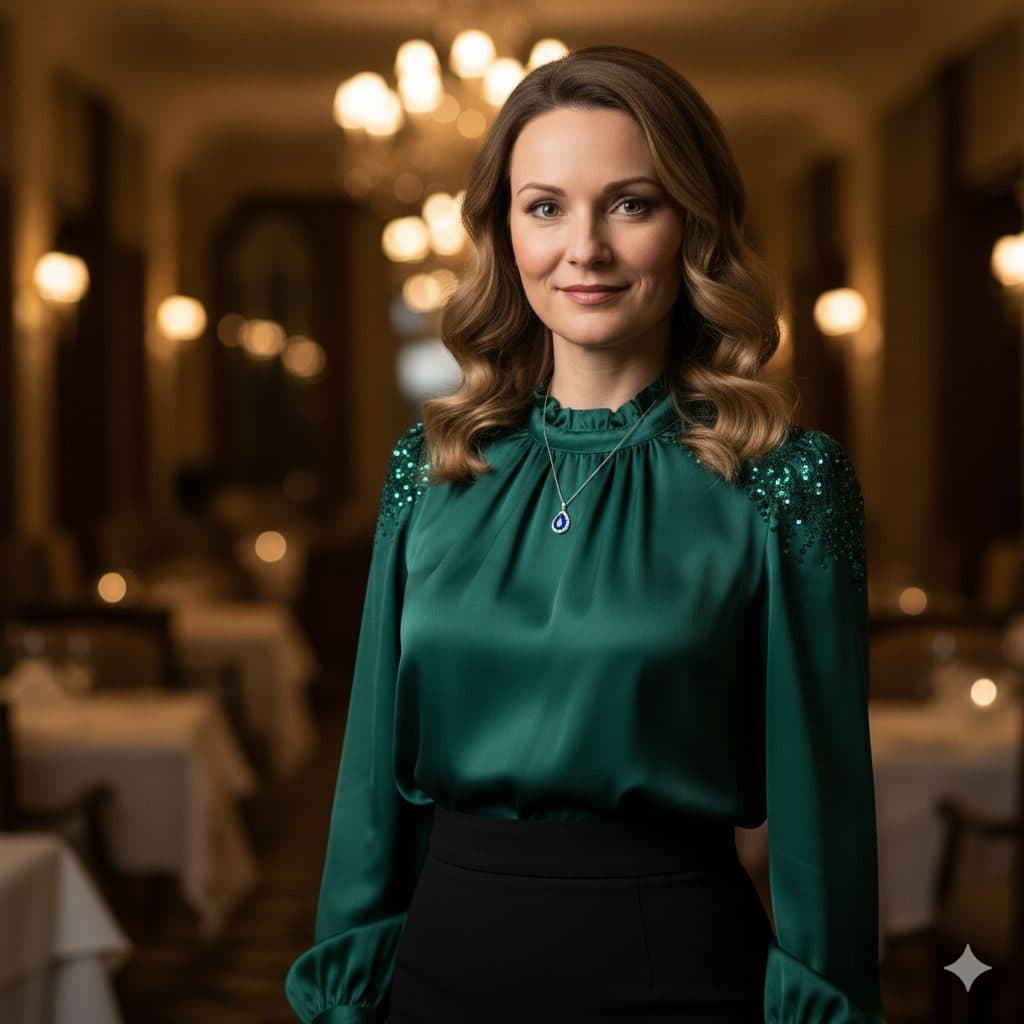
The Sophisticated (Female) template, before your face is added.
Dating & Social template
Elegant Dinner Date Photo for Women
Sophisticated (Female) looks like a photo from a really good dinner: an emerald satin blouse, a candlelit dining room and a warm, confident smile. It's one of the featured templates in the app.


- Template
- Sophisticated (Female)
- Category
- Dating & Social
- Style
- Elegant and refined
What's in the Sophisticated (Female) template
A woman with shoulder-length wavy auburn hair wears an emerald green satin blouse with beaded shoulders and a fine pendant necklace. She stands in a restaurant with white tablecloths, chandeliers and wall lamps glowing behind her. She smiles gently at the camera, framed from the waist up in warm, low light.
How to use the Sophisticated (Female) template
- Download Face Swap AI on iPhone or Android.
- Open the Dating & Social category and tap Sophisticated (Female).
- Add a clear selfie from your camera or gallery, then tap Swap Faces.
- Your photo is ready in under a minute. Save it to Photos or share it.
What people use it for
- A dressed-up photo for dating profiles
- Professional-but-warm social profile pictures
- Holiday and celebration posts
Tips for a natural result
- Take your selfie in warm indoor light, like a lamp to one side. Cold daylight from a window can clash with the candlelit scene.
- Shoulder-length hair matches best, since the template's waves stay.
- A soft closed-mouth smile fits better than a laugh here.
More advice in how to make a face swap look realistic.
Questions
Can I change the blouse color?
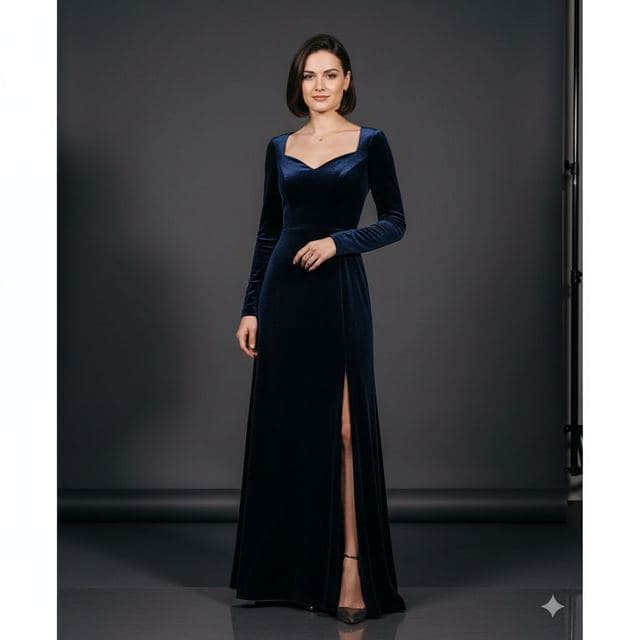
No. The outfit comes from the template photo. For a different color, try High Society (green velvet gown) or High Fashion (royal blue dress).
Does this template work with darker skin tones?
Yes. The swap matches skin tone to the template's warm lighting. Use a selfie in warm, even light for the most natural result.
More Dating & Social templates

Casual Dating Profile Picture
Casual Dating
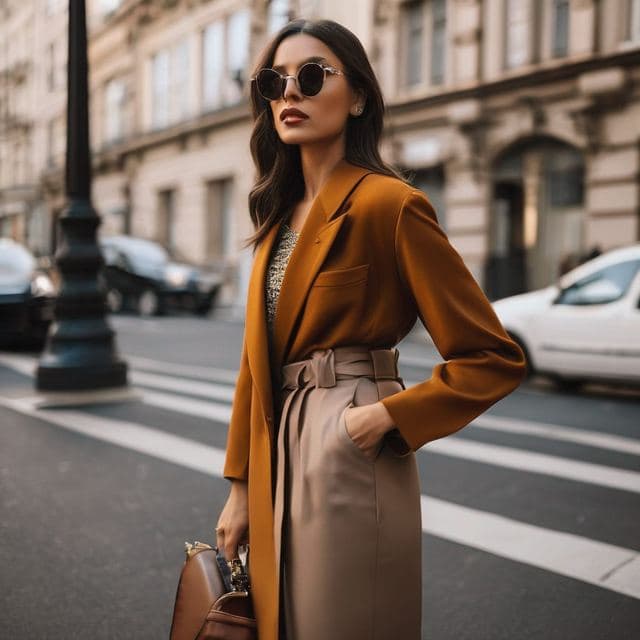
Stylish Dating Photos for Women
Stylish & Trendy (Female)

Stylish Dating Photos for Men
Stylish & Trendy (Male)
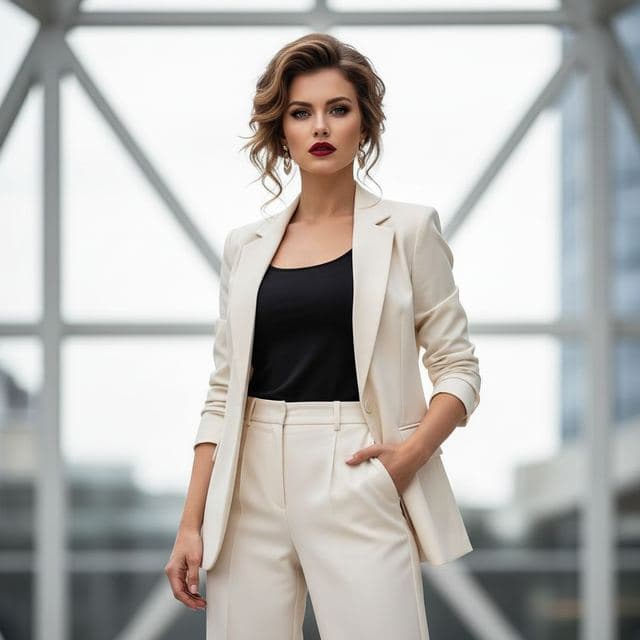
Confident Dating Photo for Women
Confident & Bold (Female)

Confident Dating Photo for Men
Confident & Bold (Male)

Hiking Dating Profile Picture
Outdoor Lifestyle

Romantic Golden Hour Photo
Romantic
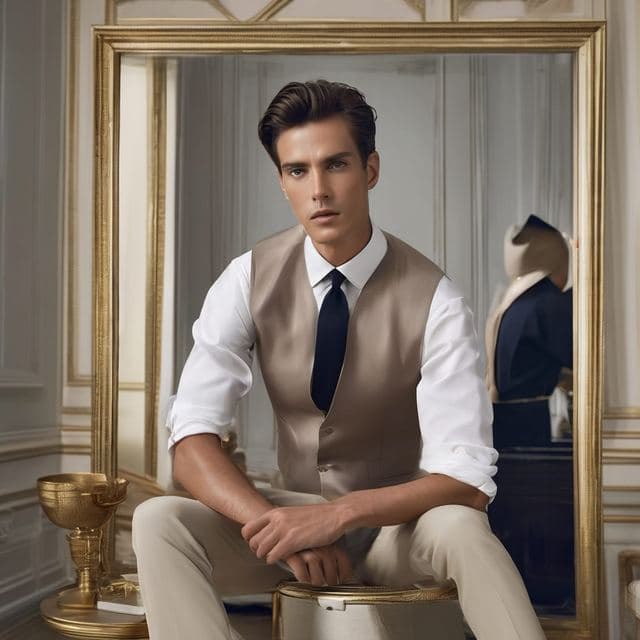
Classy Dating Photo for Men
Sophisticated (Male)
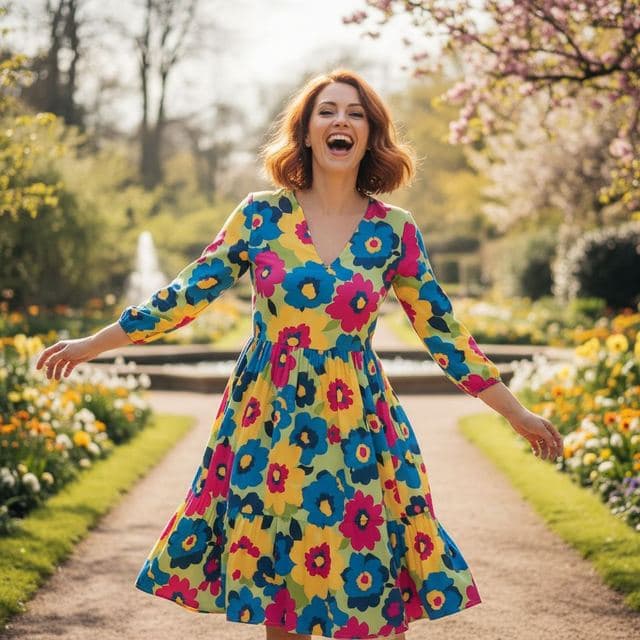
Fun Dating Profile Picture
Fun & Playful
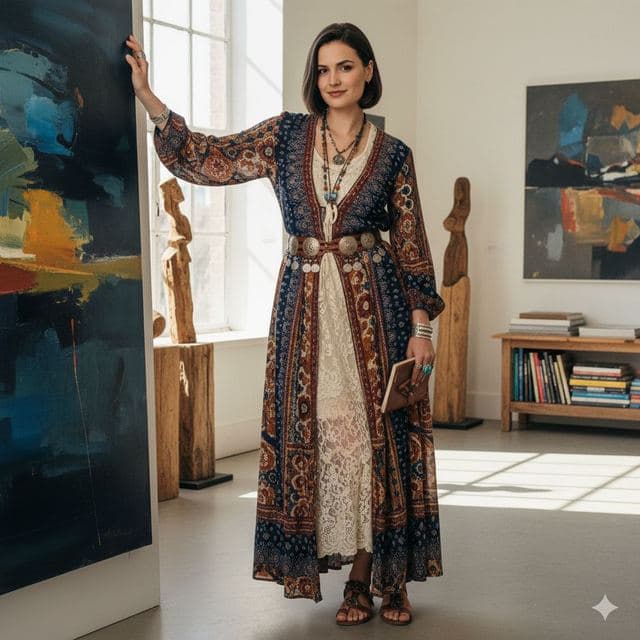
Artsy Dating Profile Picture
Artistic & Creative (Female)

Creative Dating Photo for Men
Artistic & Creative (Male)
All Dating & Social templates →
Related guides
AI dating profile photos, done honestly
Use AI face swap to make better dating profile photos without catfishing. Which shots to make, which templates fit, and what to keep real.
8 tips for a realistic face swap
Why some face swaps look fake and how to fix it: angle, light, sharpness, expression, hair, glasses and skin tone. Eight tips for any AI face swap app.


How to face swap on iPhone
Face swap on iPhone in five steps: install, pick a template or two photos, add a selfie, tap Swap Face, save. Works on iPhone and iPad with iOS 13 or later.