

The Casual Dating template, before your face is added.
Dating & Social template
Casual Dating Profile Picture
Casual Dating gives you the kind of photo a friend might take on a sunny afternoon: leaning on a stone wall outside a café, hands in pockets, easy smile. Add one selfie and your face goes into the scene in under a minute.
Use this templateWorks in your browser. See more before-and-after examples
- Template
- Casual Dating
- Category
- Dating & Social
- Style
- Natural and approachable
What's in the Casual Dating template
A man in a fitted gray henley and dark jeans leans against a sandstone wall beside a sidewalk café, with potted plants, café chairs and trees behind him. Warm afternoon light comes from behind and to the left. He faces the camera with a wide, relaxed smile, framed from the knees up.
Casual Dating before and after



 Real results from Face Swap AI. The faces swapped in are AI-generated sample faces, not customers' photos. More before-and-after examples.
How to use the Casual Dating template
- Open this template in the studio. It's already selected.
- Open the Dating & Social category and tap Casual Dating.
- Tap Your face to add a clear selfie or take one with your phone, then tap Swap faces. You sign in the first time you swap.
- Your photo is ready in seconds. Download it or share it.
What people use it for
- The second photo on a dating profile, after a close-up
- A friendly profile picture for social apps
- Trying the henley-and-jeans look before you buy it
Tips for a natural result
- Smile with teeth. The template's grin is wide, and a closed-mouth selfie looks stiff in it.
- Take the selfie outdoors or by a window. The scene is warm daylight, so cool indoor light shows.
- Short or medium hair matches best, since the template's hair is kept.
More advice in how to make a face swap look realistic.
Questions
Does the Casual Dating template work for women?
The template shows a man, and the swap keeps his body, hair and clothes. For a similar relaxed look as a woman, try Weekend Casual or Trendy Casual.
Why is the casual photo better than a selfie on a dating app?
It shows your build, your style and a real setting, which a front-camera selfie can't. Use it next to a close-up so matches see both.
More Dating & Social templates
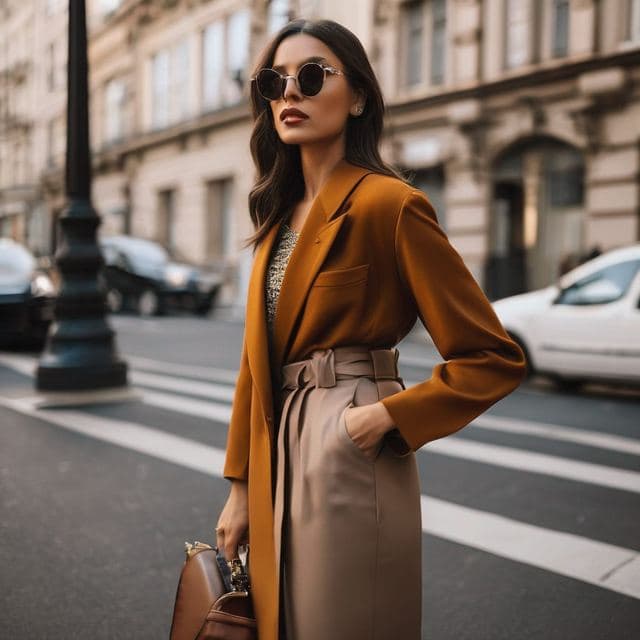
Stylish Dating Photos for Women
Stylish & Trendy (Female)

Stylish Dating Photos for Men
Stylish & Trendy (Male)
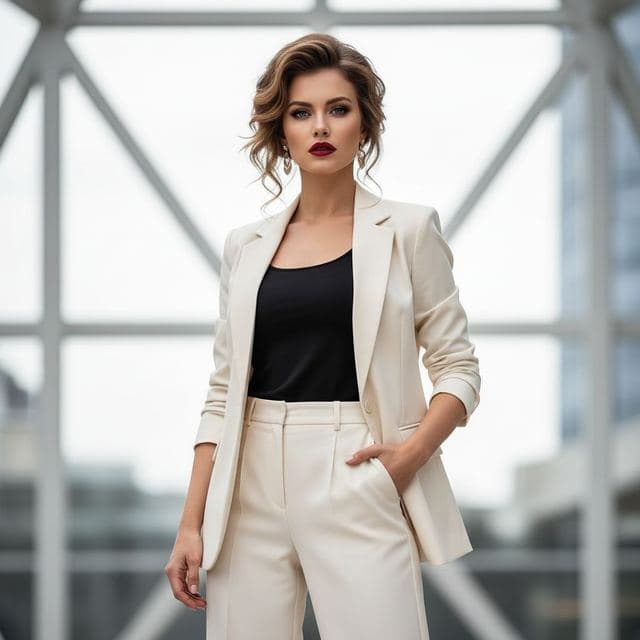
Confident Dating Photo for Women
Confident & Bold (Female)

Confident Dating Photo for Men
Confident & Bold (Male)

Hiking Dating Profile Picture
Outdoor Lifestyle

Romantic Golden Hour Photo
Romantic

Elegant Dinner Date Photo for Women
Sophisticated (Female)

Classy Dating Photo for Men
Sophisticated (Male)
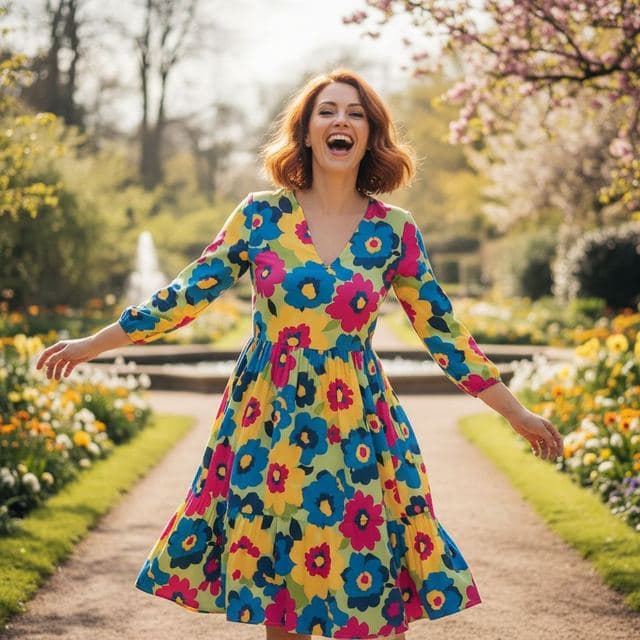
Fun Dating Profile Picture
Fun & Playful

Artsy Dating Profile Picture
Artistic & Creative (Female)

Creative Dating Photo for Men
Artistic & Creative (Male)
All Dating & Social templates →
Related guides
AI dating profile photos, done honestly
Use AI face swap to make better dating profile photos without catfishing. Which shots to make, which templates fit, and what to keep real.
8 tips for a realistic face swap
Why some face swaps look fake and how to fix it: angle, light, sharpness, expression, hair, glasses and skin tone. Eight tips for any AI face swap app.
Face swap on iPhone, no app needed
Face swap on iPhone right in Safari: open Face Swap AI, pick a template, take a selfie, tap Swap faces and save to Photos. Nothing to download.