
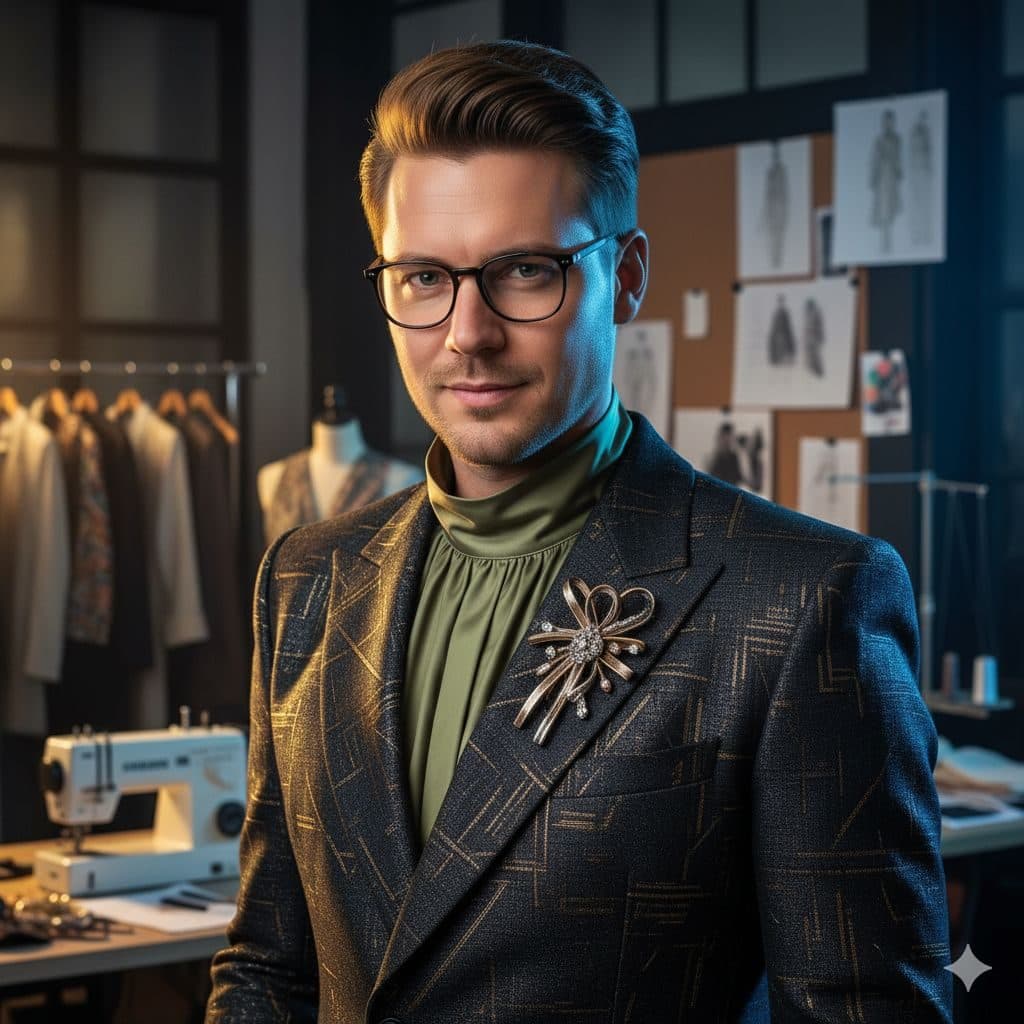
The Fashion Designer (Male) template, before your face is added.
Dream Jobs template
Male Fashion Designer Photo
Fashion Designer (Male) is all detail: a metallic brocade jacket, a silver brooch, a green turtleneck and design sketches pinned behind you. It's a confident creative portrait for anyone in fashion or design.
Use this templateWorks in your browser. See more before-and-after examples
- Template
- Fashion Designer (Male)
- Category
- Dream Jobs
- Style
- Haute couture designer
What's in the Fashion Designer (Male) template
A man with short swept hair and round glasses wears a dark gold-patterned brocade jacket over a green turtleneck, with an ornate brooch on the lapel. Behind him are a pinboard of fashion sketches, a sewing machine and garments on hangers. He gives a slight smile under soft, moody studio light, framed chest up.
Fashion Designer (Male) before and after
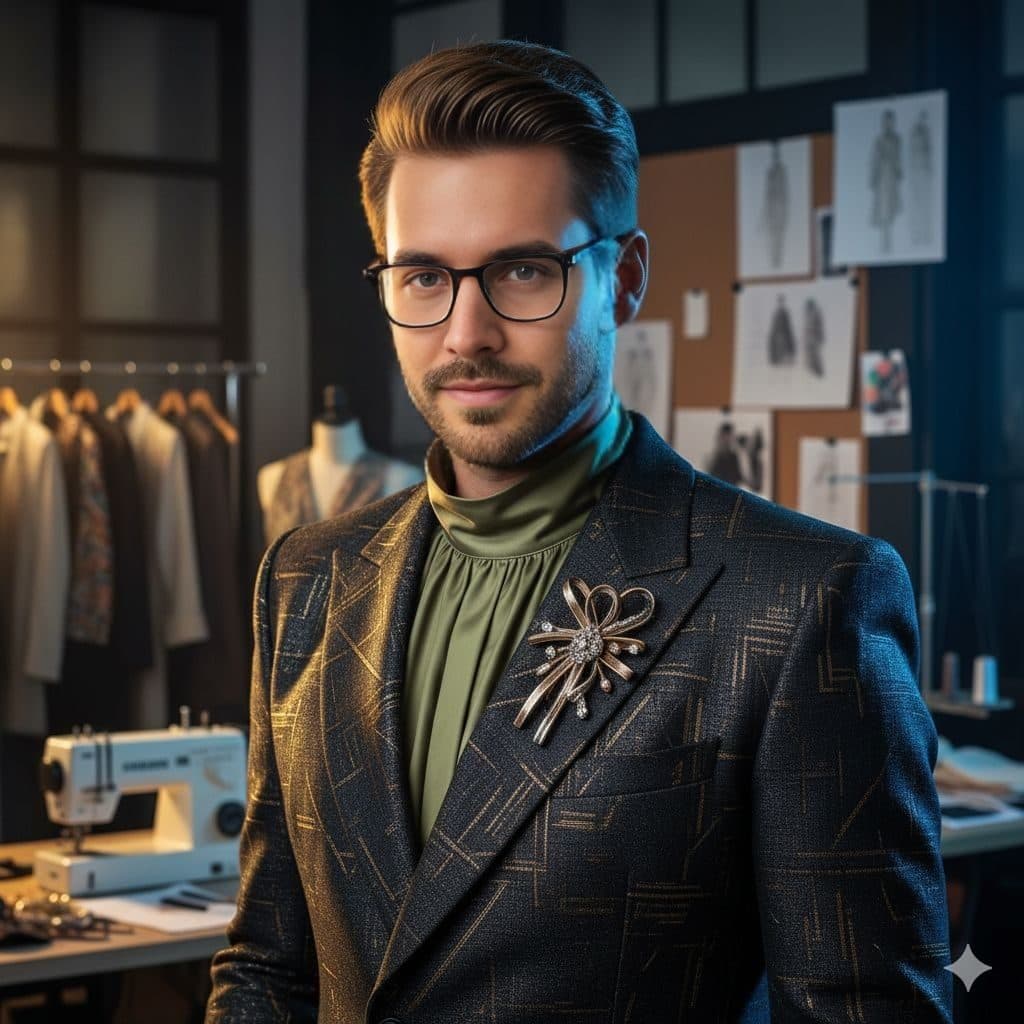
 Real results from Face Swap AI. The faces swapped in are AI-generated sample faces, not customers' photos. More before-and-after examples.
How to use the Fashion Designer (Male) template
- Open this template in the studio. It's already selected.
- Open the Dream Jobs category and tap Fashion Designer (Male).
- Tap Your face to add a clear selfie or take one with your phone, then tap Swap faces. You sign in the first time you swap.
- Your photo is ready in seconds. Download it or share it.
What people use it for
- Designer and stylist portfolios
- Fashion brand founder bios
- Profile pictures for creative LinkedIn profiles
Tips for a natural result
- The template wears glasses. If you do too, the result looks most like you.
- Short, tidy hair blends best.
- Use a selfie with soft light from the front, since the face is close-up.
More advice in how to make a face swap look realistic.
Questions
Does the result keep the glasses?
Yes, they're part of the template. If you don't wear glasses, Film Director (Male) is a creative portrait without them.
Is this good for a design portfolio?
As a profile picture, yes. It signals fashion straight away. Keep your real work in the portfolio itself.
More Dream Jobs templates

Female CEO Portrait
Tech Startup CEO (Female)

Startup Founder Headshot
Tech Startup CEO (Male)
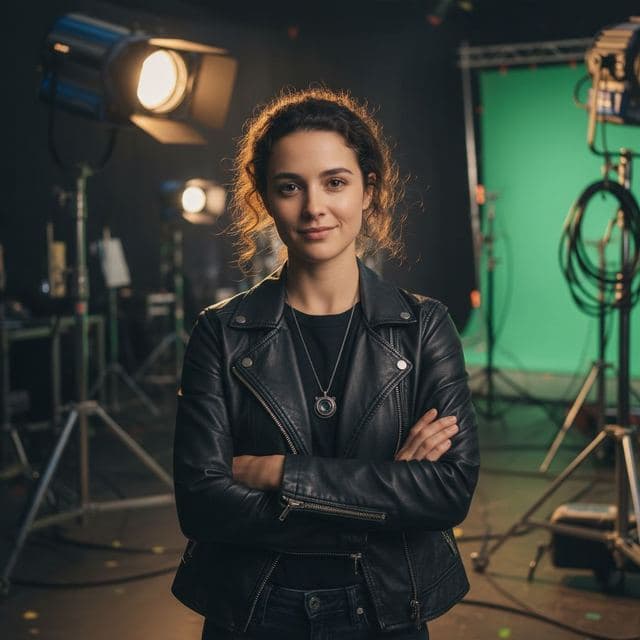
Female Film Director Photo
Film Director (Female)
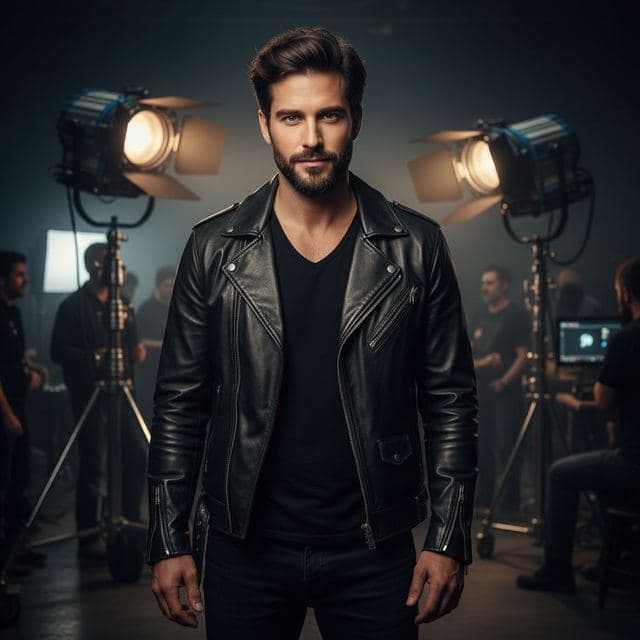
Movie Director Portrait
Film Director (Male)
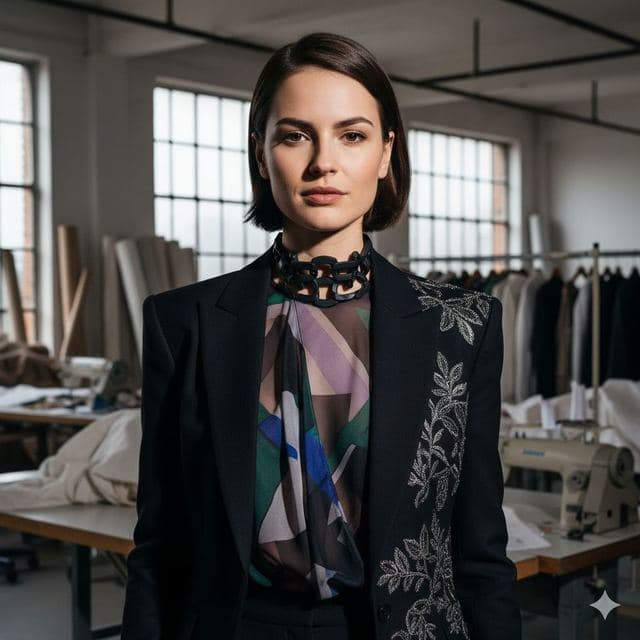
Fashion Designer Portrait
Fashion Designer (Female)

Wall Street Portrait for Women
Investment Banker (Female)
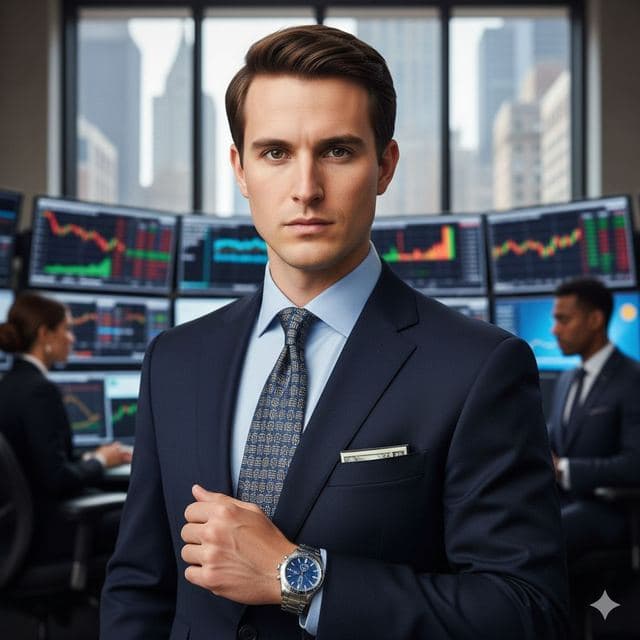
Investment Banker Headshot
Investment Banker (Male)

Author Headshot for Women
Bestselling Author (Female)

Author Headshot for Men
Bestselling Author (Male)
Related guides
Professional headshot from a selfie
Turn a selfie into a professional headshot with AI face swap. Which templates work, how to take the selfie, and how to keep the photo honest for work.
Face changer AI: how it works
Face changer AI that works in your browser. Put your face into 50+ photo templates or change faces between any two photos. Ready in seconds, no app needed.
Face swap on iPhone, no app needed
Face swap on iPhone right in Safari: open Face Swap AI, pick a template, take a selfie, tap Swap faces and save to Photos. Nothing to download.